Business Cards
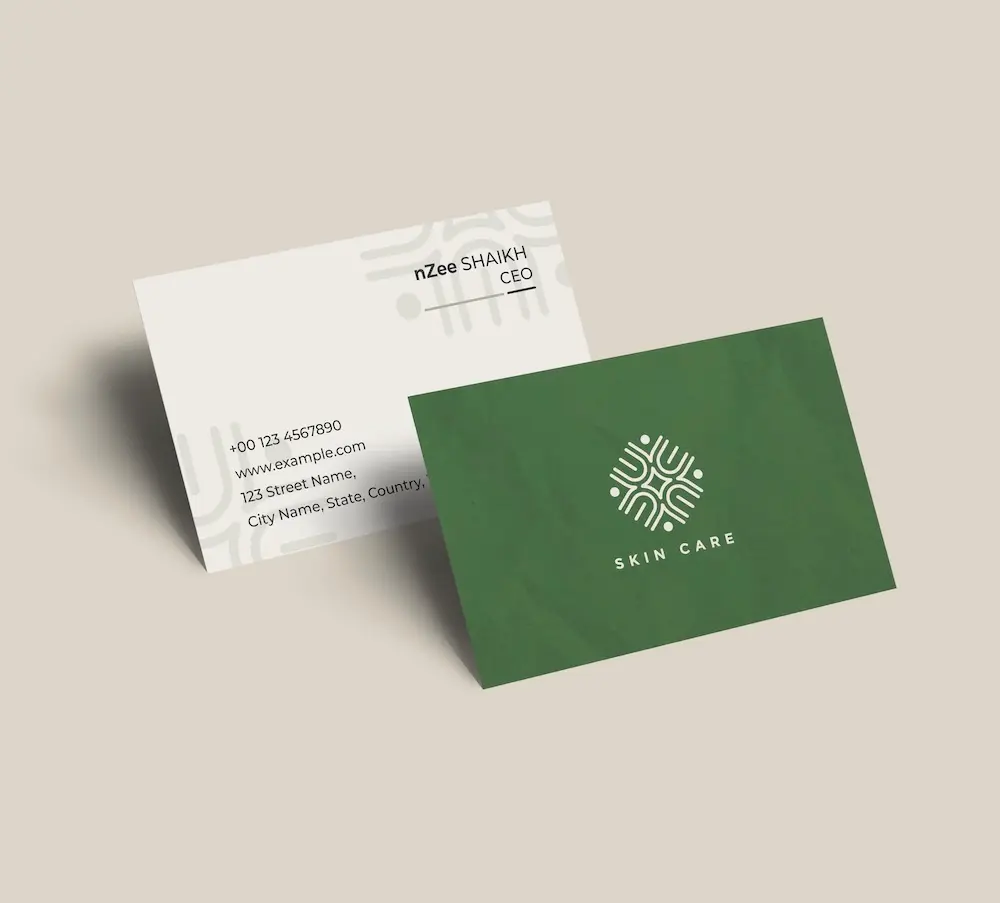
Create professional business cards with your restaurant logo and impress clients from the very first meeting.
See product templates
Discover our selection of logo templates designed for your industry.
Explore our range of creative logo styles tailored to every type of company.
Browse unique letter logo templates designed to suit any type of business.
Use our easy-to-use online tools to create dazzling branded products with your logo and matching colors! Discover our wide range.
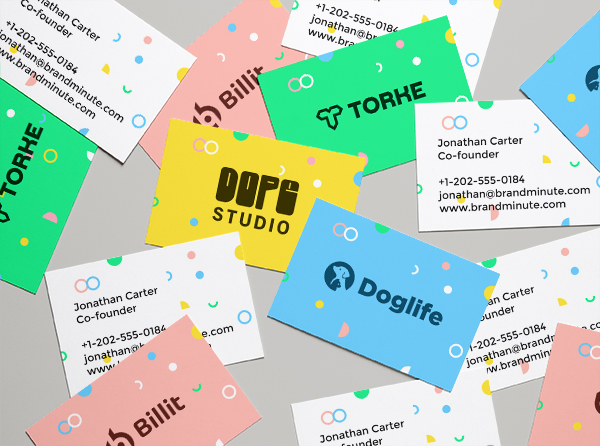
Explore a full range of creative branded products that you can customise online.
Create a professional restaurant logo with our easy-to-use logo maker. Customize premium templates and build a memorable restaurant brand in just a few minutes.
Whether you own a restaurant, café, bistro, or takeaway, a professional restaurant logo reflects your unique dining experience and helps customers remember your brand before the first bite.
Choose a template below and customize it in just a few minutes using our online tools
Watch a short video presentation about our logo design tools
Enter your company name, tagline and industry, and browse hundreds of restaurant logos.
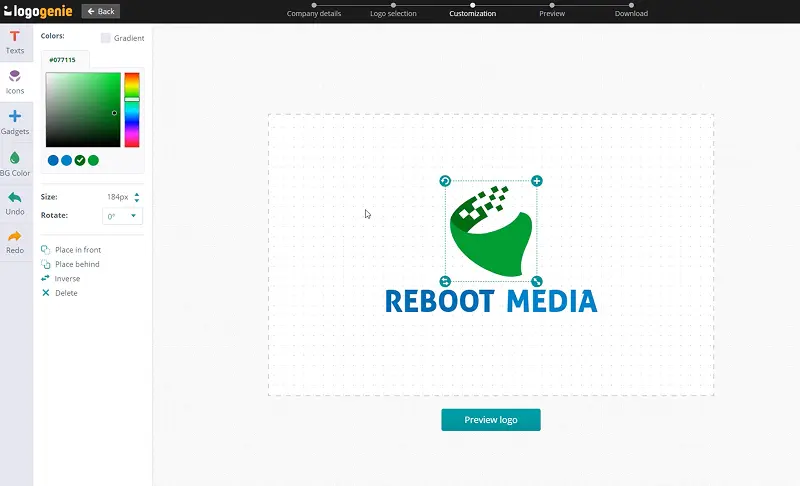
Customize your logo online using our logo design tools. Adjust your colors, fonts, and layout with just a few clicks.
Instantly download your high-definition files to your computer or cell phone.
Our tips for creating a modern, professional restaurant logo

A huge part of a diner’s decision to eat at your restaurant (even before tasting your food) is your logo. It’s simple! A sharp-looking, distinctive food logo positioned for your type of food creates an appetite before people open your menu or walk through your restaurant’s door. So, focus on your establishment’s personality, like street food’s boldness or a neighborhood bistro’s warmth.
Restaurant logos compete with the senses. Think smells, sounds, and the visual appeal of the food itself. That’s why your restaurant symbol must hold its own against a highly sensorial environment and industry. And you can do that by being bold, distinct, and instantly recognizable on your logo, even at small sizes on a delivery app icon or a loyalty card.
What are the best layouts, colors and fonts for your restaurant logo



A good logo design for restaurants is image-centric. We’re talking hand-drawn chef’s knives, steaming bowls, sparkling silverware, and other quintessential illustrations and icons unmistakable of the restaurant scene. You can use bold wordmarks with strong graphic elements for fast food logos and delivery-focused brands. And if you’re in the fine dining market, circular or badge-type formats are your definite go-tos.
Regardless of which format you design your restaurant logo in, you must test how it looks at the delivery-app thumbnail size. After all, that’s the first place new customers encounter your brand in the real world.
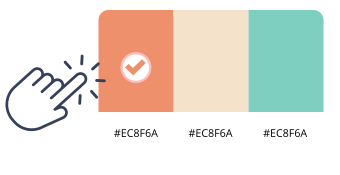
Successful food logos pop with lively colors, not dull ones. If you’ve got a family restaurant or run a casual dining experience, warm yellows and cream tones offer comfort and generosity. If it’s logo for fast food you’re after, you’ll have better results with fiery, blazing reds and oranges (they’re appetite-stimulating powerhouses!). Into health-conscious, sustainable dining? Go for earthy neutrals and deep greens!
You can play with almost any color, except blue! After all, you don’t want to suppress the appetite of your prospective diners, no matter how deliciously Michelin-worthy your dish is.

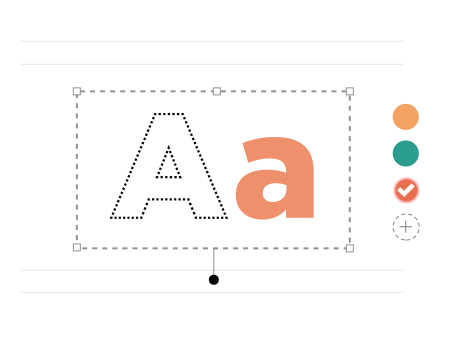
Restaurant logo typefaces must tell diners about the experience. Want your diners to think crisp tablecloths and romantic candle lights? Flourishing scripts can do that. If your restaurant is more of a loud yet fun dining room, a chunky, uppercase sans-serif would do the trick. You can also go hand-drawn custom letterings if you want to suggest a kind of personal touch to your food.
Always pair your chosen typeface with design elements that share its visual energy. So, mixing a casual script font with a strong geometric icon would be like pairing grilled fish with chocolate.
Yes, all logos can be fully customized. You can adjust colors, fonts, layouts, and icons to create a unique restaurant logo that matches your brand identity.
You’ll receive high-resolution files including PNG, JPG, PDF, and vector formats like SVG or EPS, making your restaurant logo usable across all digital and print media.
Yes, once purchased, your logo is yours to use for all commercial purposes including websites, business cards, social media, and marketing materials.
Yes, you can return anytime to edit your restaurant logo. Update colors, fonts, or layouts as your business evolves.
No design skills are needed. Logogenie’s intuitive tools make it easy for anyone to create a professional restaurant logo in just a few clicks.
Yes, your logo can be used across all platforms, including websites, social media, business cards, signage, and merchandise, ensuring consistent branding everywhere.
Yes, your logo is designed to work across all digital and print formats, including websites, email signatures, business cards, and advertising materials.
Yes, your logo is created in high resolution and scalable formats, ensuring it remains sharp and professional as your brand expands across different platforms and sizes.
We have everything you need to launch your restaurant business and build your brand.
Create professional business cards with your restaurant logo and impress clients from the very first meeting.
See product templates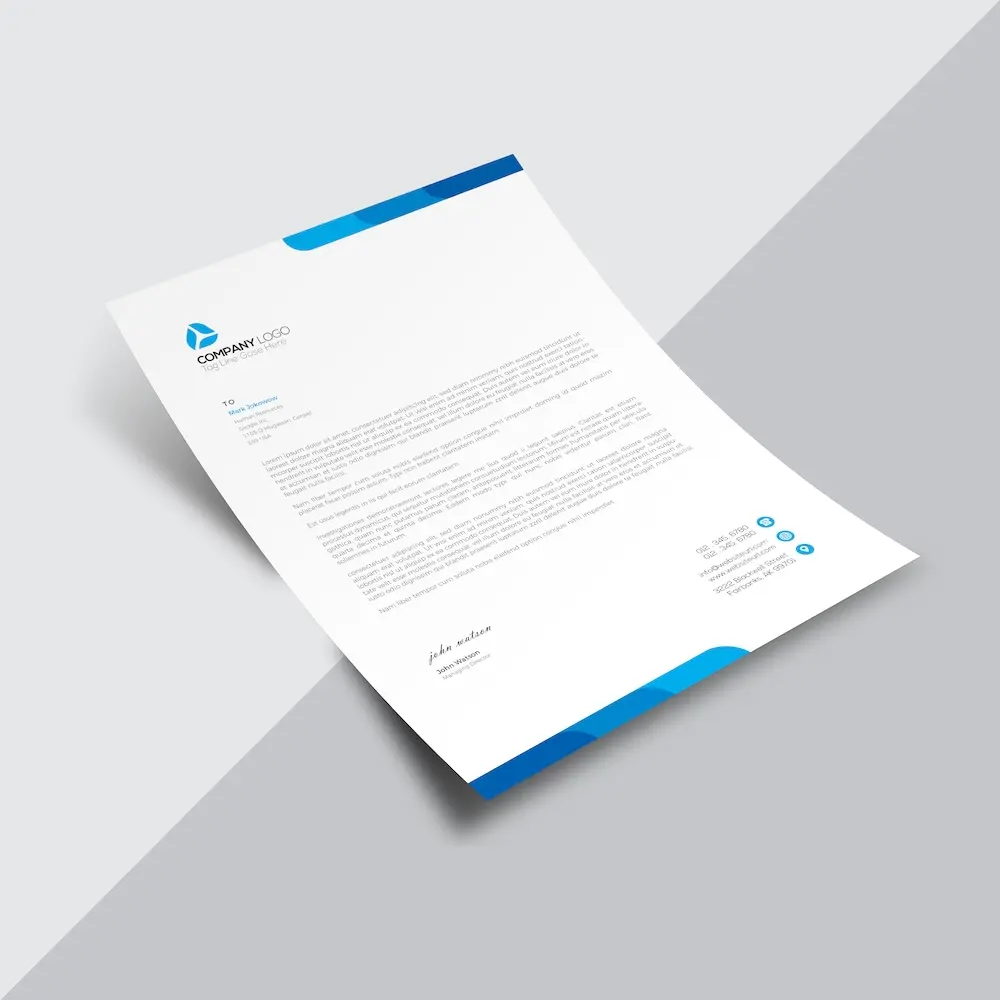
Create custom letterheads with your restaurant logo and reinforce your brand with every document you send.
See product templates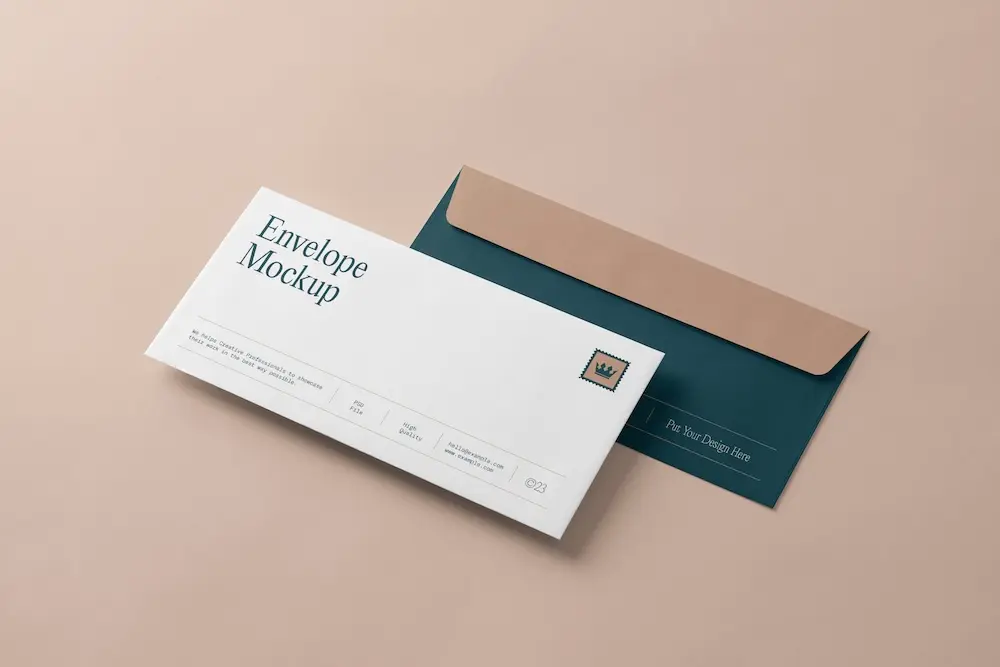
Create custom envelopes with your restaurant logo to match your letterheads and give every mailing a professional finish.
See product templates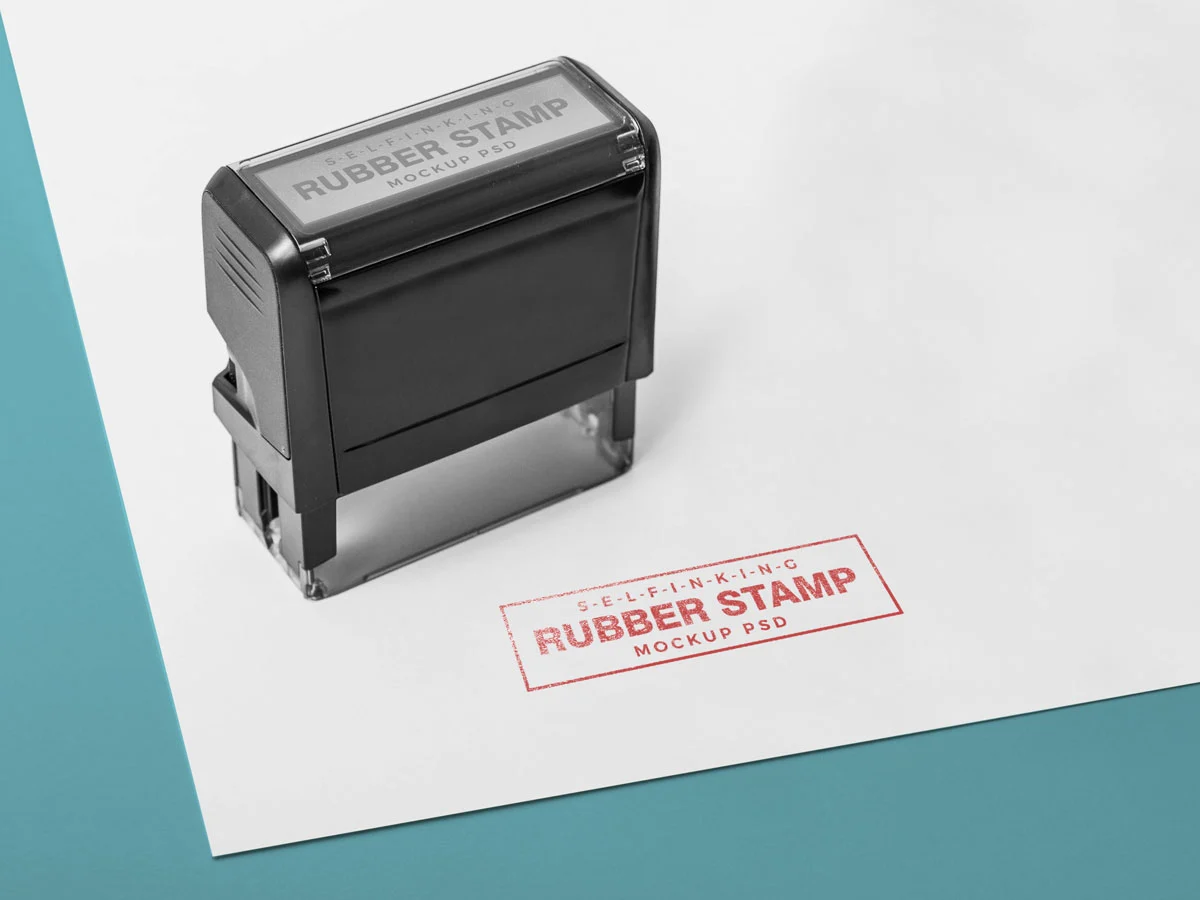
Create custom stamps with your restaurant logo or business details for all your professional documents.
See product templates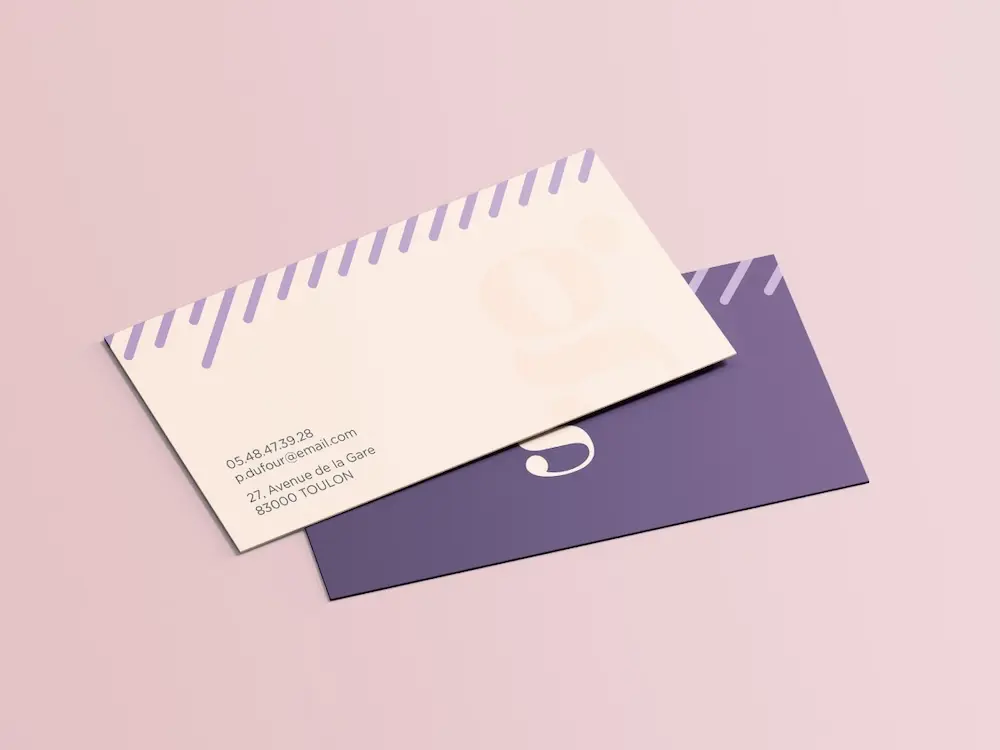
Create personalized correspondence cards with your restaurant logo to add a professional touch to every business mailing.
See product templates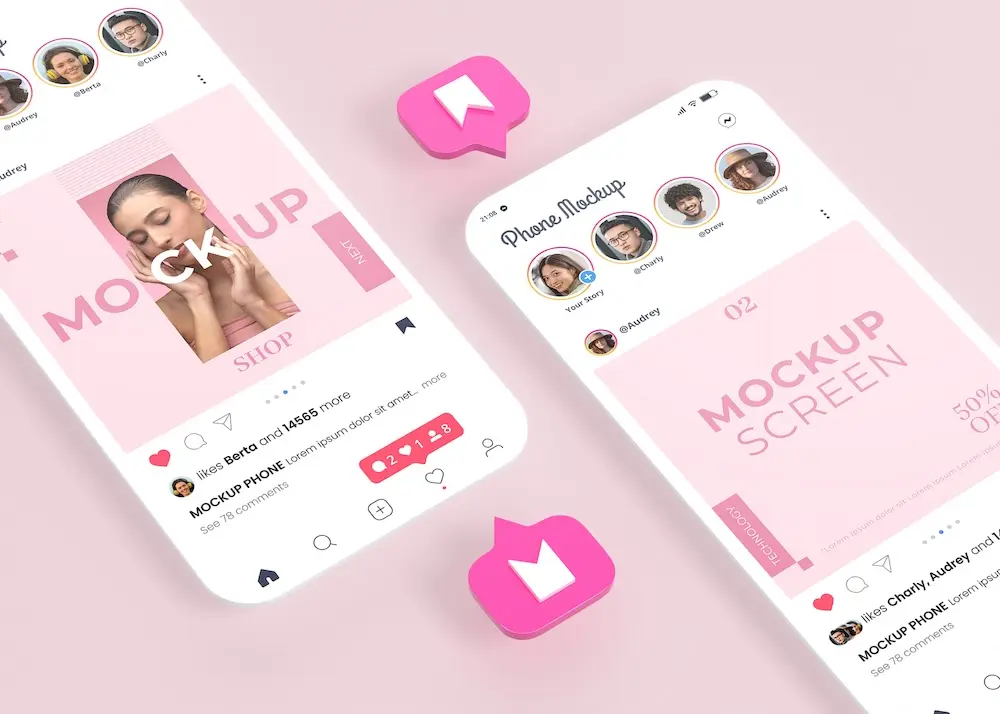
Create digital branding materials with your restaurant logo for social media, emails, invoices, and more.
See product templates