Business Cards
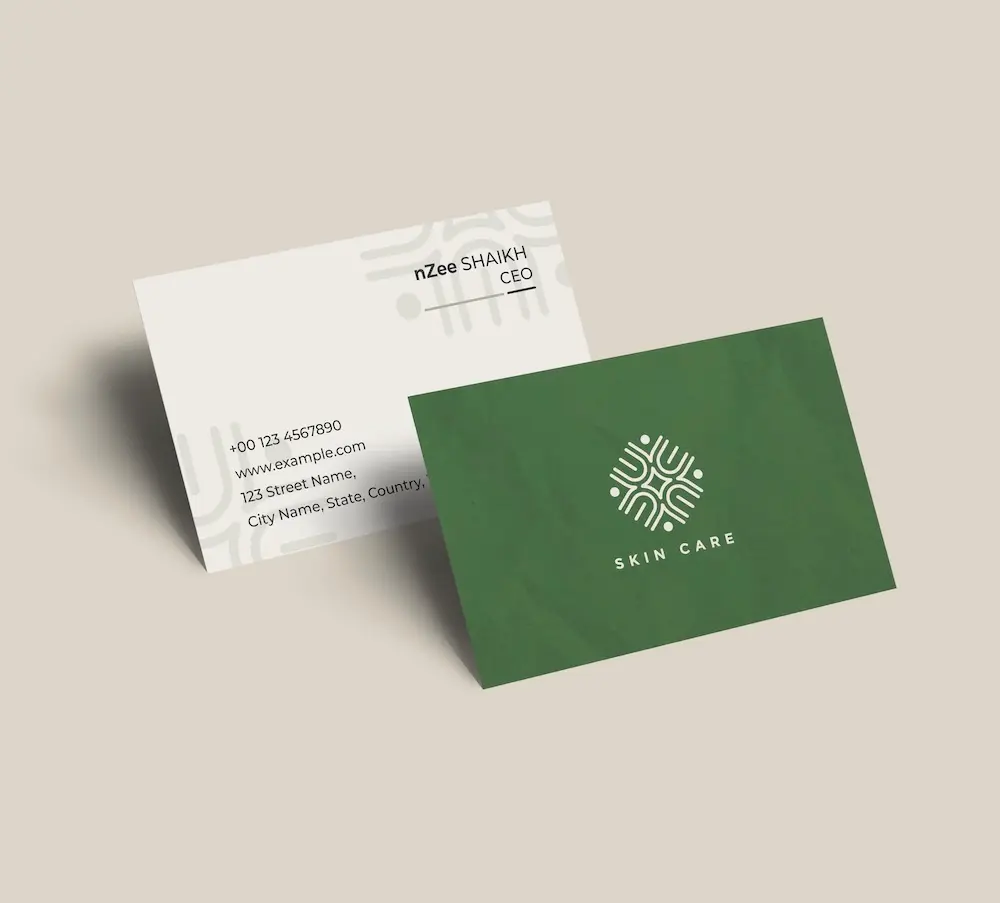
Create professional business cards with your technology logo and impress clients from the very first meeting.
See product templates
Discover our selection of logo templates designed for your industry.
Explore our range of creative logo styles tailored to every type of company.
Browse unique letter logo templates designed to suit any type of business.
Use our easy-to-use online tools to create dazzling branded products with your logo and matching colors! Discover our wide range.
Explore a full range of creative branded products that you can customise online.
Design a professional technology logo with our online logo maker. Customize premium templates and create an innovative tech brand in minutes.
Whether you're launching an AI startup, SaaS platform, software company, or hardware business, a professional technology logo reflects innovation and helps customers trust your brand from day one
Choose a template below and customize it in just a few minutes using our online tools
Watch a short video presentation about our logo design tools
Enter your company name, tagline and industry, and browse hundreds of technology logos.
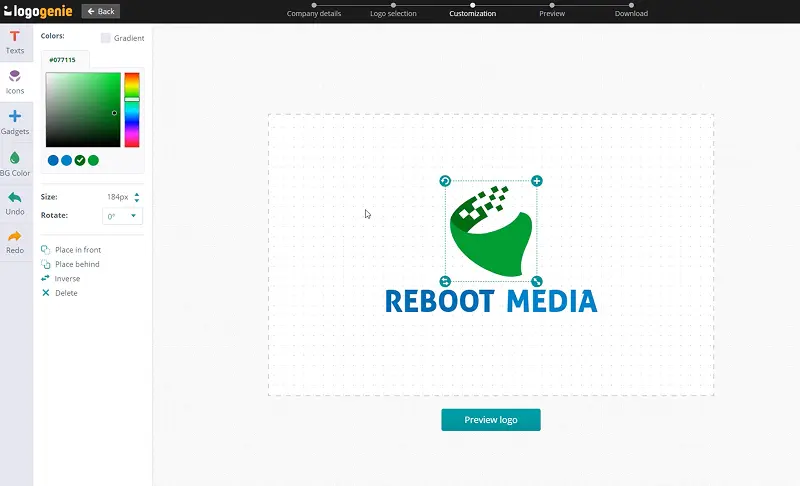
Customize your logo online using our logo design tools. Adjust your colors, fonts, and layout with just a few clicks.
Instantly download your high-definition files to your computer or cell phone.
Our tips for creating a modern, professional technology logo

If you’re a tech brand, you know you need to establish credibility quickly. Visual design is one of the zippiest routes, allowing investors, clients, and early adopters to make snap judgments based on how polished your brand’s technology logo looks. Delete generic or amateurish logo designs as they can undermine even a truly innovative product.
A good hi tech logo prioritizes clarity and scalability, allowing you to use it as a tiny app icon and a full-screen conference backdrop. It must be simple enough to recognize at 16 pixels and interesting enough to hold attention at full scale. Your best bet? Abstract geometric icons, minimalist lettermarks, and clean wordmarks.
What are the best layouts, colors and fonts for your technology logo


What icons work well for an information technology logo? Go for geometric abstraction because it’s the native visual language of tech branding. Pick shapes that suggest connectivity, precision, data flow, or movement, like interlocking rings and dynamic angles. Lettermarks and monograms are splendid, especially if your IT branding involves an unusually long name. Forget the usual laptop, mouse, and cloud because they date quickly.
Your IT logo must be flexible enough to look sharp at 32x32 resolution and legendary at a Silicon Valley billboard. It must be instantly recognizable on app stores, favicon bars, email signatures, and conference backdrops.
A typical web agency logo features blue to convey reliability, trustworthiness, and safety. While that’s okay, your SaaS and streaming logo would look more intelligent and with depth if it sports purples and violets. Dark themes with high-contrast accents convey precision and seriousness, traits people want in tech security and infrastructure brands. The trick is to pair your tech niche with a specific shade.
Technology logos must be versatile to work on light and dark mode interfaces, from apps to dashboards. You’ll want to build two versions to accommodate light and dark contexts to save you from later headaches.

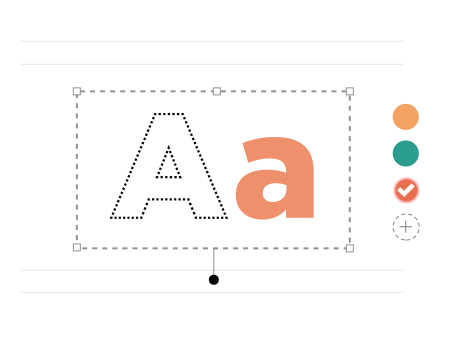
Use the wrong font, and your software logo instantly feels dated even before early adopters start pouring what they think. Decorative typefaces and overly rigid geometric constructions all age poorly in an industry that moves faster than Flash. Go for clean, well-spaced typefaces with modern geometric sans-serifs and precise letterforms instead. Fonts with subtle quirks like a distinctive lowercase “i” or “a” work surprisingly well.
Strive for consistency across contexts so your logo won’t pixelate when you scale it up or become a blurry dot scaled down. Remember, your technology logo will appear in UI, marketing, and products simultaneously.
Yes, all logos can be fully customized. You can adjust colors, fonts, layouts, and icons to create a unique technology logo that matches your brand identity.
You’ll receive high-resolution files including PNG, JPG, PDF, and vector formats like SVG or EPS, making your technology logo usable across all digital and print media.
Yes, once purchased, your logo is yours to use for all commercial purposes including websites, business cards, social media, and marketing materials.
Yes, you can return anytime to edit your technology logo. Update colors, fonts, or layouts as your business evolves.
No design skills are needed. Logogenie’s intuitive tools make it easy for anyone to create a professional technology logo in just a few clicks.
Yes, your logo can be used across all platforms, including websites, social media, business cards, signage, and merchandise, ensuring consistent branding everywhere.
Yes, your logo is designed to work across all digital and print formats, including websites, email signatures, business cards, and advertising materials.
Yes, your logo is created in high resolution and scalable formats, ensuring it remains sharp and professional as your brand expands across different platforms and sizes.
We have everything you need to launch your technology business and build your brand.
Create professional business cards with your technology logo and impress clients from the very first meeting.
See product templates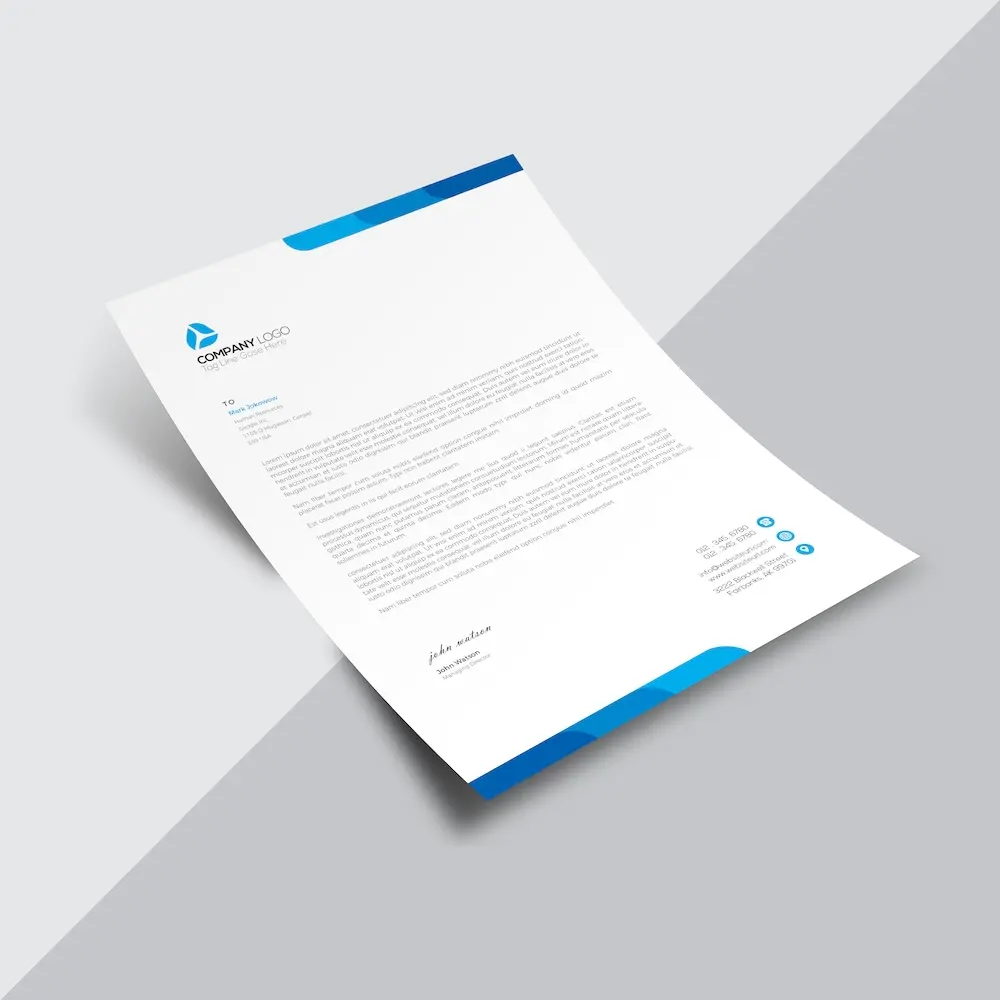
Create custom letterheads with your technology logo and reinforce your brand with every document you send.
See product templates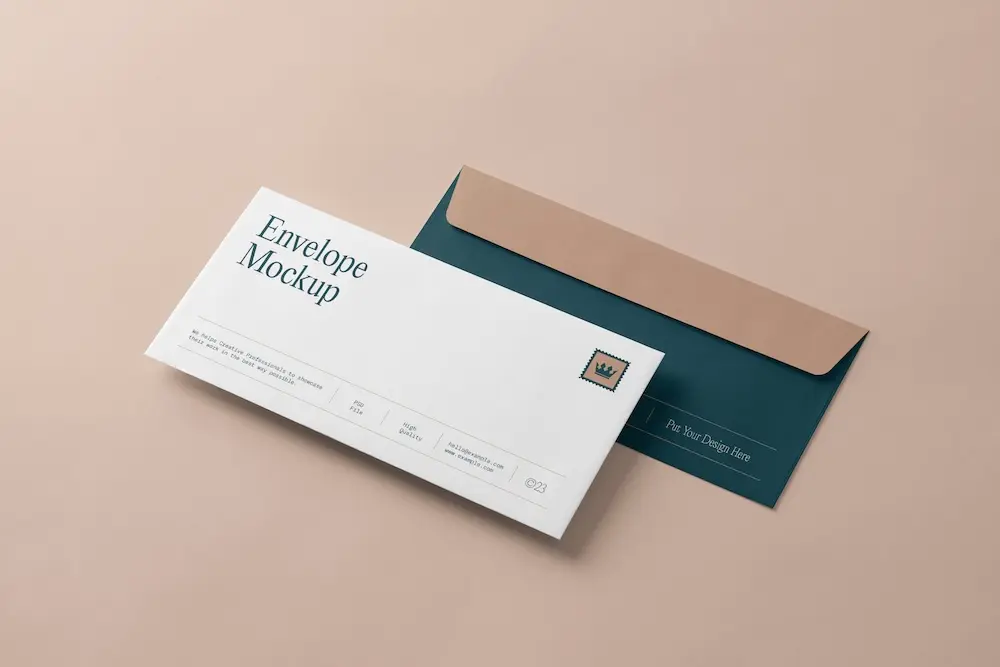
Create custom envelopes with your technology logo to match your letterheads and give every mailing a professional finish.
See product templates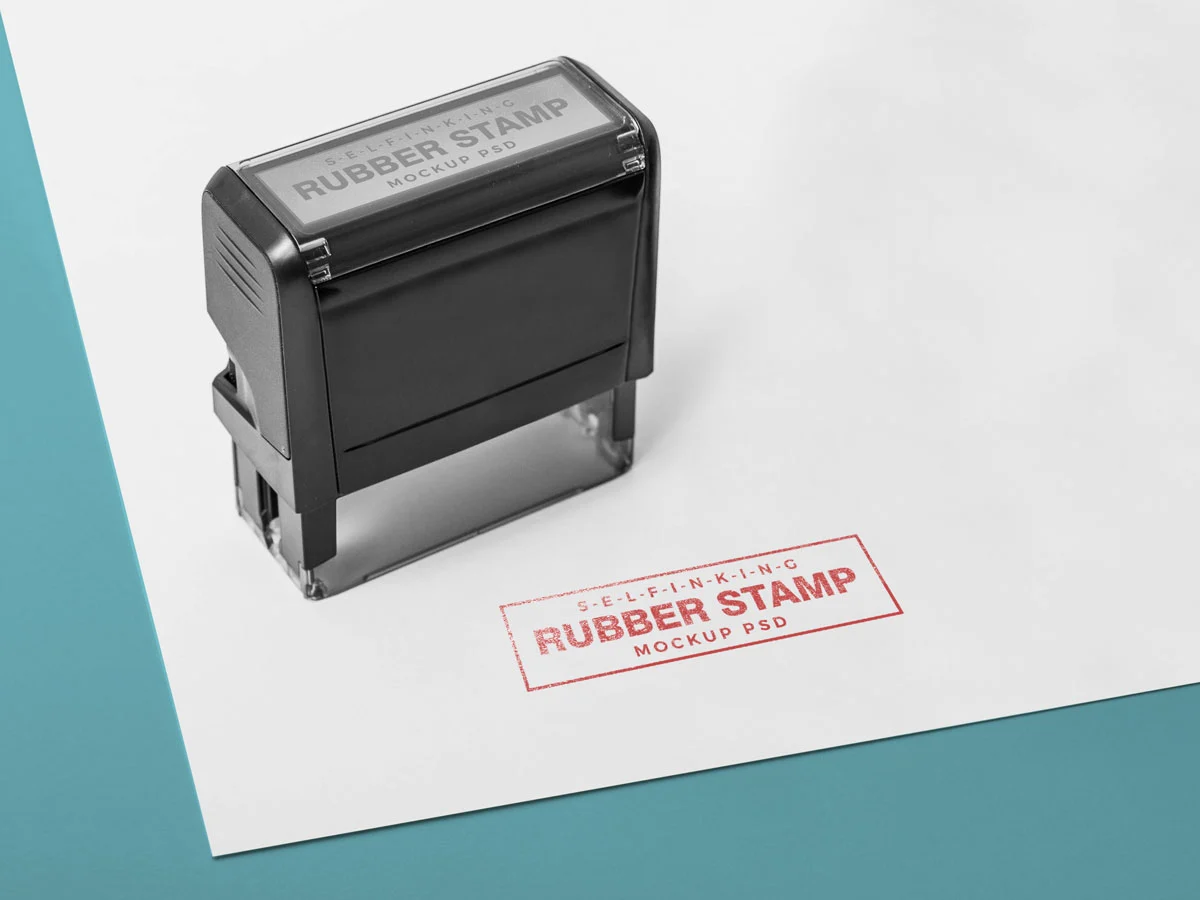
Create custom stamps with your technology logo or business details for all your professional documents.
See product templates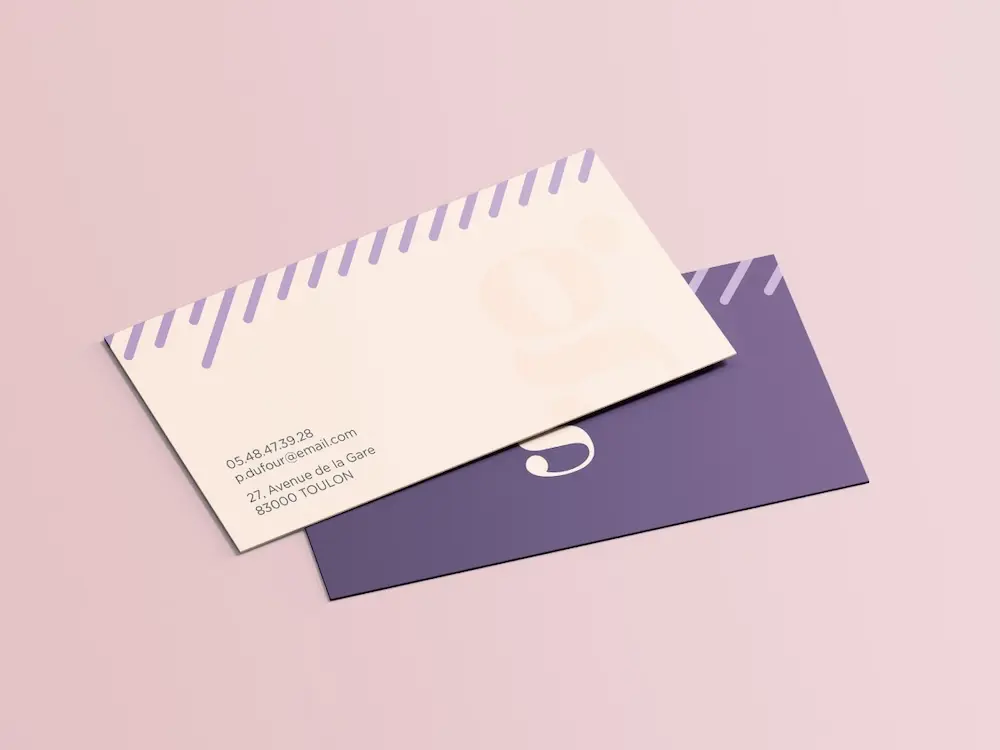
Create personalized correspondence cards with your technology logo to add a professional touch to every business mailing.
See product templates
Create digital branding materials with your technology logo for social media, emails, invoices, and more.
See product templates