Business Cards
Create professional business cards with your mobile logo and impress clients from the very first meeting.
See product templates
Discover our selection of logo templates designed for your industry.
Explore our range of creative logo styles tailored to every type of company.
Browse unique letter logo templates designed to suit any type of business.
Use our easy-to-use online tools to create dazzling branded products with your logo and matching colors! Discover our wide range.
Explore a full range of creative branded products that you can customise online.
Design a professional mobile logo with our online logo maker. Customize premium templates and create a modern digital brand in minutes.
Whether you're launching a mobile app, digital product, or technology startup, a professional mobile logo looks sharp across every screen and helps your brand stand out.
Choose a template below and customize it in just a few minutes using our online tools
Watch a short video presentation about our logo design tools
Enter your company name, tagline and industry, and browse hundreds of mobile logos.
Customize your logo online using our logo design tools. Adjust your colors, fonts, and layout with just a few clicks.
Instantly download your high-definition files to your computer or cell phone.
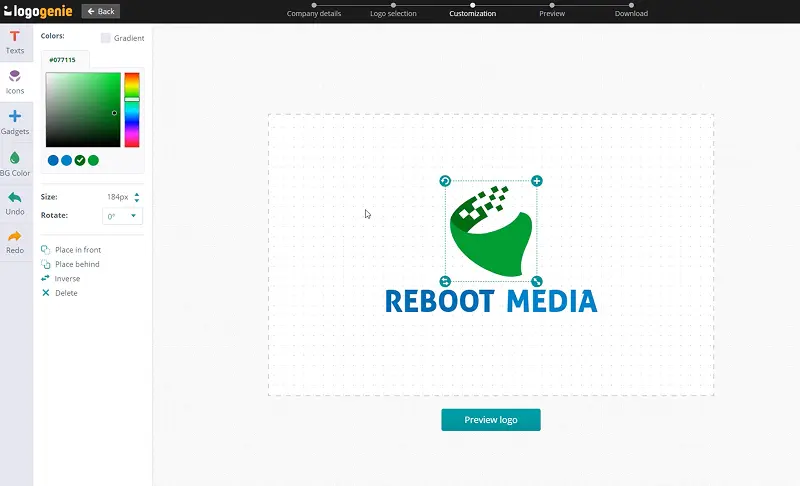
Our tips for creating a modern, professional mobile logo

A phone logo typically exists on a tiny mobile app icon on a crowded home screen. That’s why it should look as impressive at full size as it does on a 60px app icon. It’s also for this very reason that mobile brands always test their design decisions on the smallest possible scale first.
Mobile icon designs don’t only pertain to apps and software. They also include telecommunications companies, phone repair shops, mobile accessory retailers, and other businesses whose core products or audience live on a mobile device. Each has its design expectations, and the right logo must read the “room” before it tries to “own” it.
What are the best layouts, colors and fonts for your mobile logo


The phone icon is the quintessential symbol of a mobile icon. You can differentiate your brand by abstracting an icon into something more original, like a stylized signal wave or a simplified device outline, instead of the usual phone clipart you grab from a menu. The idea is to strip an ordinary graphic back to its cleanest possible form and give it a proportional twist.
At the very least, you should create a mobile logo that works as a flat, scalable, and clean-on-any-background phone PNG. Start with this, and your logo will travel anywhere your brand does.
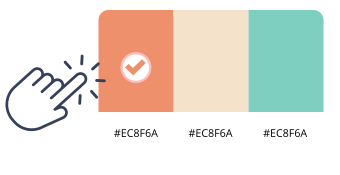
Colors for a mobile or cell phone icon or symbol are cool and definitely digital. Most brands use electric blues and deep purples to signal connectedness, intelligence, and forward-moving. If you’re a mobile-based consumer electronics brand, you can go for gradient treatments because they feel more natural in screen environments. A telephone icon with high-contrast palettes works well for phone repair and mobile accessories businesses.
Always evaluate your phone symbol against the most common screen backgrounds your audience uses, including the usual white interface and night or dark mode. Test it on app store listings, too, to ensure it’s screen-ready.

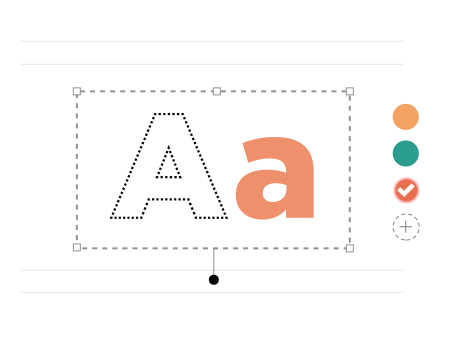
When designing the typography for your mobile logo, it should feel “native” to different screen environments (from tiny 20px sizes to gigantic 8K res). If you want an instantly recognizable mobile phone icon even at the lowest resolution settings, go for geometric sans-serifs. And if you’re offering developer tools or run a technical mobile platform, you can design your phone app icon with rounded, monospaced fonts.
Here’s the thing. If your chosen font requires anti-aliasing tricks to look sharp at small sizes on a phone screen, you know you decided wrong. So, always go for fonts that deliver native digital readability.
Yes, all logos can be fully customized. You can adjust colors, fonts, layouts, and icons to create a unique mobile logo that matches your brand identity.
You’ll receive high-resolution files including PNG, JPG, PDF, and vector formats like SVG or EPS, making your mobile logo usable across all digital and print media.
Yes, once purchased, your logo is yours to use for all commercial purposes including websites, business cards, social media, and marketing materials.
Yes, you can return anytime to edit your mobile logo. Update colors, fonts, or layouts as your business evolves.
No design skills are needed. Logogenie’s intuitive tools make it easy for anyone to create a professional mobile logo in just a few clicks.
Yes, your logo can be used across all platforms, including websites, social media, business cards, signage, and merchandise, ensuring consistent branding everywhere.
Yes, your logo is designed to work across all digital and print formats, including websites, email signatures, business cards, and advertising materials.
Yes, your logo is created in high resolution and scalable formats, ensuring it remains sharp and professional as your brand expands across different platforms and sizes.
We have everything you need to launch your mobile business and build your brand.
Create professional business cards with your mobile logo and impress clients from the very first meeting.
See product templates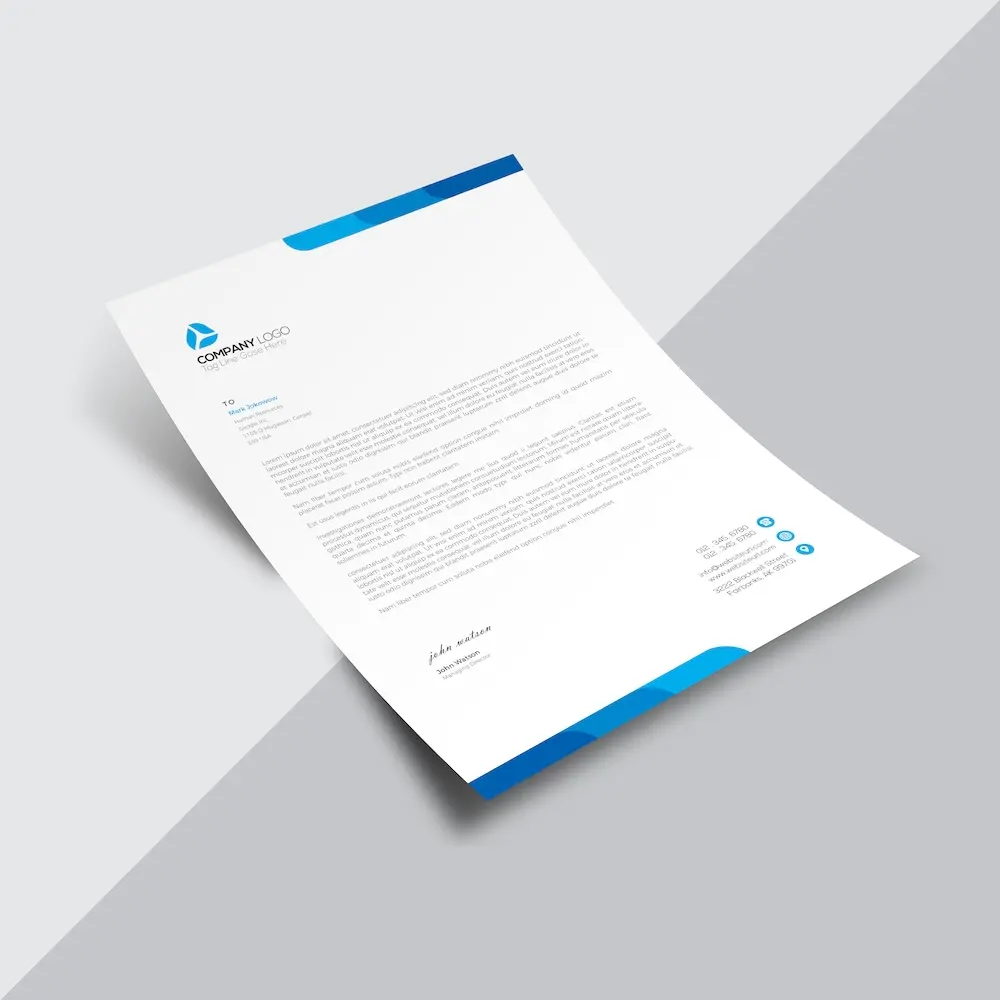
Create custom letterheads with your mobile logo and reinforce your brand with every document you send.
See product templates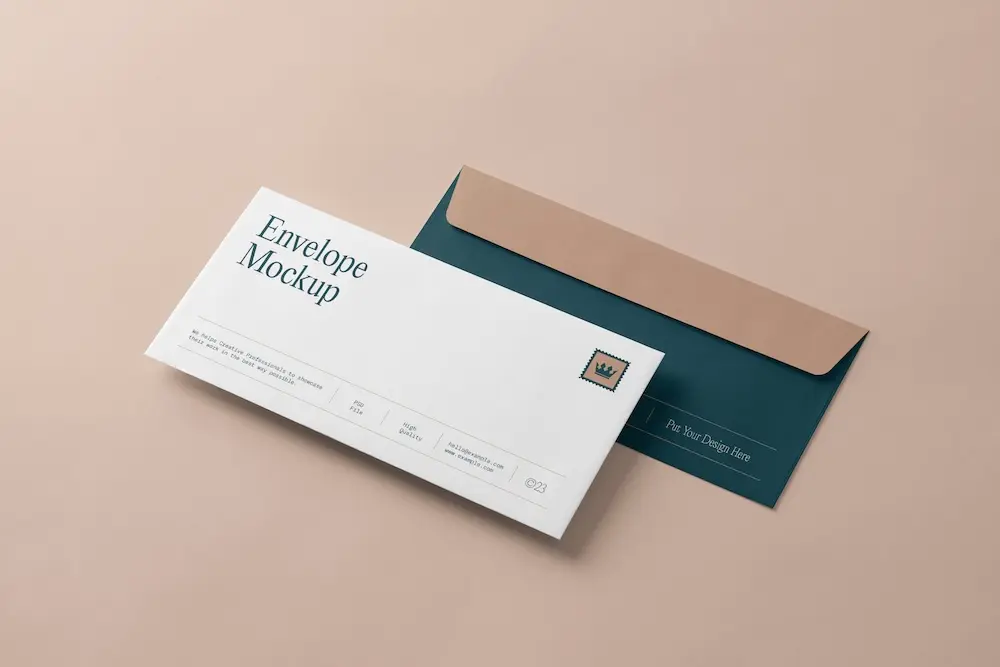
Create custom envelopes with your mobile logo to match your letterheads and give every mailing a professional finish.
See product templates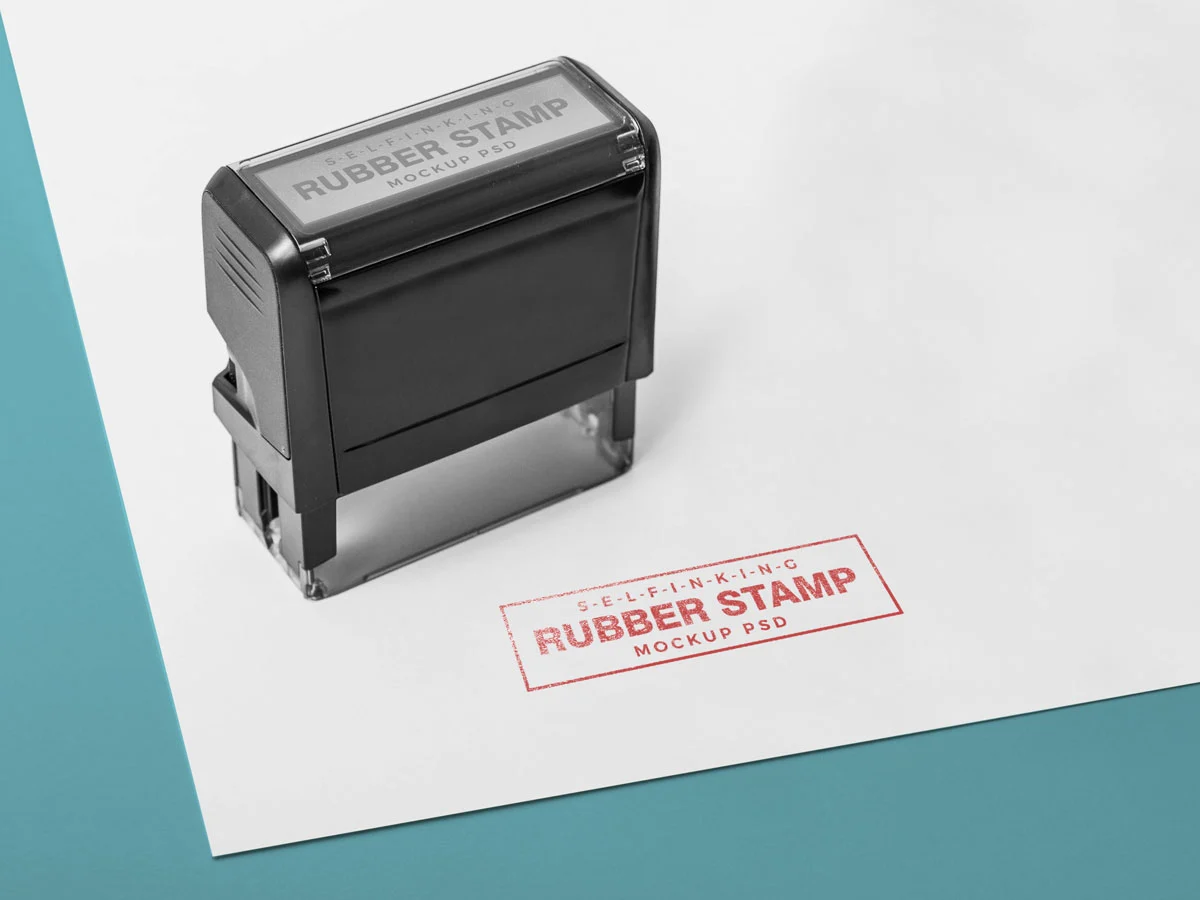
Create custom stamps with your mobile logo or business details for all your professional documents.
See product templates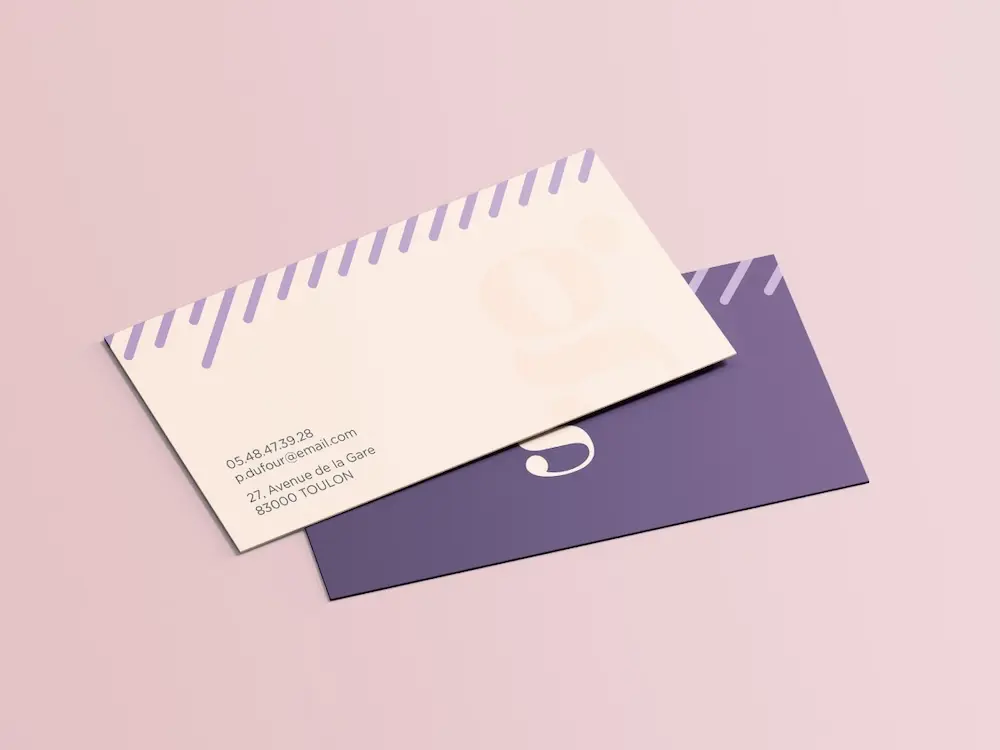
Create personalized correspondence cards with your mobile logo to add a professional touch to every business mailing.
See product templates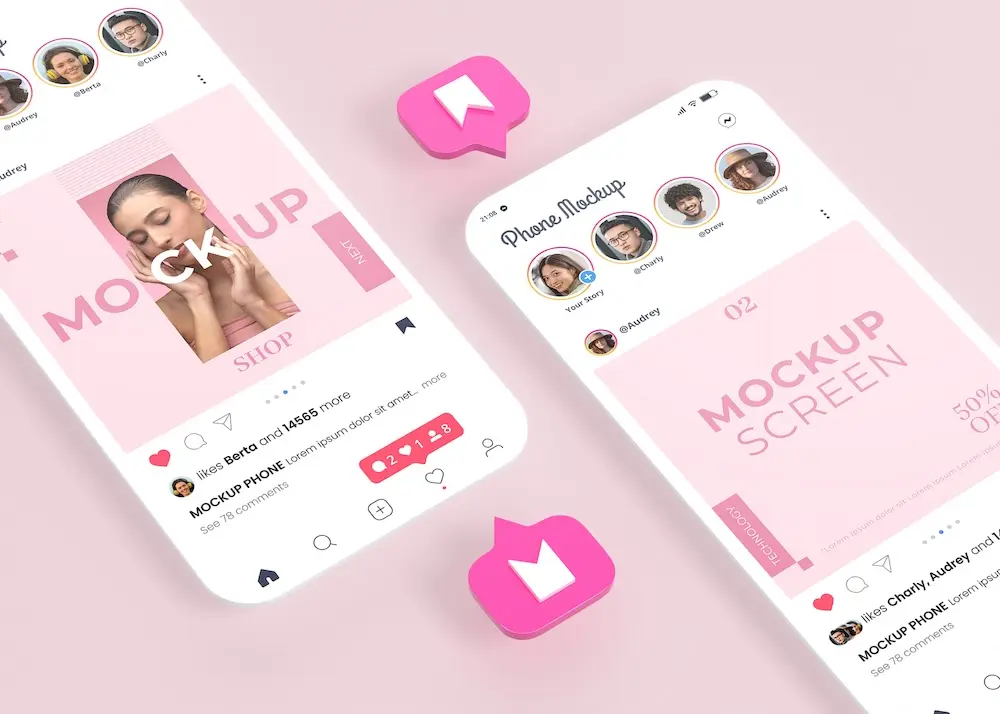
Create digital branding materials with your mobile logo for social media, emails, invoices, and more.
See product templates