
Business Cards
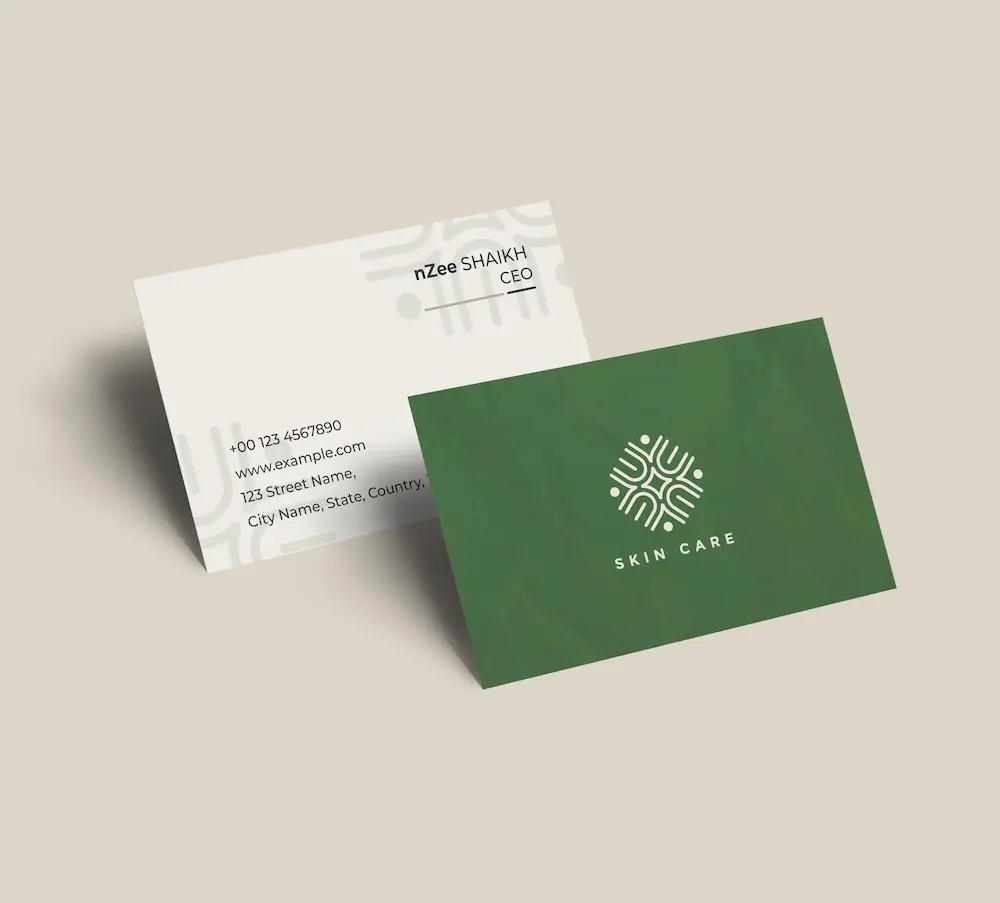
Create professional business cards with your smartphone logo and impress clients from the very first meeting.
See product templates
Discover our selection of logo templates designed for your industry.
Explore our range of creative logo styles tailored to every type of company.
Browse unique letter logo templates designed to suit any type of business.
Use our easy-to-use online tools to create dazzling branded products with your logo and matching colors! Discover our wide range.
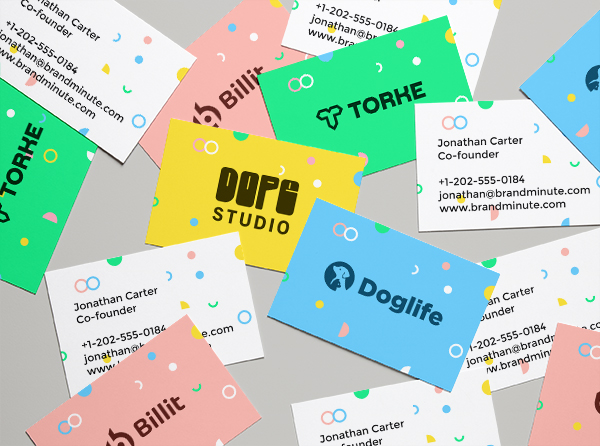
Explore a full range of creative branded products that you can customise online.


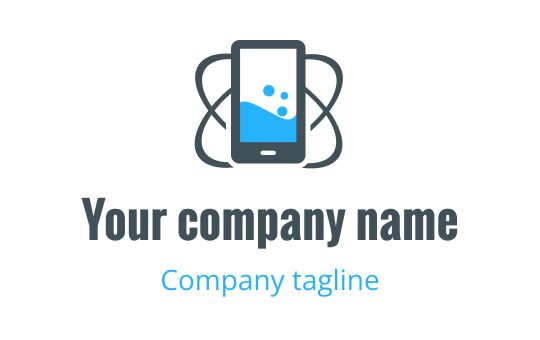
In a world dominated by smartphones, a unique smartphone logo is vital for brand recognition. Use our logo generator to craft a design that reflects your vision and connects with your audience.
Your smartphone logo should represent the innovation and connectivity of this dynamic industry. Whether you're launching an app or designing accessories, a compelling logo boosts visibility and fosters trust among customers seeking quality in their mobile experiences.
Choose from our premium smartphone logo templates and customize your logo today
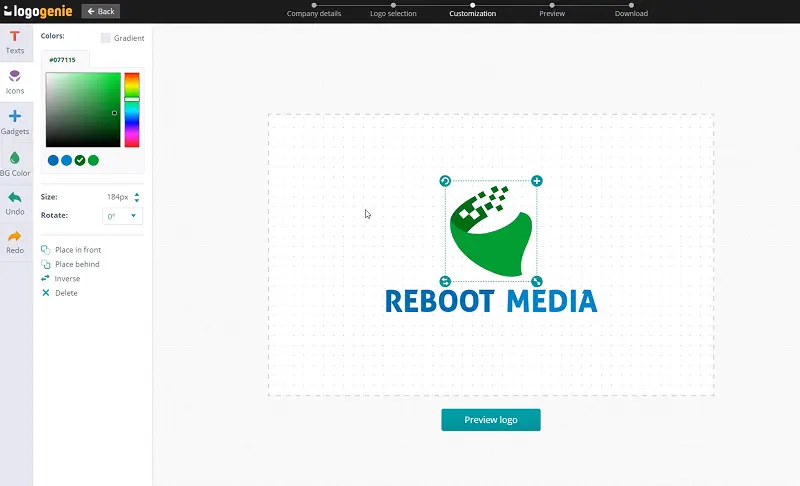
Enter your information, customize your logo, and download it in just a few clicks
Enter your company name, tagline and industry, and browse hundreds of smartphone logos.
Browse through thousands of smartphone logo designs and customise your logo online.
Download high-resolution files suitable for print and digital media.
Our tips for creating a modern, professional smartphone logo


Designing a smartphone logo requires selecting straightforward icons that symbolize technology, connectivity, or communication. Using clean shapes improves recognition, while careful spacing guarantees clarity. A minimalistic design is not only memorable but also effective at different sizes, making it suitable for various uses.
A well-crafted logo can leave a lasting impression on potential customers. Your smartphone logo design must adapt seamlessly to both packaging and digital media, appearing attractive on screens and printed materials. Online logo design tools can assist you in visualizing your logo across platforms, ensuring consistent branding that connects with your audience.
What are the best layouts, colors and fonts for your smartphone logo


Designing a smartphone logo demands clarity and recognizability, especially at smaller sizes. Use simple vector shapes and maintain proper spacing to balance icons and text while considering negative space to prevent clutter.
Try different layouts, such as horizontal, stacked, or compact designs. An icon-only version can also be effective. Logo design tools can assist in crafting a standout smartphone logo.
For a smartphone logo, consider using sleek black for sophistication, vibrant blue for trustworthiness, and energetic green for innovation. These colors resonate well with tech-savvy consumers and enhance brand recognition.
For a smartphone logo design, combine a sleek smartphone silhouette with a bold, modern font. Ensure high contrast with dark colors on light backgrounds and vice versa for optimal readability.


For a smartphone logo, CallingHeart and Futura XBlk BT keep names clear and strong. Our logo maker lets you test weight and spacing. Check contrast on light and dark backgrounds. Avoid thin strokes that fade at small sizes.
Use CallingHeart for short titles in your smartphone logo design. Keep spacing open between letters. Pick one bold style and one simple style.
Yes, all logos can be fully customized. You can adjust colors, fonts, layouts, and icons to create a unique smartphone logo that matches your brand identity.
You’ll receive high-resolution files including PNG, JPG, PDF, and vector formats like SVG or EPS, making your smartphone logo usable across all digital and print media.
Yes, once purchased, your logo is yours to use for all commercial purposes including websites, business cards, social media, and marketing materials.
Yes, you can return anytime to edit your smartphone logo. Update colors, fonts, or layouts as your business evolves.
No design skills are needed. Logogenie’s intuitive tools make it easy for anyone to create a professional smartphone logo in just a few clicks.
Yes, your logo can be used across all platforms, including websites, social media, business cards, signage, and merchandise, ensuring consistent branding everywhere.
Yes, your logo is designed to work across all digital and print formats, including websites, email signatures, business cards, and advertising materials.
Yes, your logo is created in high resolution and scalable formats, ensuring it remains sharp and professional as your brand expands across different platforms and sizes.
Everything you need to launch your smartphone business and promote your brand
Create professional business cards with your smartphone logo and impress clients from the very first meeting.
See product templates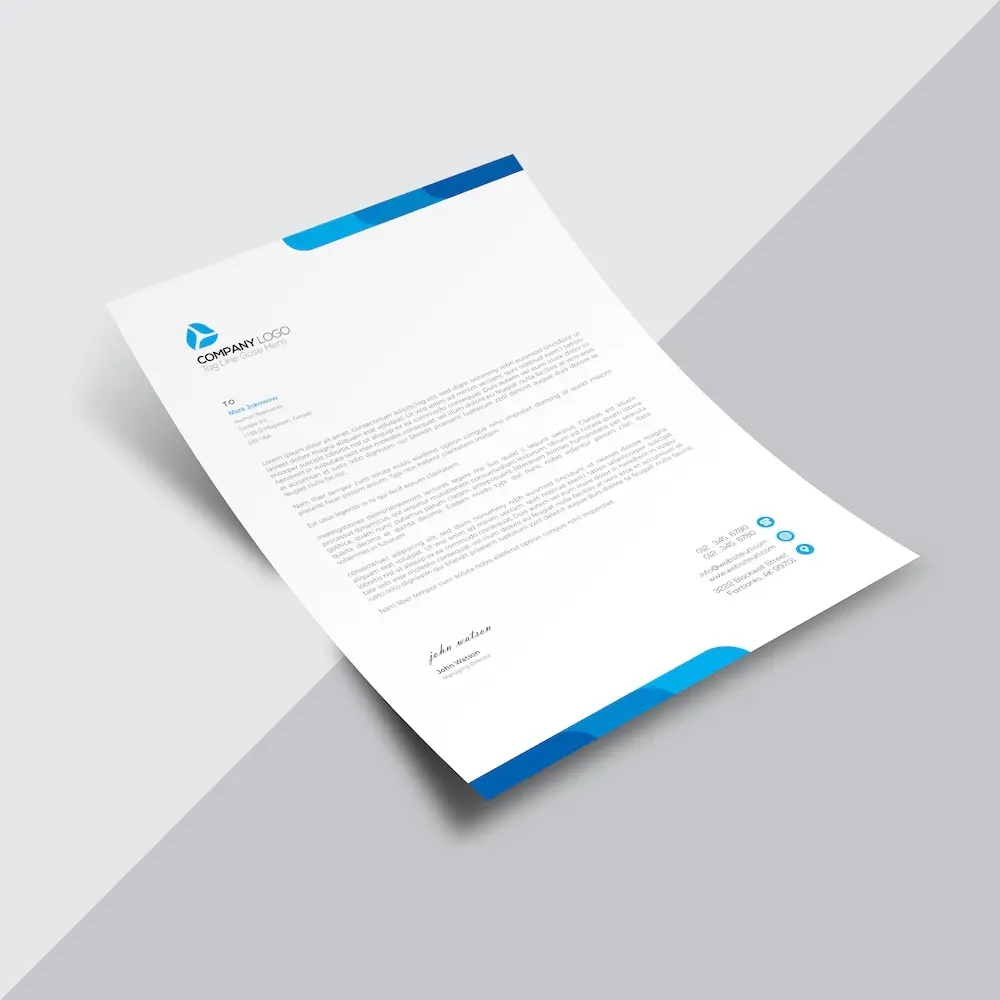
Create custom letterheads with your smartphone logo and reinforce your brand with every document you send.
See product templates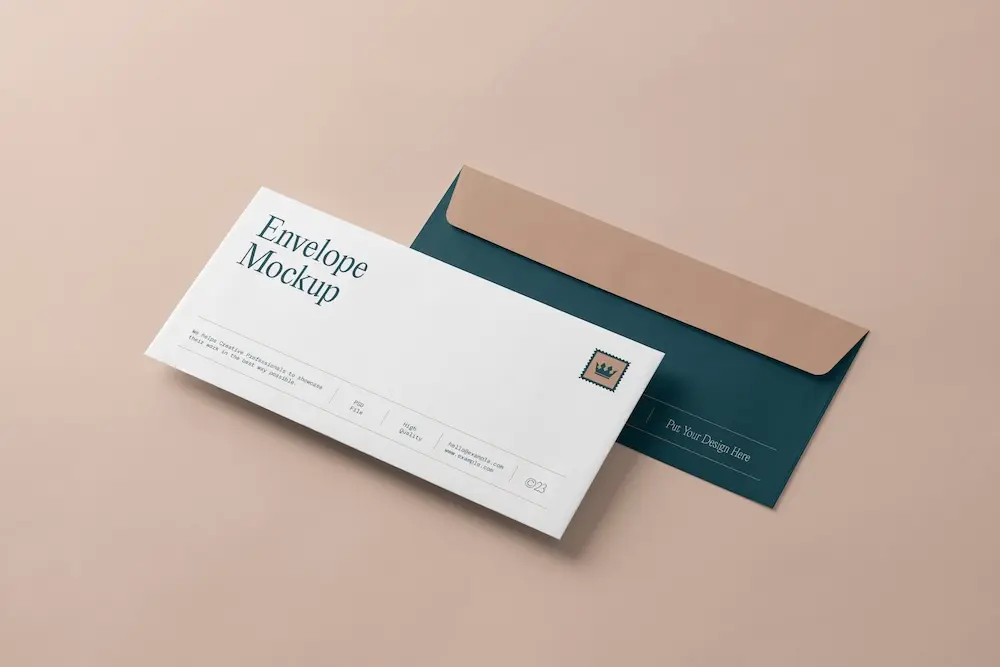
Create custom envelopes with your smartphone logo to match your letterheads and give every mailing a professional finish.
See product templates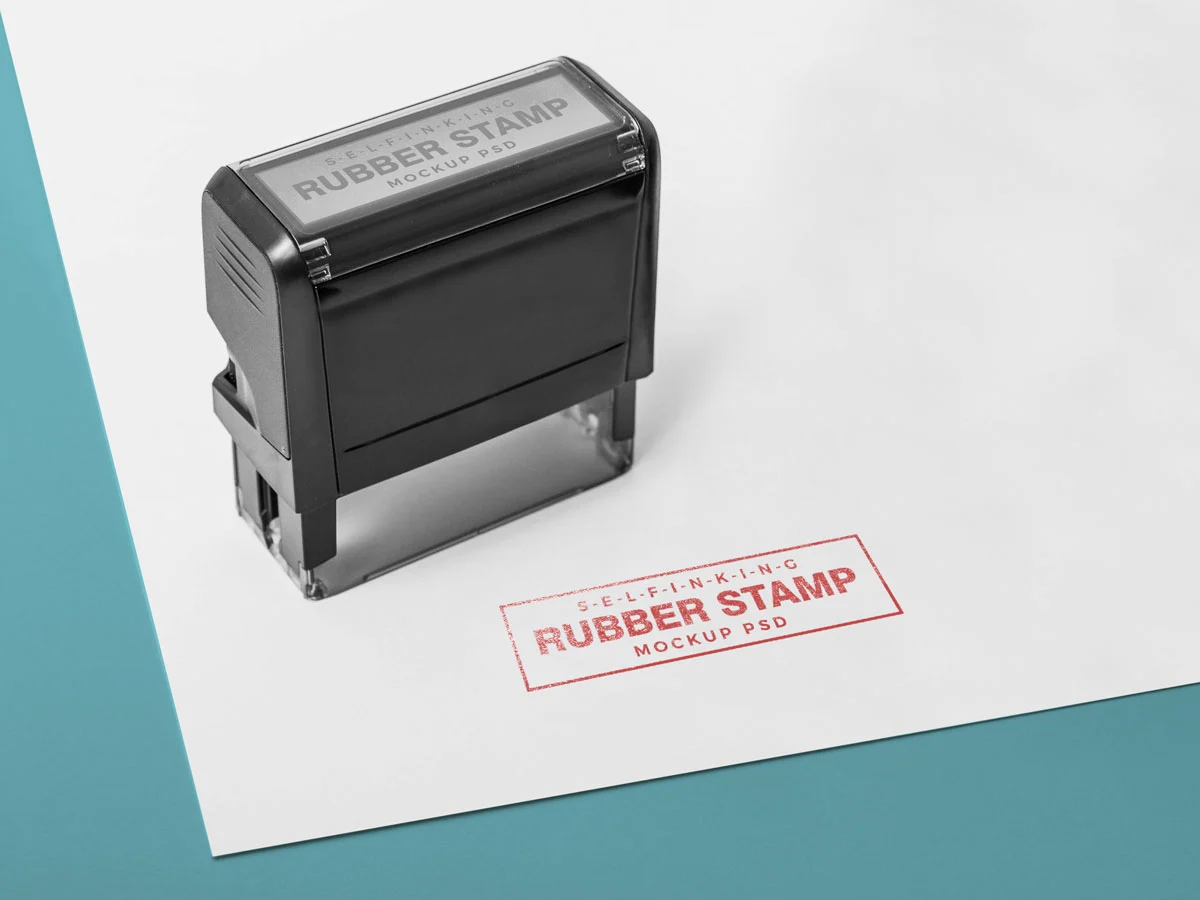
Create custom stamps with your smartphone logo or business details for all your professional documents.
See product templates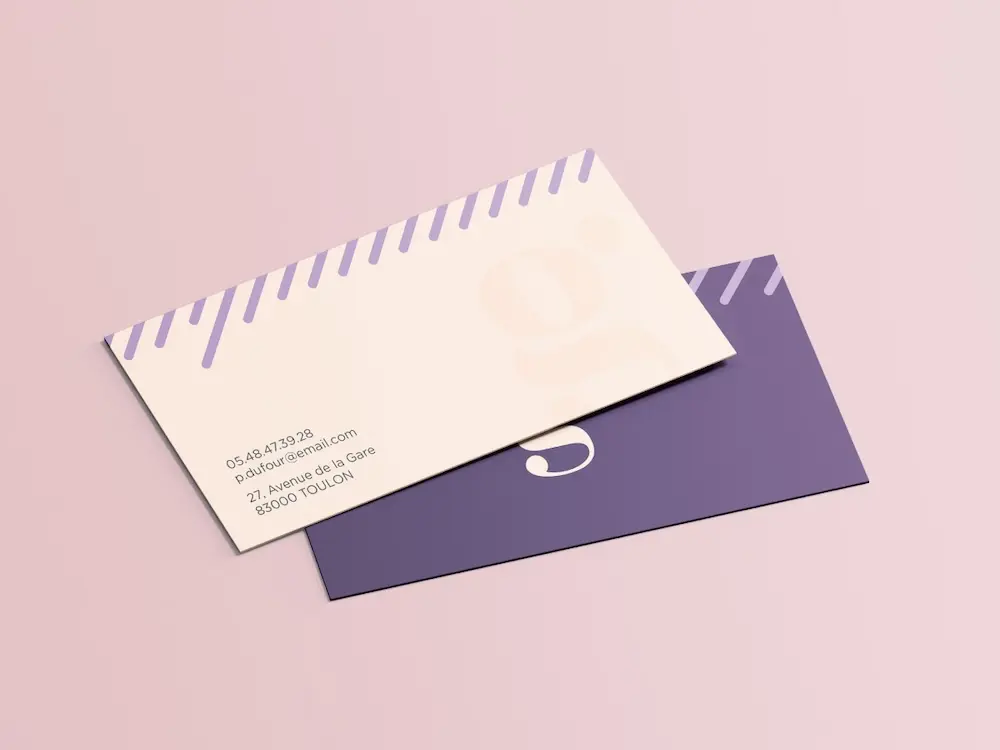
Create personalized correspondence cards with your smartphone logo to add a professional touch to every business mailing.
See product templates
Create digital branding materials with your smartphone logo for social media, emails, invoices, and more.
See product templates