Business Cards
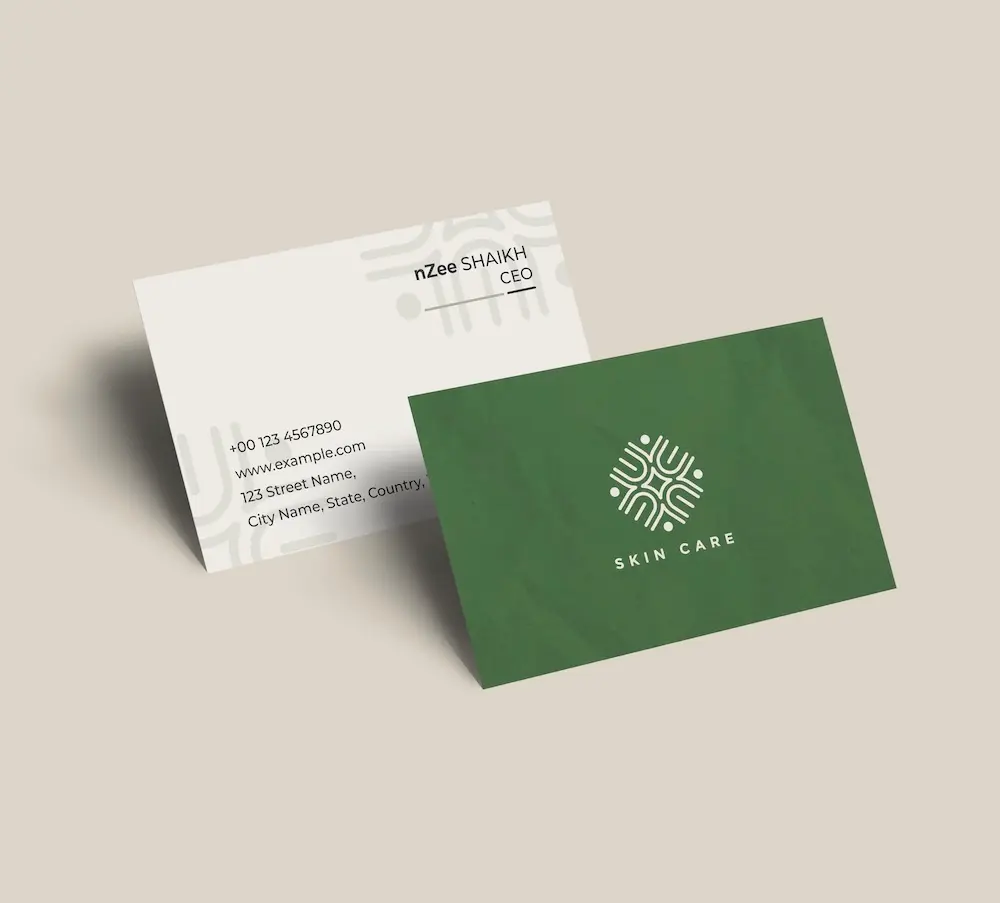
Create professional business cards with your crown logo and impress clients from the very first meeting.
See product templates
Discover our selection of logo templates designed for your industry.
Explore our range of creative logo styles tailored to every type of company.
Browse unique letter logo templates designed to suit any type of business.
Use our easy-to-use online tools to create dazzling branded products with your logo and matching colors! Discover our wide range.
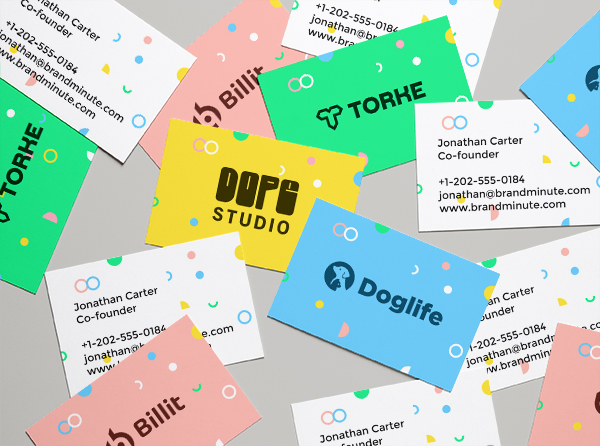
Explore a full range of creative branded products that you can customise online.

Creating a crown logo transcends mere aesthetics; it symbolizes prestige and excellence. With our logo design tools, you can craft a distinctive emblem that embodies your brand's essence.
In the realm of crown, brands flourish through powerful symbols of authority and sophistication. A thoughtfully designed crown logo leaves a lasting impression, especially when introducing a luxury product or esteemed service, nurturing a memorable connection with your audience.
Choose a template below and customize it in just a few minutes using our online tools
Watch a short video presentation about our logo design tools
Enter your company name, tagline and industry, and browse hundreds of crown logos.
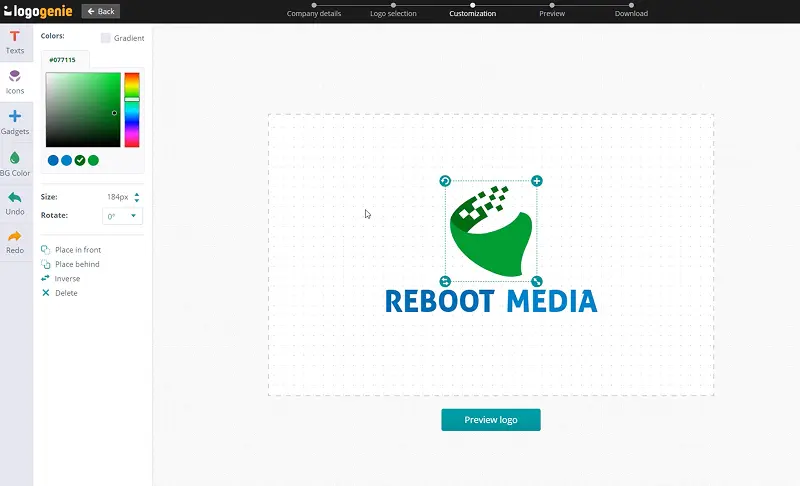
Customize your logo online using our logo design tools. Adjust your colors, fonts, and layout with just a few clicks.
Instantly download your high-definition files to your computer or cell phone.
Our tips for creating a modern, professional crown logo

A crown logo design should feature elements like crowns, tiaras, or other regal symbols that express authority and prestige. Use simple shapes and clean lines to boost recognizability, ensuring there is enough spacing for clarity. A straightforward design is not only more memorable but also effectively conveys the brand’s message.
Your logo must work well across various applications, including uniforms, packaging, and digital media. Assess how the design looks on promotional materials and signage to ensure it maintains its impact in different formats. A strong crown logo can elevate your brand's identity significantly.
What are the best layouts, colors and fonts for your crown logo

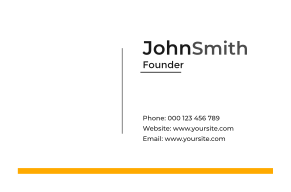

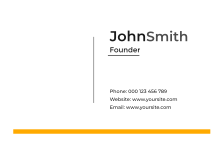
A crown logo should stay clear at every size. Prefer simple vector shapes, open spacing, and a balanced icon-to-text ratio for cards, signs, apps, websites, and tiny favicons.
Offer horizontal, stacked, compact, and icon-only versions of your crown logo design. Protect negative space carefully and test layouts on both light and dark backgrounds before you publish.
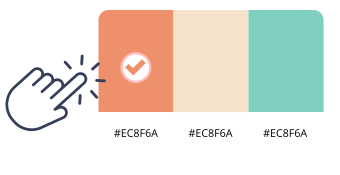
Choose rich gold and deep royal blue for a crown logo design. Gold represents luxury and success, while royal blue conveys trust and stability, resulting in a striking appearance.
Alternatively, emerald green with silver offers elegance and sophistication. Both color combinations are effective on various backgrounds, ensuring your design is readable and visually appealing with online logo design tools.

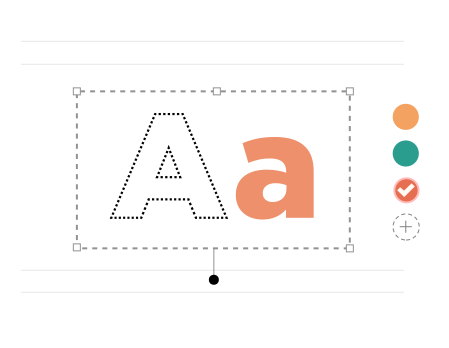
For a crown logo, Aquatico and Shintia Script keep names clear and strong. Our logo maker lets you test weight and spacing so type sits well with the mark.
Use Aquatico for short titles and Shintia Script for bold lines in your crown logo design. Keep spacing open and check contrast on light and dark backgrounds.
Yes, all logos can be fully customized. You can adjust colors, fonts, layouts, and icons to create a unique crown logo that matches your brand identity.
You’ll receive high-resolution files including PNG, JPG, PDF, and vector formats like SVG or EPS, making your crown logo usable across all digital and print media.
Yes, once purchased, your logo is yours to use for all commercial purposes including websites, business cards, social media, and marketing materials.
Yes, you can return anytime to edit your crown logo. Update colors, fonts, or layouts as your business evolves.
No design skills are needed. Logogenie’s intuitive tools make it easy for anyone to create a professional crown logo in just a few clicks.
Yes, your logo can be used across all platforms, including websites, social media, business cards, signage, and merchandise, ensuring consistent branding everywhere.
Yes, your logo is designed to work across all digital and print formats, including websites, email signatures, business cards, and advertising materials.
Yes, your logo is created in high resolution and scalable formats, ensuring it remains sharp and professional as your brand expands across different platforms and sizes.
We have everything you need to launch your crown business and build your brand.
Create professional business cards with your crown logo and impress clients from the very first meeting.
See product templates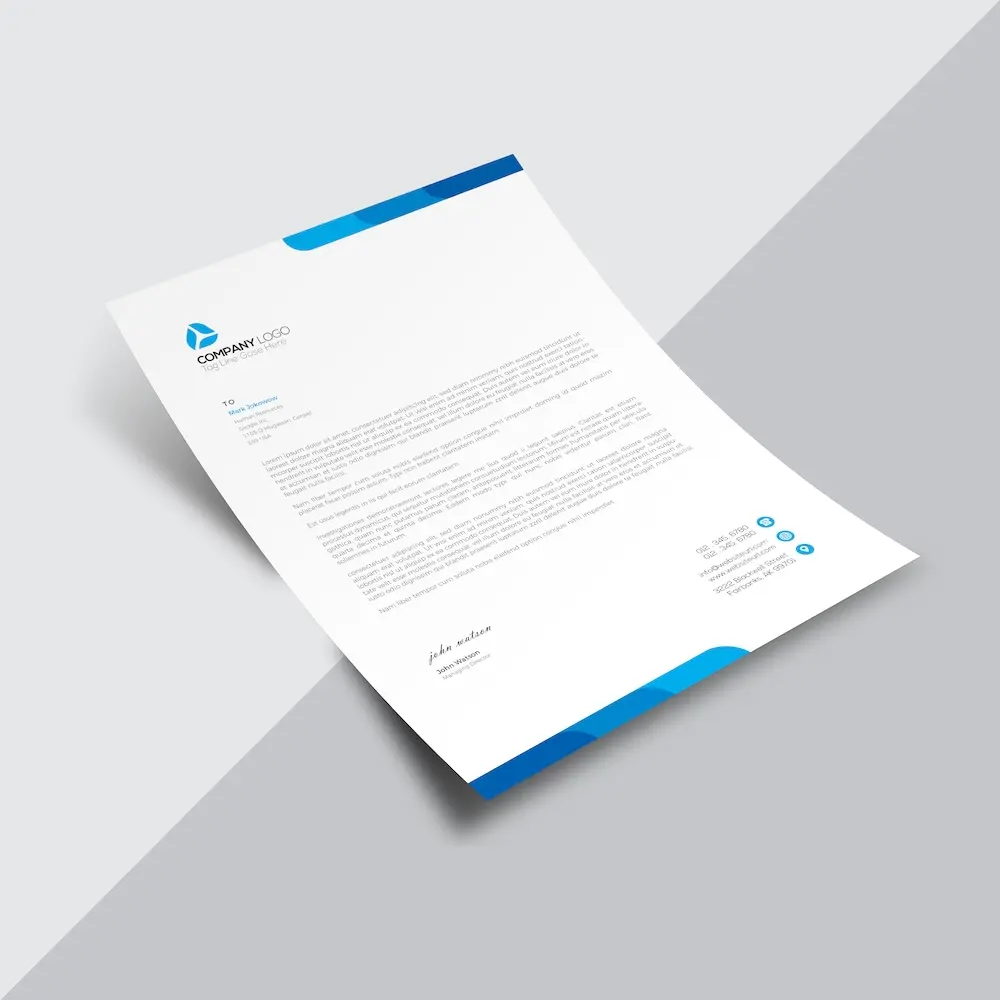
Create custom letterheads with your crown logo and reinforce your brand with every document you send.
See product templates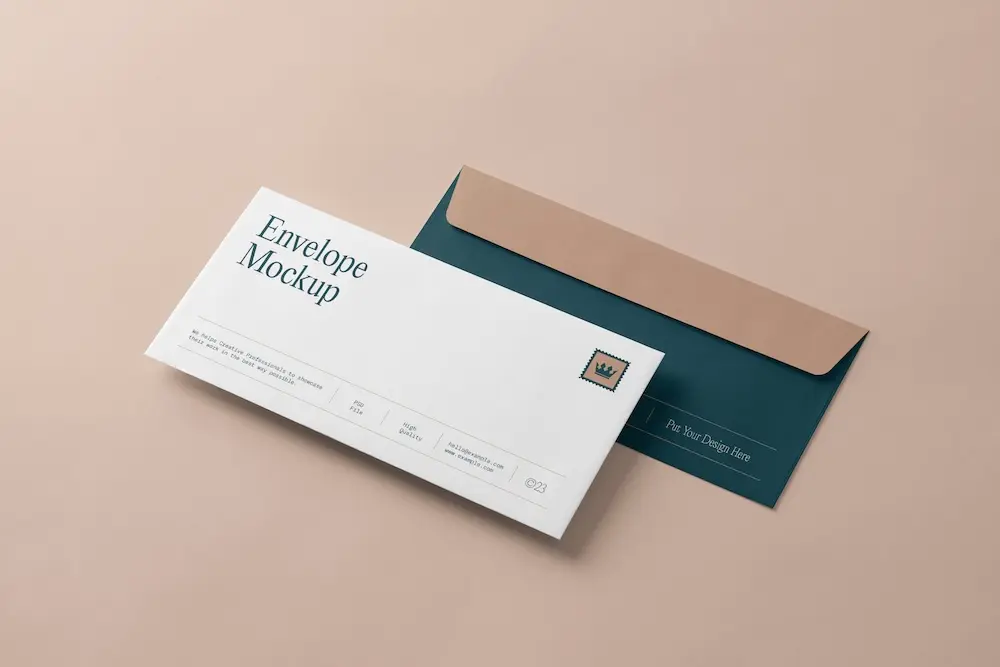
Create custom envelopes with your crown logo to match your letterheads and give every mailing a professional finish.
See product templates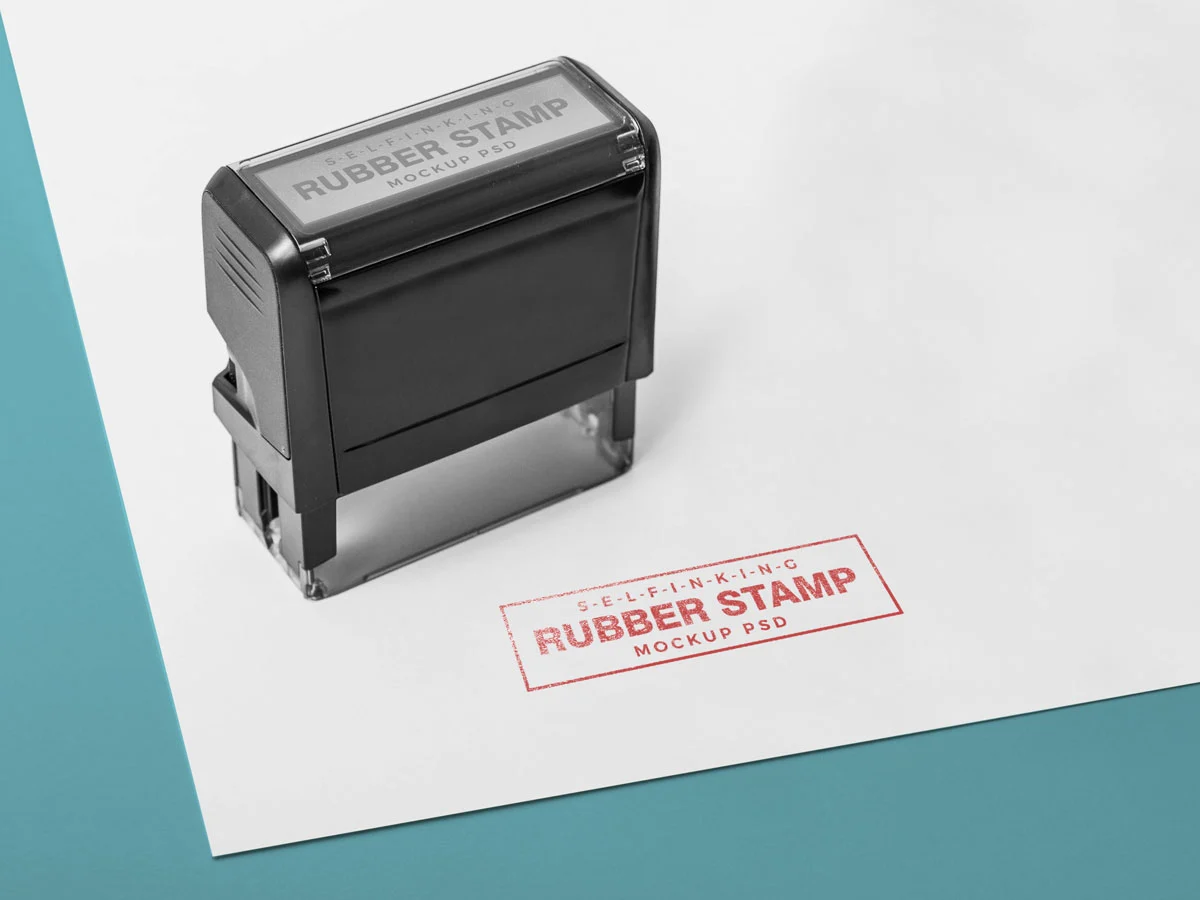
Create custom stamps with your crown logo or business details for all your professional documents.
See product templates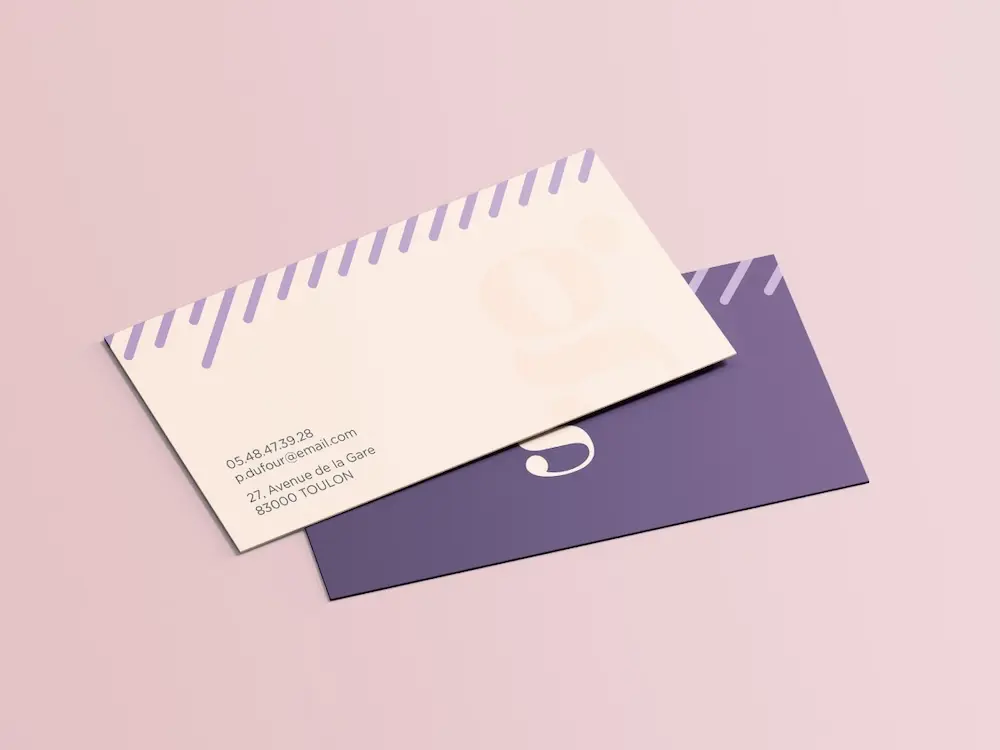
Create personalized correspondence cards with your crown logo to add a professional touch to every business mailing.
See product templates
Create digital branding materials with your crown logo for social media, emails, invoices, and more.
See product templates