Business Cards
Create professional business cards with your woodworking logo and impress clients from the very first meeting.
See product templates
Discover our selection of logo templates designed for your industry.
Explore our range of creative logo styles tailored to every type of company.
Browse unique letter logo templates designed to suit any type of business.
Use our easy-to-use online tools to create dazzling branded products with your logo and matching colors! Discover our wide range.
Explore a full range of creative branded products that you can customise online.



Create a woodworking logo that showcases your craftsmanship and gives your brand a distinctive look. Explore wood-inspired templates using our logo maker and customize every detail.
Furniture makers, woodworking shops, timber artisans, cabinet specialists, and custom makers can use crafted imagery to reflect the skill and character behind their work.
Choose a template below and customize it in just a few minutes using our online tools
Watch a short video presentation about our logo design tools
Enter your company name, tagline and industry, and browse hundreds of woodworking logos.
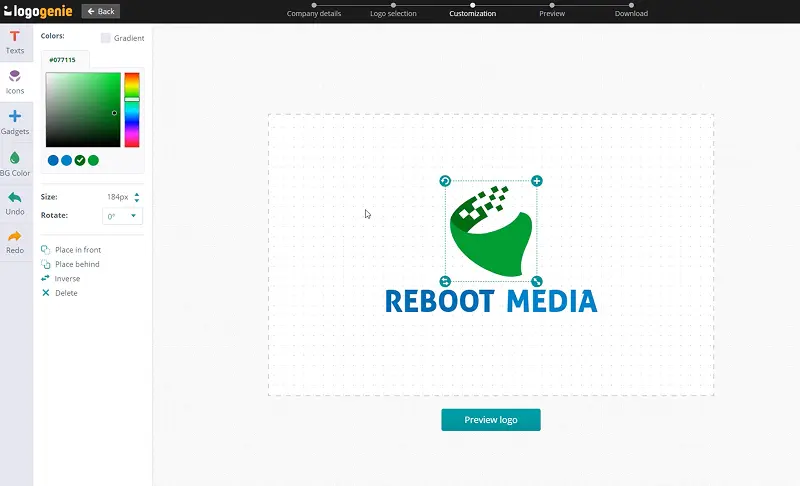
Customize your logo online using our logo design tools. Adjust your colors, fonts, and layout with just a few clicks.
Instantly download your high-definition files to your computer or cell phone.
Our tips for creating a modern, professional woodworking logo

Create your woodworking logo around timber grain, a hand plane, saw, chisel, wood joint, or workshop emblem. Keep the shapes purposeful and recognizable, using balanced proportions and open spacing to capture craftsmanship without filling the composition with unnecessary tool or wood details.
Use our logo creator to preview your woodworking logo design on finished furniture, timber products, workshop signs, aprons, toolboxes, packaging, and product labels. Clear contours reproduce effectively when printed, engraved, stamped, or embroidered. Prepare emblem, horizontal, and compact arrangements so your brand remains recognizable on small maker's marks while creating stronger impact across packaging, workwear, vehicles, printed materials, and workshop displays.
What are the best layouts, colors and fonts for your woodworking logo




Create a versatile woodworking logo design using simplified vector forms that capture timber, tools, or crafted details without depending on intricate wood-grain textures. Maintain open space around intersecting elements for clarity.
Explore different woodworking logo ideas, including workshop emblems, geometric timber forms, tool-based monograms, and refined wordmarks. Balance the artwork carefully with your lettering so every arrangement remains distinctive, recognizable, and well proportioned.
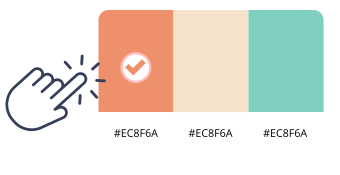
Walnut brown, cedar red, forest green, navy blue, honey gold, and warm ivory give woodworking logos a natural yet distinctive character. Timber-inspired shades reinforce craftsmanship, while contrasting accents can introduce a contemporary direction.
Combine two or three complementary colors and maintain clear separation between artwork and lettering. Consider how the palette appears against different wood tones so your woodworking logo design remains visible, warm, and visually balanced.

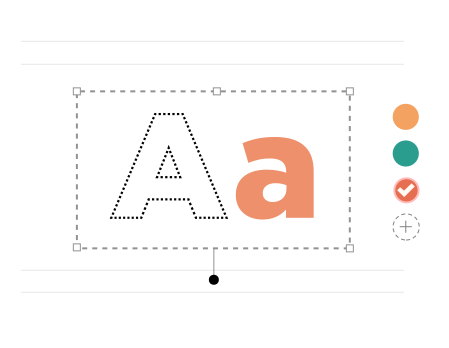
Lettering for a woodworking logo can feel handcrafted, traditional, refined, or contemporary depending on the products and craftsmanship behind the brand. Ridgeway, Cornerstone, Baskerville, Trajan Pro, and Jaapokki offer suitable directions.
Pair detailed workshop imagery with restrained typefaces or introduce stronger lettering beside simple timber symbols. Maintain deliberate spacing and balanced proportions so your woodworking logo design remains readable, distinctive, and cohesive.
Yes, all logos can be fully customized. You can adjust colors, fonts, layouts, and icons to create a unique woodworking logo that matches your brand identity.
You’ll receive high-resolution files including PNG, JPG, PDF, and vector formats like SVG or EPS, making your woodworking logo usable across all digital and print media.
Yes, once purchased, your logo is yours to use for all commercial purposes including websites, business cards, social media, and marketing materials.
Yes, you can return anytime to edit your woodworking logo. Update colors, fonts, or layouts as your business evolves.
No design skills are needed. Logogenie’s intuitive tools make it easy for anyone to create a professional woodworking logo in just a few clicks.
Yes, your logo can be used across all platforms, including websites, social media, business cards, signage, and merchandise, ensuring consistent branding everywhere.
Yes, your logo is designed to work across all digital and print formats, including websites, email signatures, business cards, and advertising materials.
Yes, your logo is created in high resolution and scalable formats, ensuring it remains sharp and professional as your brand expands across different platforms and sizes.
We have everything you need to launch your woodworking business and build your brand.
Create professional business cards with your woodworking logo and impress clients from the very first meeting.
See product templates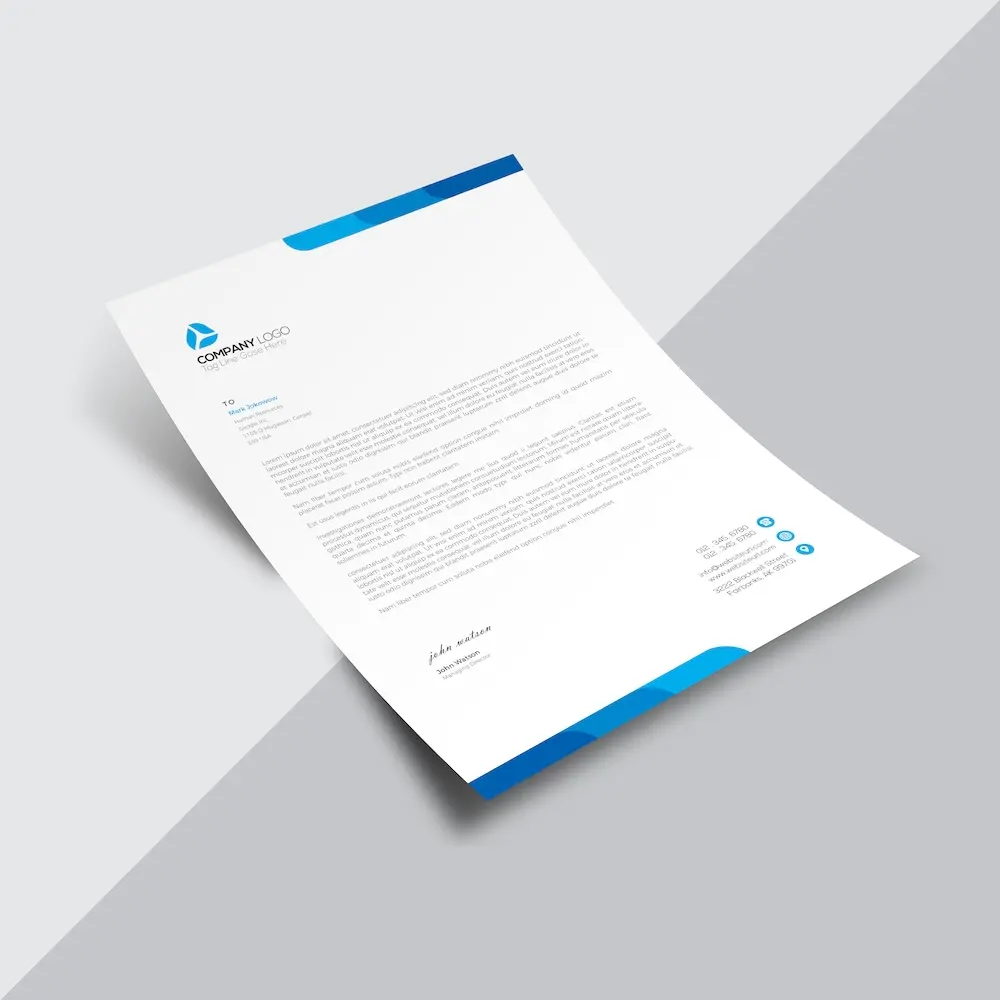
Create custom letterheads with your woodworking logo and reinforce your brand with every document you send.
See product templates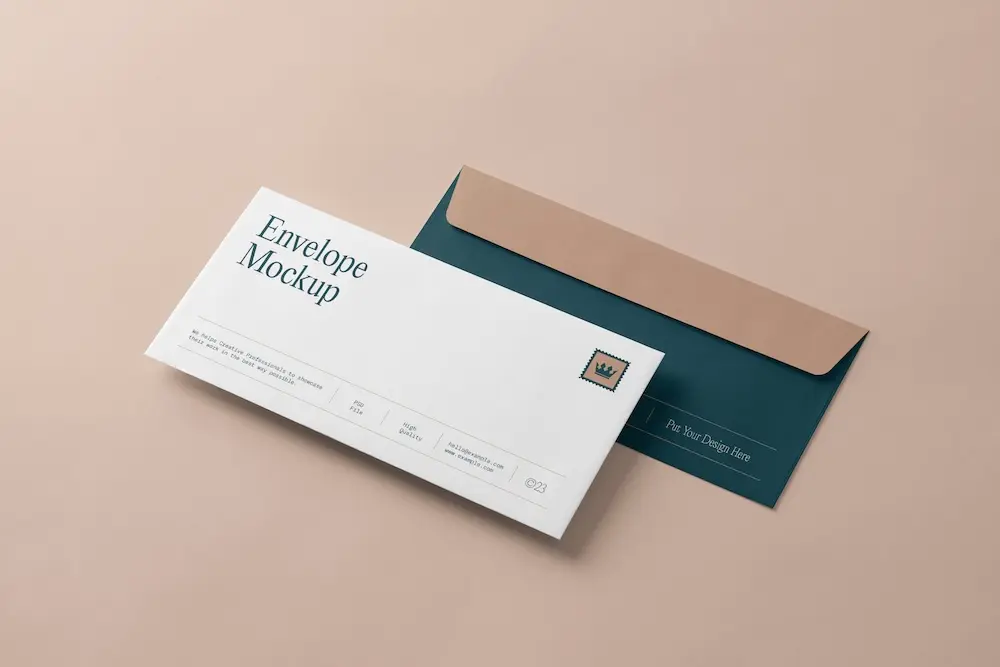
Create custom envelopes with your woodworking logo to match your letterheads and give every mailing a professional finish.
See product templates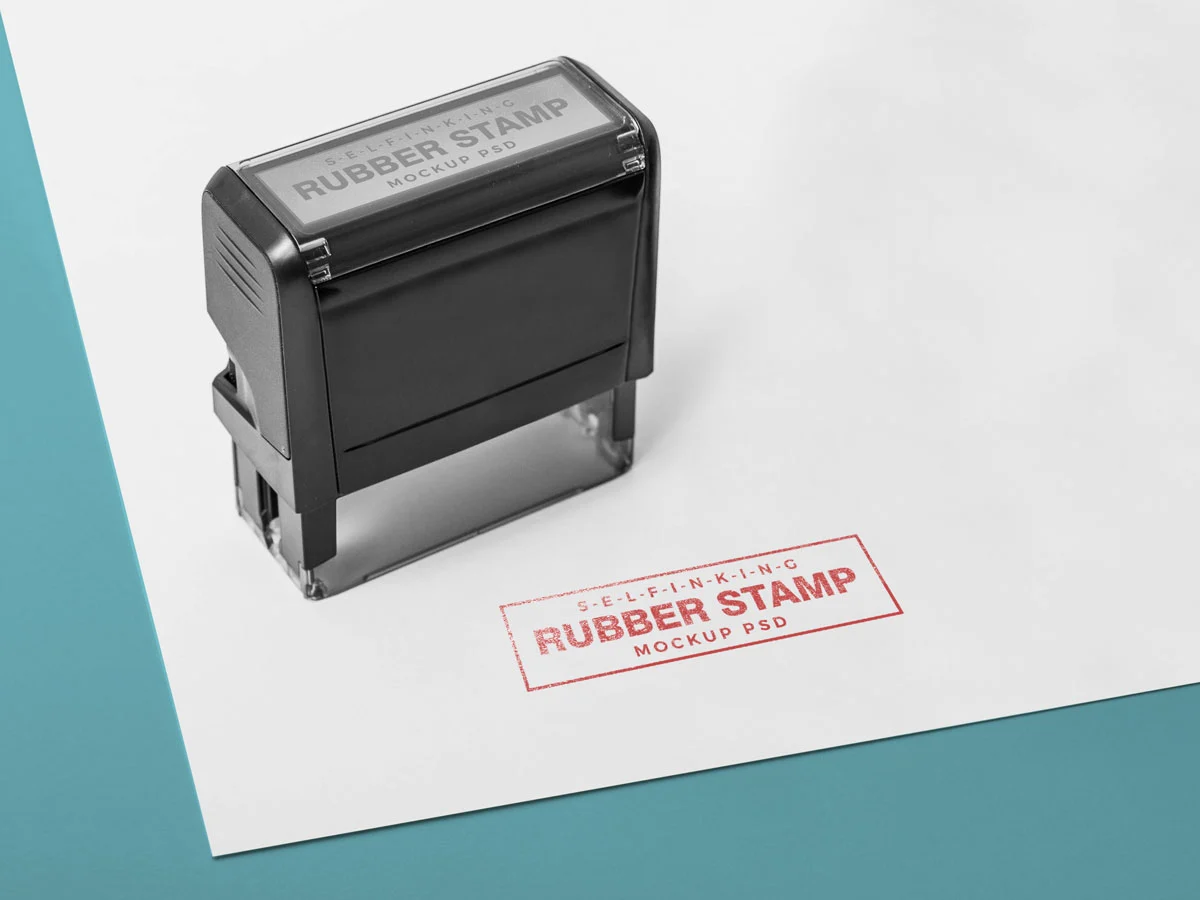
Create custom stamps with your woodworking logo or business details for all your professional documents.
See product templates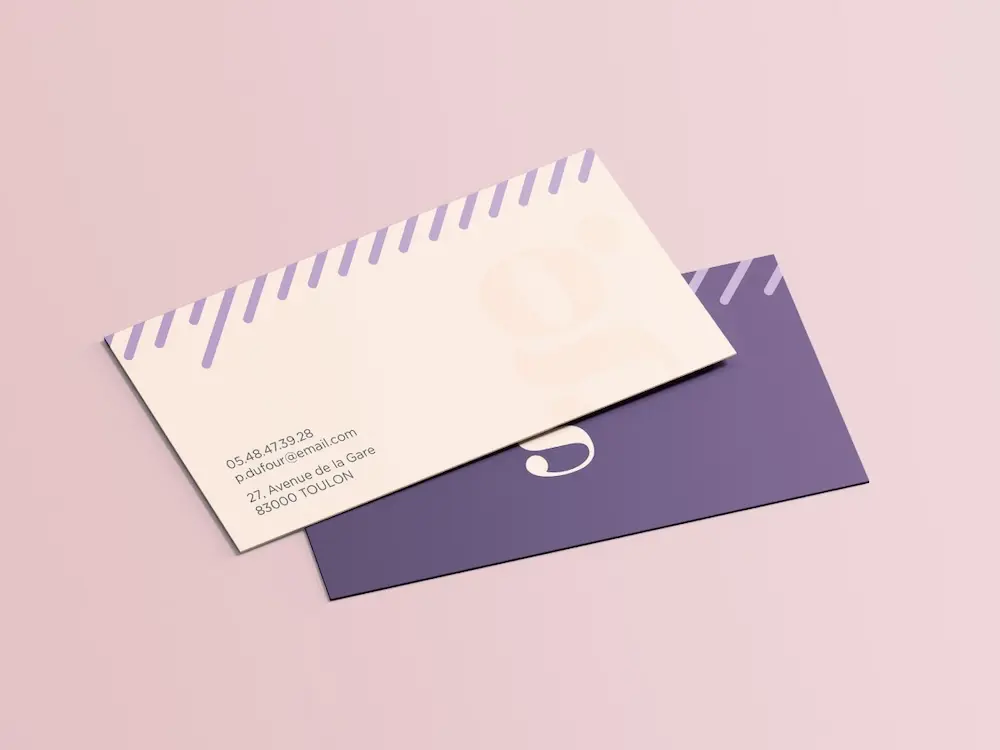
Create personalized correspondence cards with your woodworking logo to add a professional touch to every business mailing.
See product templates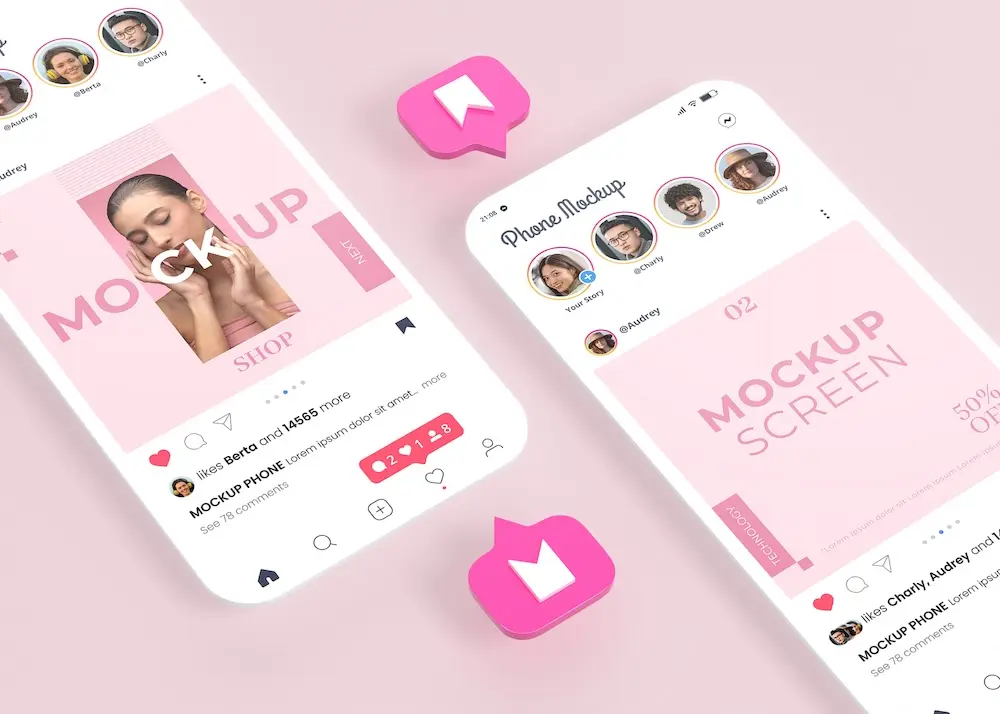
Create digital branding materials with your woodworking logo for social media, emails, invoices, and more.
See product templates