Business Cards
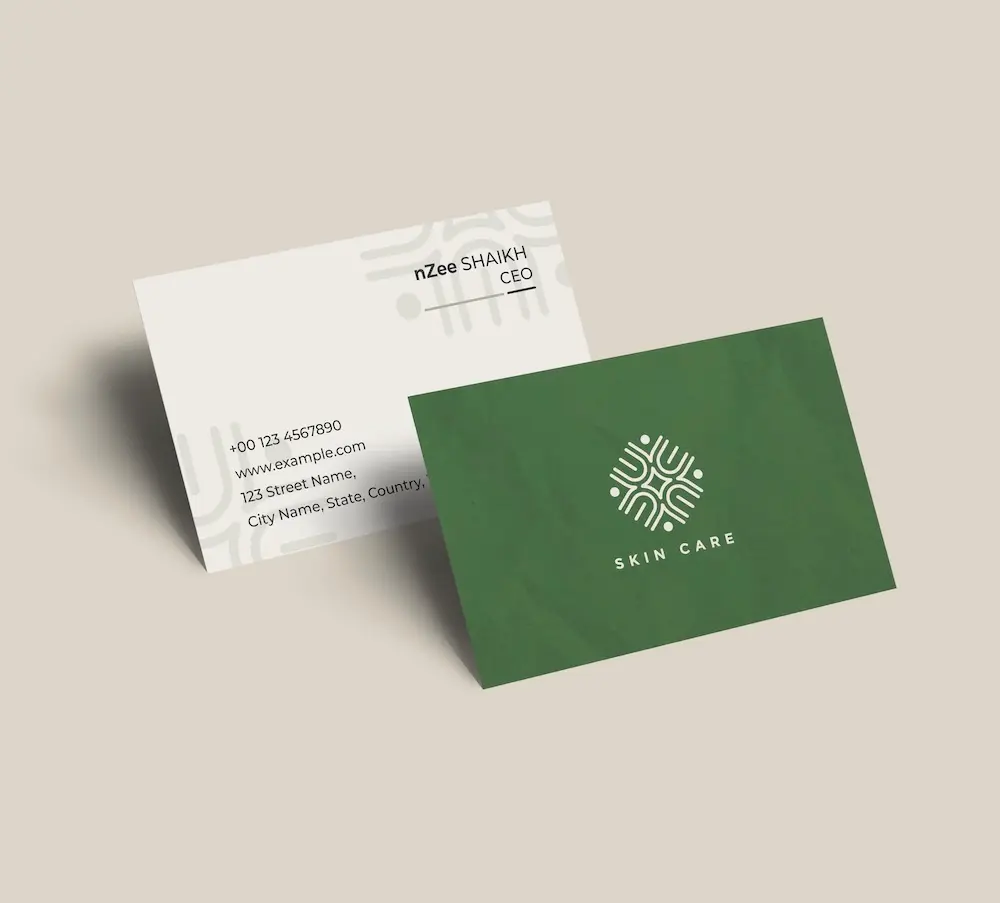
Create professional business cards with your tech support logo and impress clients from the very first meeting.
See product templates
Discover our selection of logo templates designed for your industry.
Explore our range of creative logo styles tailored to every type of company.
Browse unique letter logo templates designed to suit any type of business.
Use our easy-to-use online tools to create dazzling branded products with your logo and matching colors! Discover our wide range.
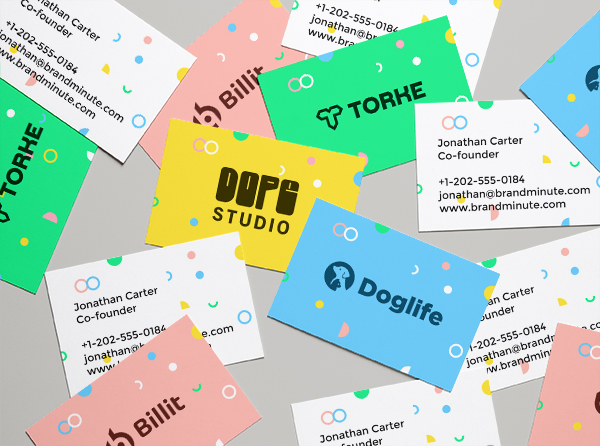
Explore a full range of creative branded products that you can customise online.

In tech support, reliability and expertise matter. A standout tech support logo showcases your dedication to solving problems and distinguishes you in a crowded market. With our logo creator, design a logo that reflects your business values.
Your logo must convey professionalism and trust. Incorporating technology symbols and clean typography will help you create a tech support logo that communicates your services clearly and instills confidence in your brand.
Choose from our premium tech support logo templates and customize your logo today
Enter your information, customize your logo, and download it in just a few clicks
Enter your company name, tagline and industry, and browse hundreds of tech support logos.
Browse through thousands of tech support logo designs and customise your logo online.
Download high-resolution files suitable for print and digital media.
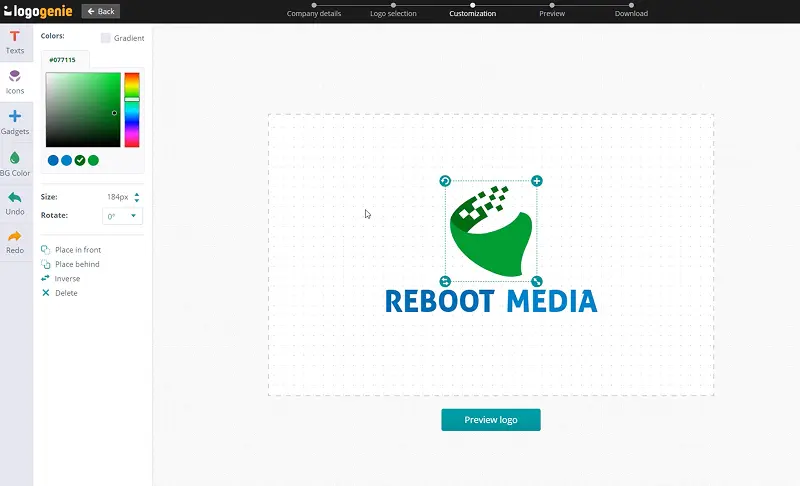
Our tips for creating a modern, professional tech support logo

Designing a tech support logo involves using symbols that represent reliability and communication, such as headsets or chat bubbles. Clear shapes and balanced spacing enhance simplicity and make the logo easily recognizable, helping it stand out in a competitive market.
Your logo should perform well across various applications, including uniforms, vehicles, and digital media. It must also look appealing on business cards and signage. A well-crafted tech support logo design effectively represents your brand and builds trust with customers. Online logo design tools can assist in creating a versatile logo that adapts seamlessly across platforms for consistent branding.
What are the best layouts, colors and fonts for your tech support logo



A clear tech support logo is vital for visibility at any size. Use simple vector shapes, ensure proper spacing, and balance the icon with text while incorporating negative space. Avoid intricate details that may be lost when scaled down.
Explore layout options such as horizontal, stacked, or compact designs. An icon-only version can also work well.
When designing a tech support logo, blue and green are ideal colors. Blue represents trust, while green signifies growth, reinforcing the tech theme.
A combination of deep blue and vibrant green provides contrast and readability. Incorporating a neutral color like gray adds balance, fostering a professional appearance that appeals to clients in need of assistance.

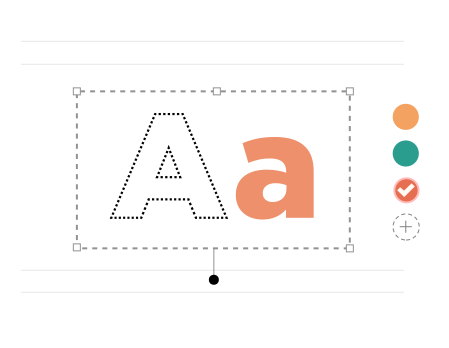
A tech support logo needs clear, bold typography. Fonts like Gotham Black or Oswald deliver strong impact and readability, ensuring your logo is recognizable across platforms.
Combining a robust font like Eras ITC Bold with a softer option such as Baskerville creates visual balance. Proper spacing enhances clarity, allowing your logo to effectively stand out in the tech support industry.
Yes, all logos can be fully customized. You can adjust colors, fonts, layouts, and icons to create a unique tech support logo that matches your brand identity.
You’ll receive high-resolution files including PNG, JPG, PDF, and vector formats like SVG or EPS, making your tech support logo usable across all digital and print media.
Yes, once purchased, your logo is yours to use for all commercial purposes including websites, business cards, social media, and marketing materials.
Yes, you can return anytime to edit your tech support logo. Update colors, fonts, or layouts as your business evolves.
No design skills are needed. Logogenie’s intuitive tools make it easy for anyone to create a professional tech support logo in just a few clicks.
Yes, your logo can be used across all platforms, including websites, social media, business cards, signage, and merchandise, ensuring consistent branding everywhere.
Yes, your logo is designed to work across all digital and print formats, including websites, email signatures, business cards, and advertising materials.
Yes, your logo is created in high resolution and scalable formats, ensuring it remains sharp and professional as your brand expands across different platforms and sizes.
Everything you need to launch your tech support business and promote your brand
Create professional business cards with your tech support logo and impress clients from the very first meeting.
See product templates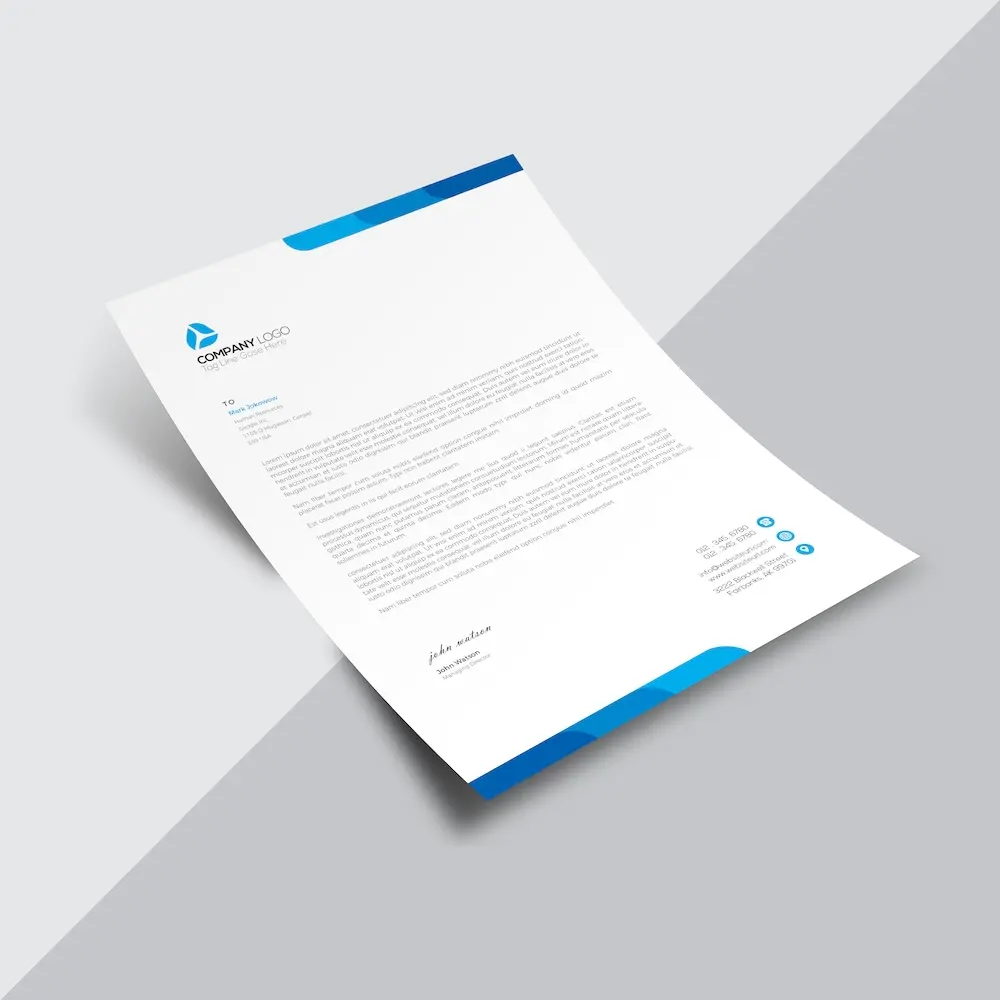
Create custom letterheads with your tech support logo and reinforce your brand with every document you send.
See product templates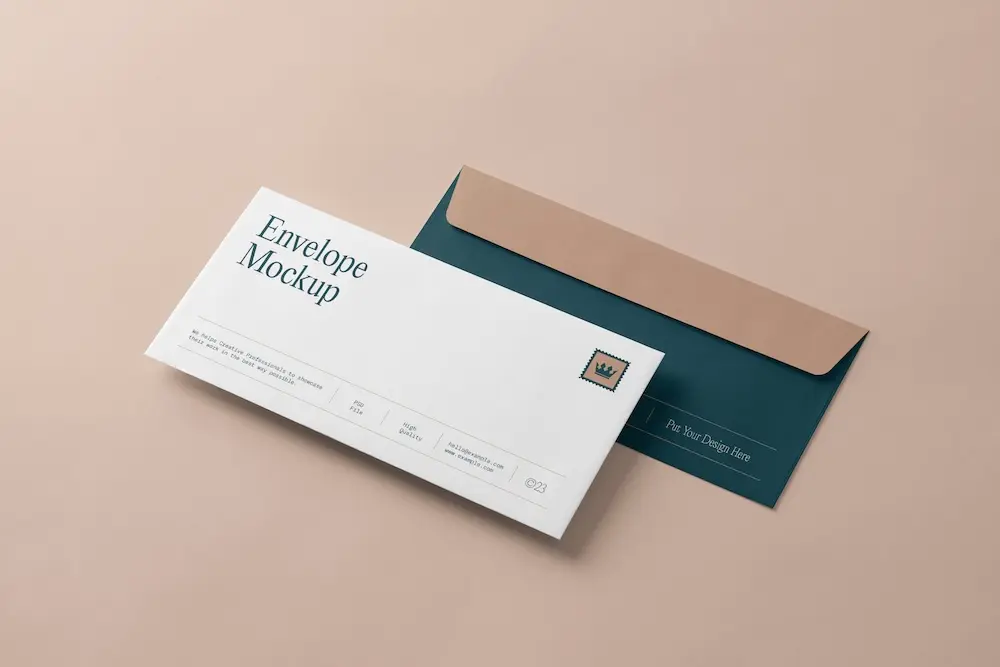
Create custom envelopes with your tech support logo to match your letterheads and give every mailing a professional finish.
See product templates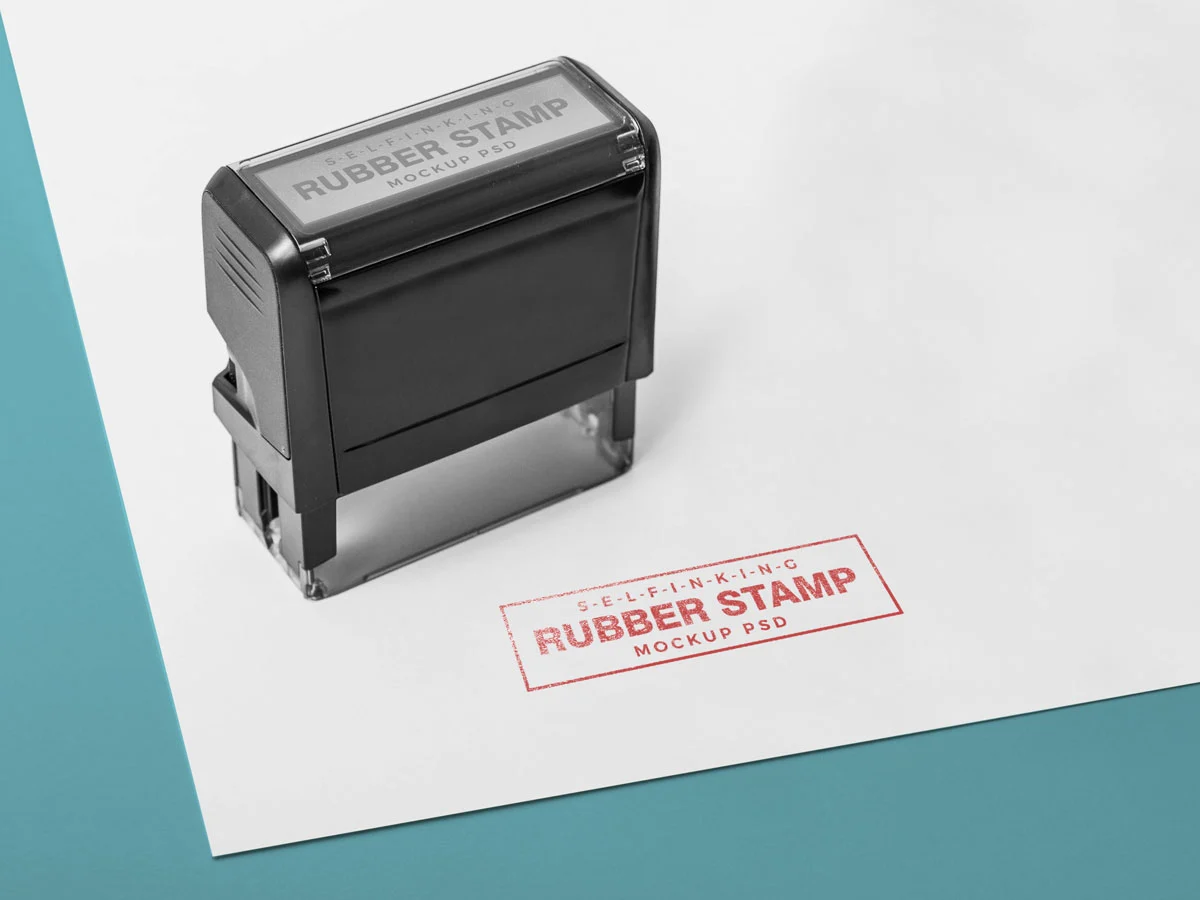
Create custom stamps with your tech support logo or business details for all your professional documents.
See product templates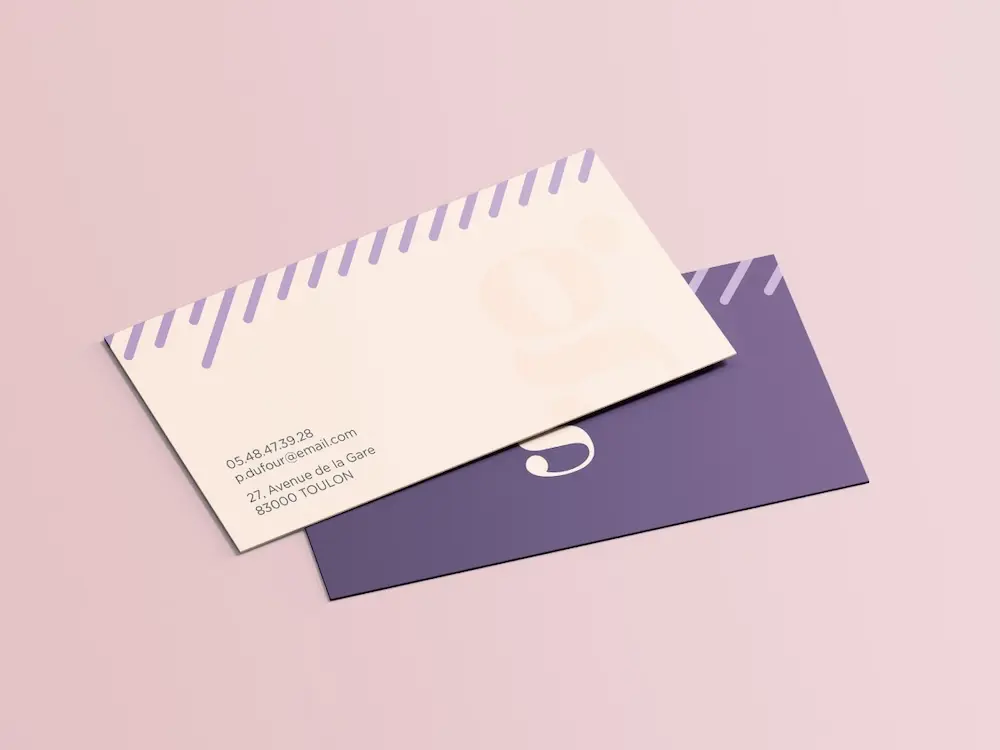
Create personalized correspondence cards with your tech support logo to add a professional touch to every business mailing.
See product templates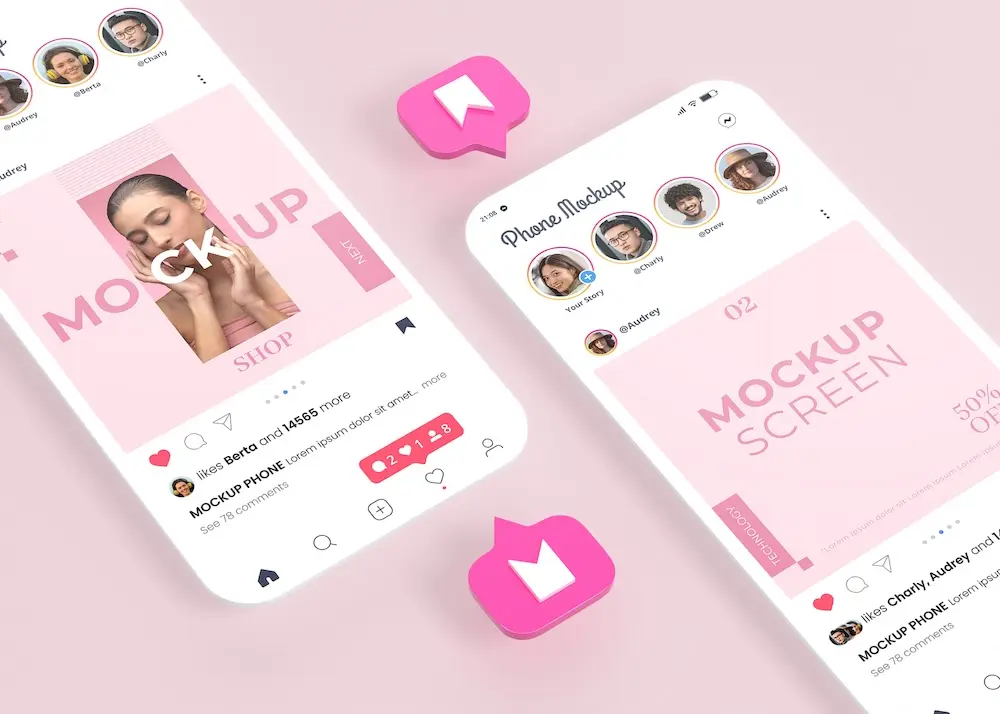
Create digital branding materials with your tech support logo for social media, emails, invoices, and more.
See product templates