Business Cards
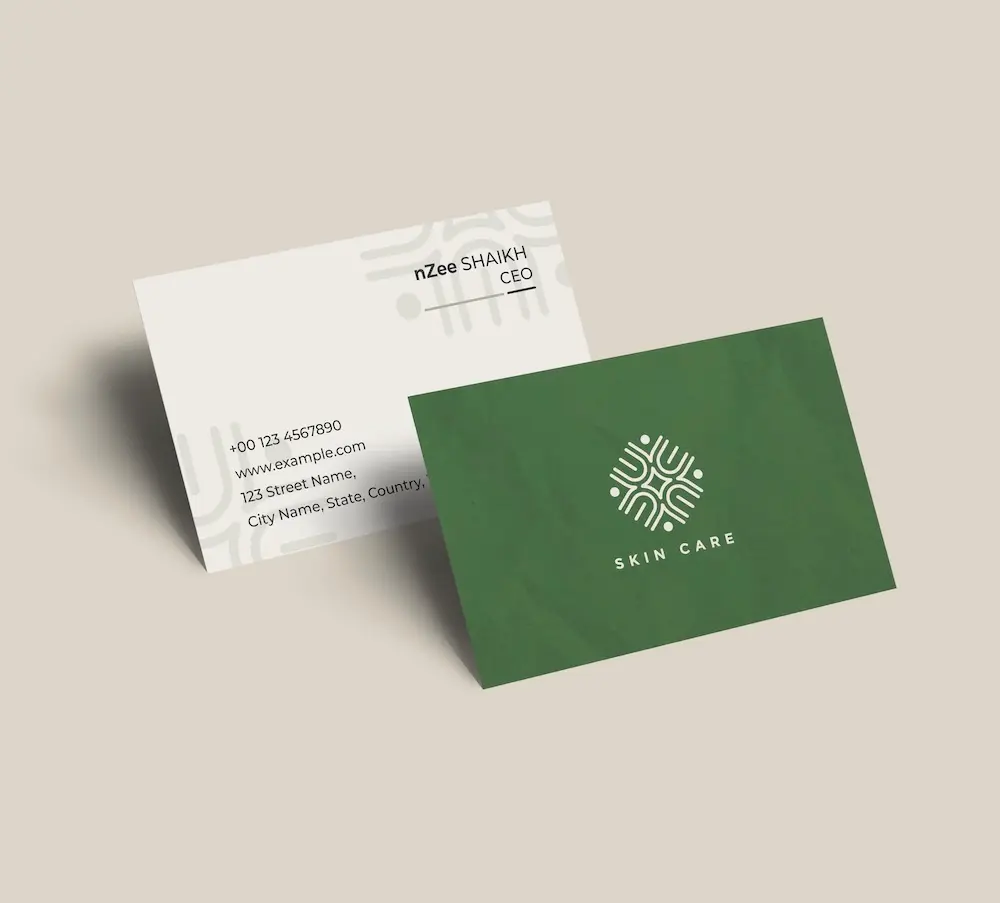
Create professional business cards with your security guard logo and impress clients from the very first meeting.
See product templates
Discover our selection of logo templates designed for your industry.
Explore our range of creative logo styles tailored to every type of company.
Browse unique letter logo templates designed to suit any type of business.
Use our easy-to-use online tools to create dazzling branded products with your logo and matching colors! Discover our wide range.
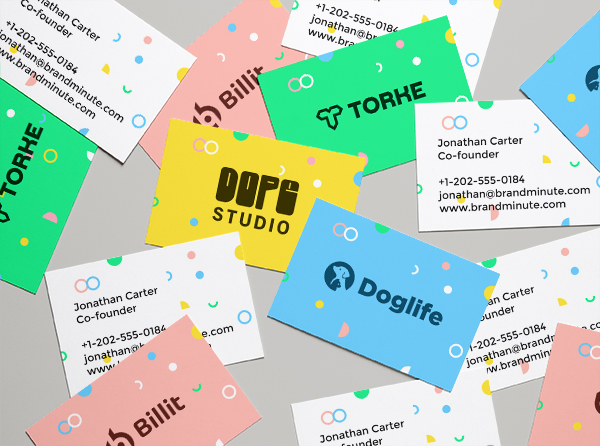
Explore a full range of creative branded products that you can customise online.

Design a professional security guard logo in minutes with our logo maker. Browse through our premium logo templates and customize colors, fonts, layouts and much more.
Discover professionally crafted logo designs tailored to your industry and create a memorable brand identity that looks great on websites, printed products, and all your marketing materials.
Choose a template below and customize it in just a few minutes using our online tools
Watch a short video presentation about our logo design tools
Enter your company name, tagline and industry, and browse hundreds of security guard logos.
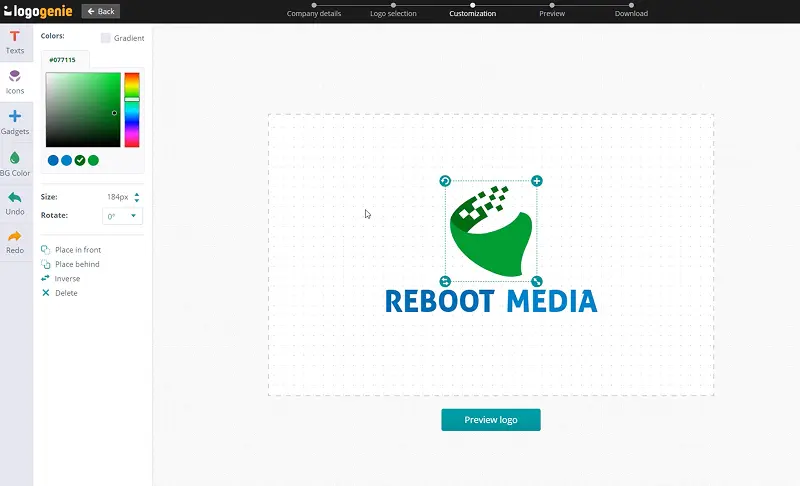
Customize your logo online using our logo design tools. Adjust your colors, fonts, and layout with just a few clicks.
Instantly download your high-definition files to your computer or cell phone.
Yes, all logos can be fully customized. You can adjust colors, fonts, layouts, and icons to create a unique security guard logo that matches your brand identity.
You’ll receive high-resolution files including PNG, JPG, PDF, and vector formats like SVG or EPS, making your security guard logo usable across all digital and print media.
Yes, once purchased, your logo is yours to use for all commercial purposes including websites, business cards, social media, and marketing materials.
Yes, you can return anytime to edit your security guard logo. Update colors, fonts, or layouts as your business evolves.
No design skills are needed. Logogenie’s intuitive tools make it easy for anyone to create a professional security guard logo in just a few clicks.
Yes, your logo can be used across all platforms, including websites, social media, business cards, signage, and merchandise, ensuring consistent branding everywhere.
Yes, your logo is designed to work across all digital and print formats, including websites, email signatures, business cards, and advertising materials.
Yes, your logo is created in high resolution and scalable formats, ensuring it remains sharp and professional as your brand expands across different platforms and sizes.
We have everything you need to launch your security guard business and build your brand.
Create professional business cards with your security guard logo and impress clients from the very first meeting.
See product templates
Create custom letterheads with your security guard logo and reinforce your brand with every document you send.
See product templates
Create custom envelopes with your security guard logo to match your letterheads and give every mailing a professional finish.
See product templates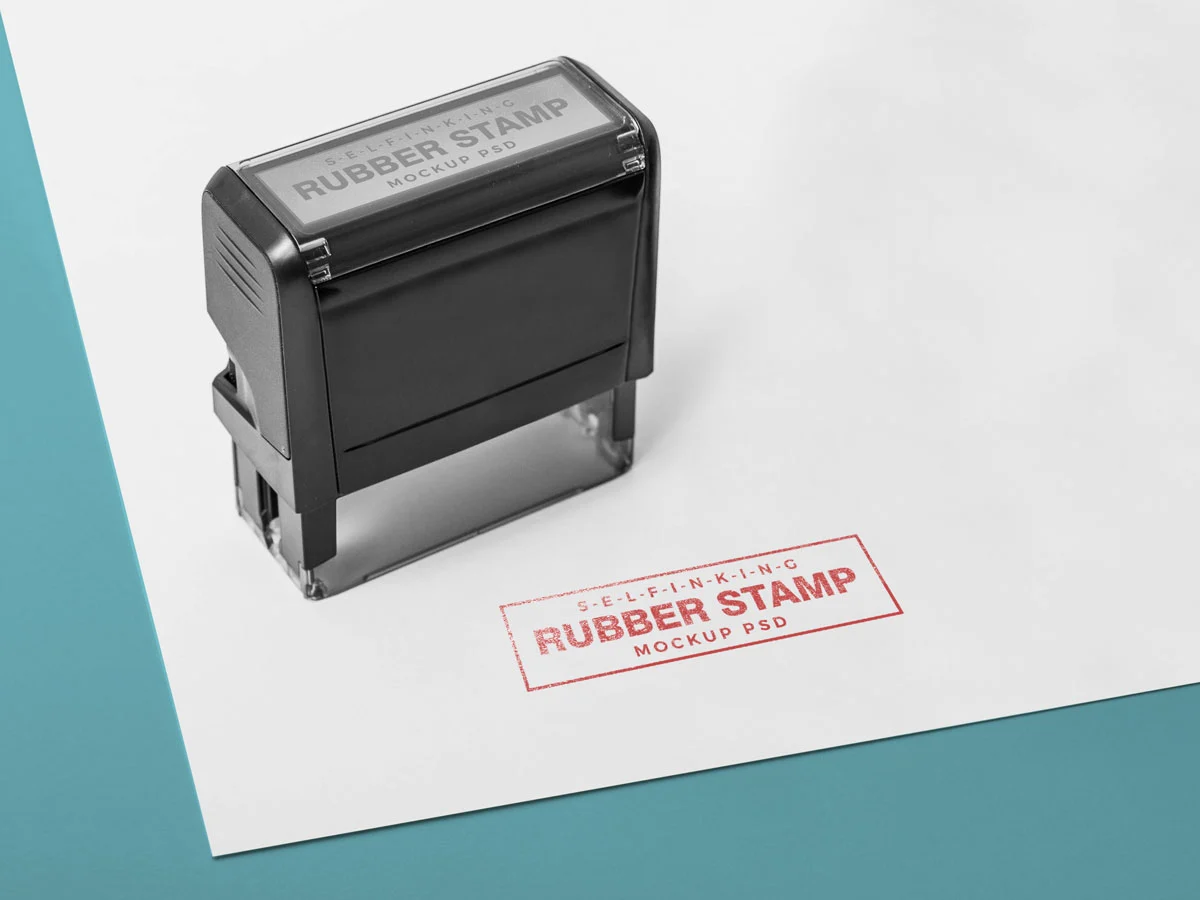
Create custom stamps with your security guard logo or business details for all your professional documents.
See product templates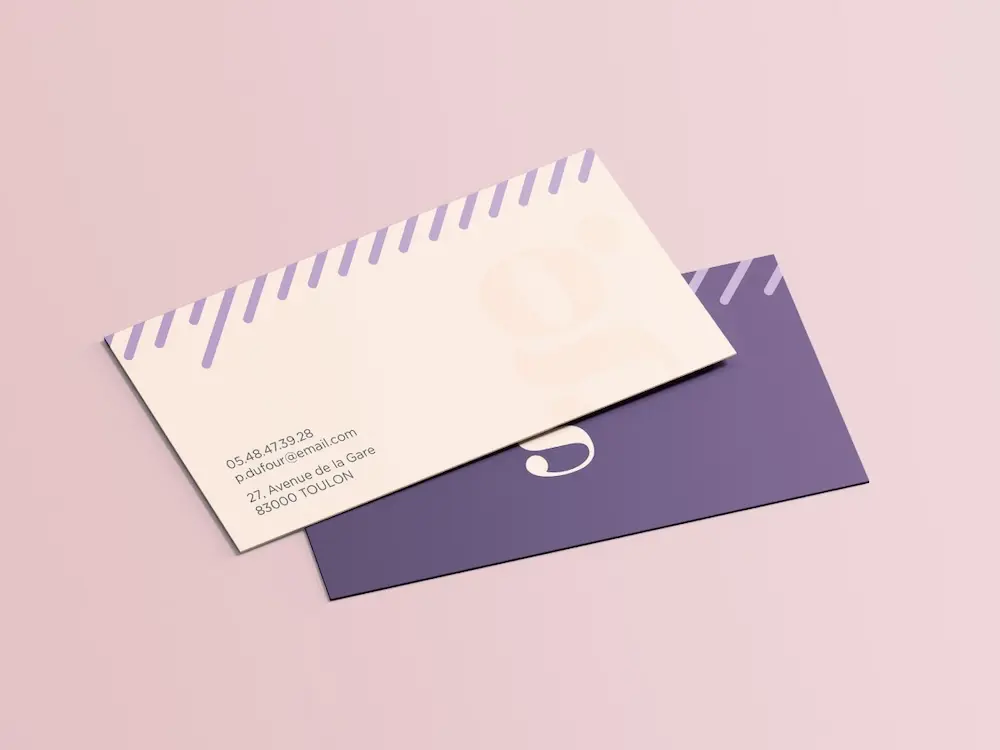
Create personalized correspondence cards with your security guard logo to add a professional touch to every business mailing.
See product templates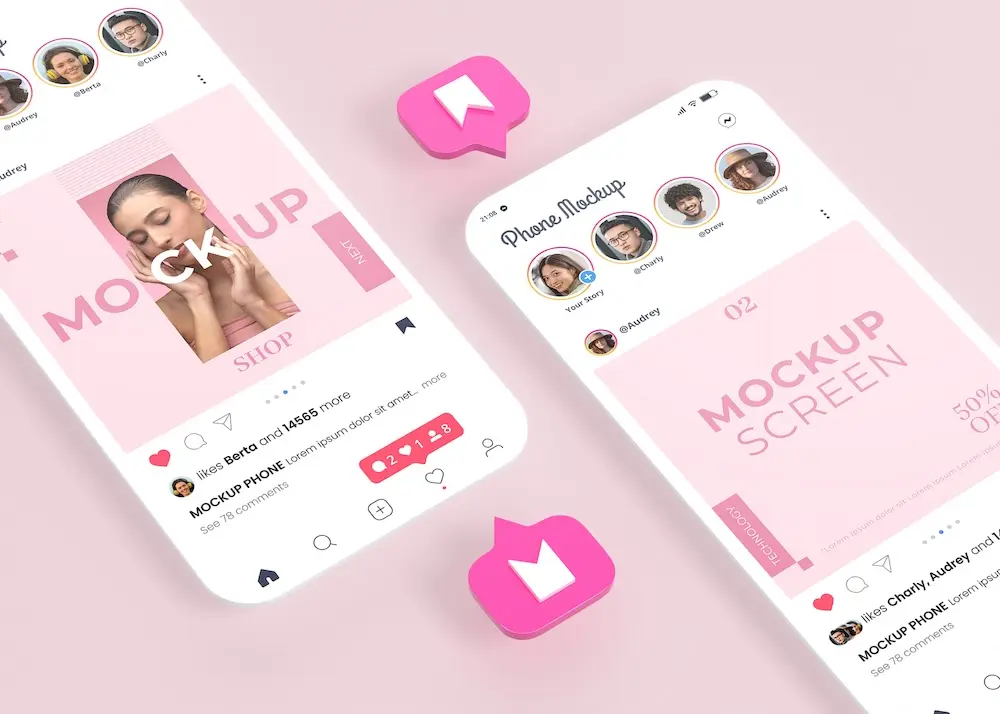
Create digital branding materials with your security guard logo for social media, emails, invoices, and more.
See product templates