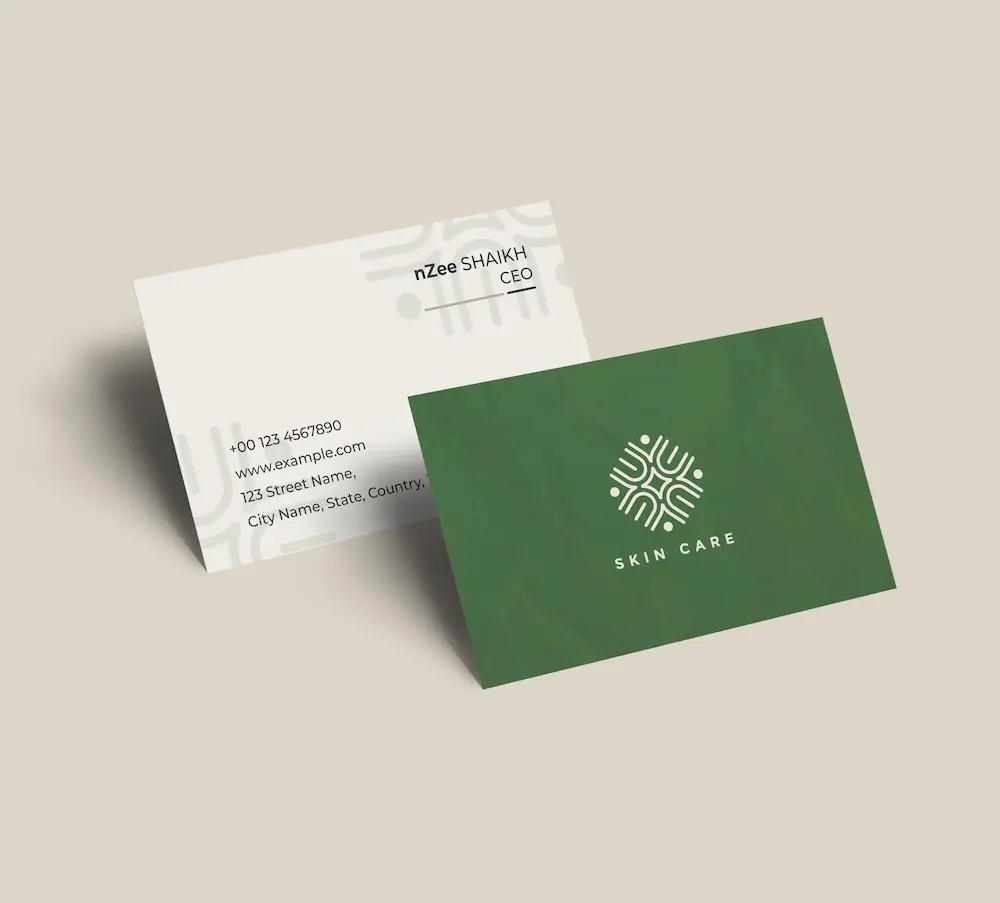
Business Cards
Create professional business cards with your rendering logo and impress clients from the very first meeting.
See product templates
Discover our selection of logo templates designed for your industry.
Explore our range of creative logo styles tailored to every type of company.
Browse unique letter logo templates designed to suit any type of business.
Elevate your brand with a rendering logo that truly embodies its spirit. Use our logo design tools to explore customizable templates, enabling you to craft a design that aligns with your vision.
In rendering, clarity and detail are essential. For architects and product designers, a thoughtfully designed rendering logo communicates professionalism and creativity, leaving a memorable impact on clients.
Choose from our premium rendering logo templates and customize your logo today
Enter your information, customize your logo, and download it in just a few clicks
Enter your company name, tagline and industry, and browse hundreds of rendering logos.
Browse through thousands of rendering logo designs and customise your logo online.
Download high-resolution files suitable for print and digital media.
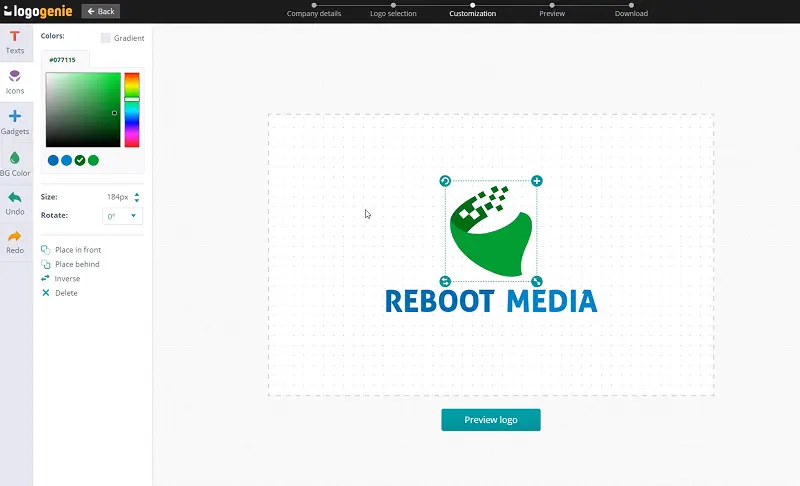
Our tips for creating a modern, professional rendering logo

For a rendering logo design, choose symbols and shapes that convey precision and clarity. Utilizing simple geometric forms enhances recognizability, while clean lines and balanced composition prevent clutter. Adequate spacing between elements boosts legibility, and a minimalistic approach ensures your logo is memorable and effectively communicates your brand’s message.
Your logo must be versatile for various applications within the rendering industry. It should perform well on vehicles, uniforms, and signage, ensuring visibility and recognition. A skilled logo maker can assist in creating designs suitable for packaging and printed materials, maintaining consistency across both digital media and physical products.
What are the best layouts, colors and fonts for your rendering logo
A clear and recognizable logo is essential, even at smaller sizes. Use simple vector shapes and proper spacing for clarity.
Balance the icon and text while incorporating negative space to enhance visibility, avoiding intricate details that may be lost when scaled down. Experiment with layouts like horizontal, stacked, or icon-only designs to improve your rendering logo design's adaptability.
For a rendering logo, choose colors like deep blue and crisp white to express trust and clarity. Teal and gray can also provide a fresh, professional look. High contrast ensures readability across different backgrounds.
Using 2-3 colors keeps your design balanced and impactful. Effective logo design tools can enhance your creative process and help you create a standout logo.

Choosing the right font is essential for rendering logo design. Bold options like Gotham Black enhance clarity, while pairing with a lighter sans-serif ensures readability.
Use a logo maker to explore different combinations. Proper spacing and weight improve legibility, and fonts like Oswald or Arlon SemiBold provide a polished appearance, perfect for the rendering industry.
Yes, all logos can be fully customized. You can adjust colors, fonts, layouts, and icons to create a unique rendering logo that matches your brand identity.
You’ll receive high-resolution files including PNG, JPG, PDF, and vector formats like SVG or EPS, making your rendering logo usable across all digital and print media.
Yes, once purchased, your logo is yours to use for all commercial purposes including websites, business cards, social media, and marketing materials.
Yes, you can return anytime to edit your rendering logo. Update colors, fonts, or layouts as your business evolves.
No design skills are needed. Logogenie’s intuitive tools make it easy for anyone to create a professional rendering logo in just a few clicks.
Yes, your logo can be used across all platforms, including websites, social media, business cards, signage, and merchandise, ensuring consistent branding everywhere.
Yes, your logo is designed to work across all digital and print formats, including websites, email signatures, business cards, and advertising materials.
Yes, your logo is created in high resolution and scalable formats, ensuring it remains sharp and professional as your brand expands across different platforms and sizes.
Everything you need to launch your rendering business and promote your brand
Create professional business cards with your rendering logo and impress clients from the very first meeting.
See product templates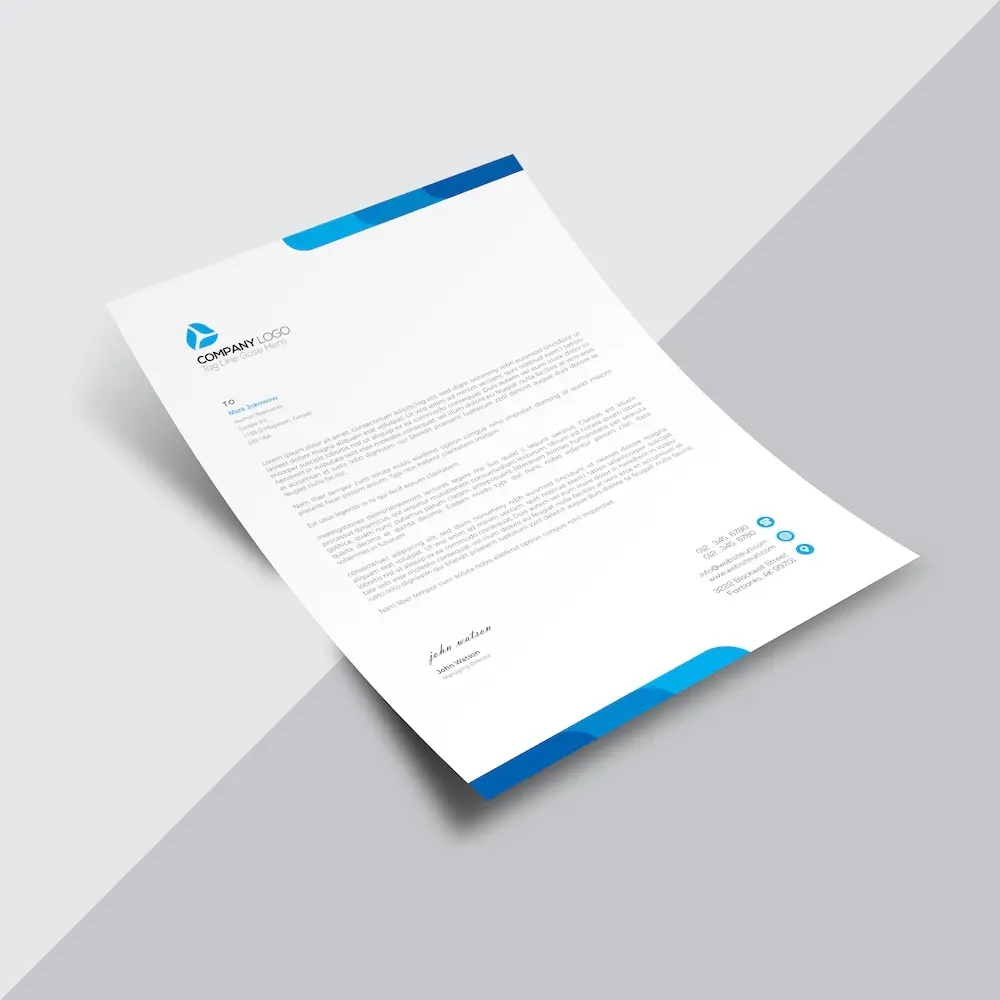
Create custom letterheads with your rendering logo and reinforce your brand with every document you send.
See product templates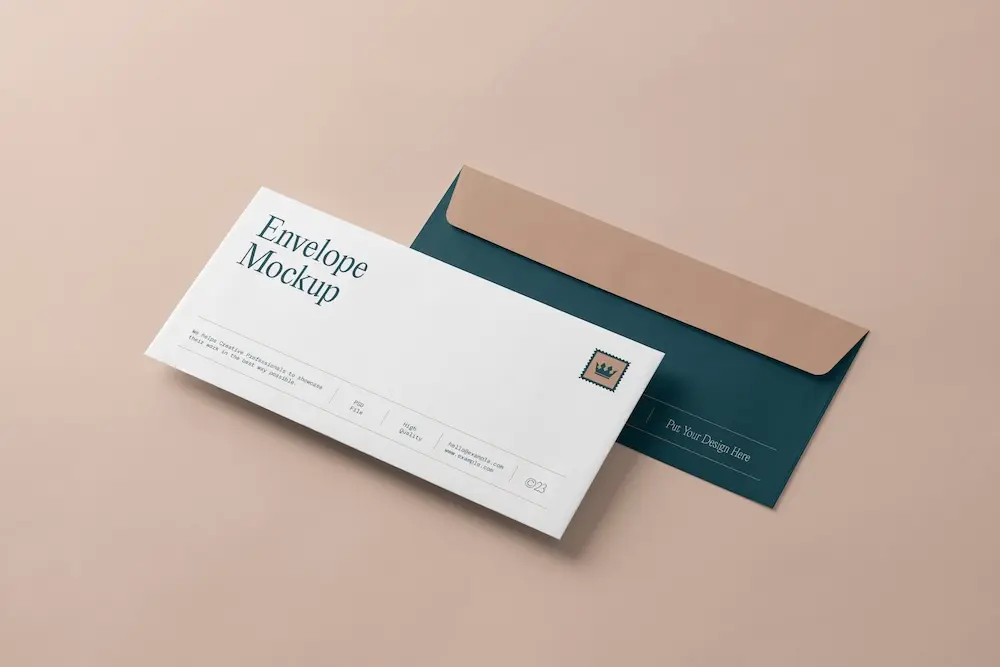
Create custom envelopes with your rendering logo to match your letterheads and give every mailing a professional finish.
See product templates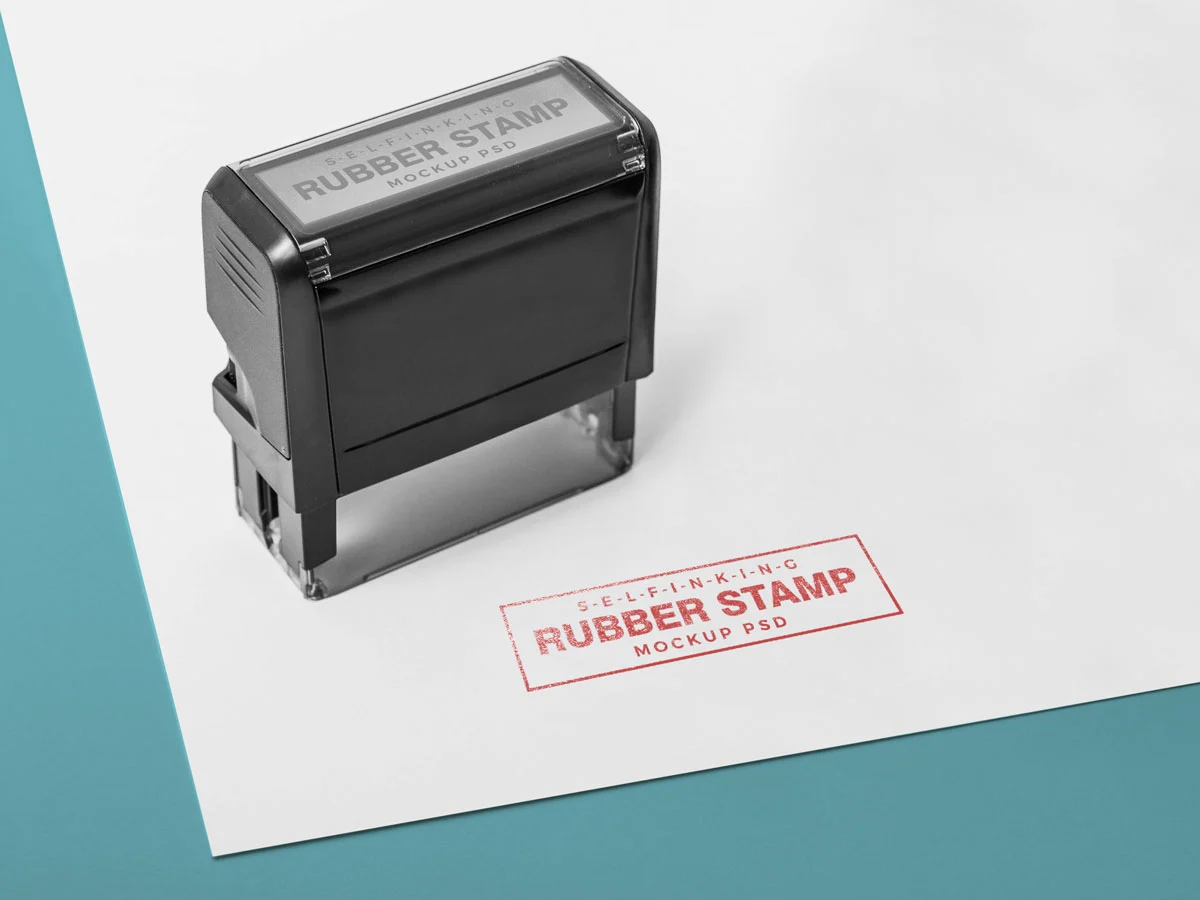
Create custom stamps with your rendering logo or business details for all your professional documents.
See product templates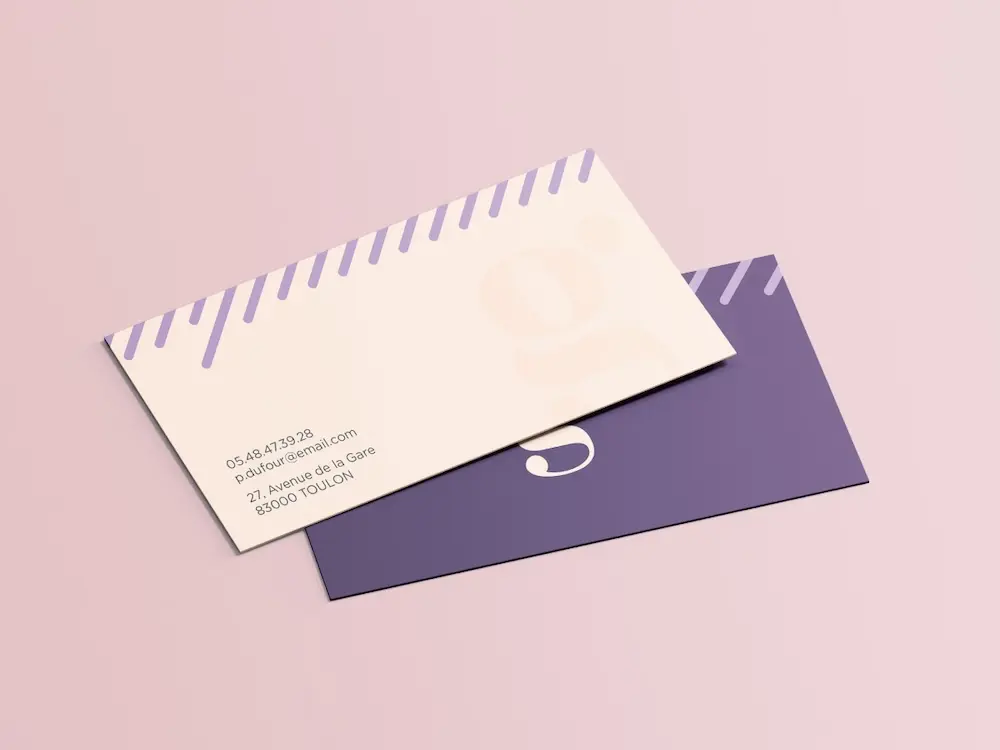
Create personalized correspondence cards with your rendering logo to add a professional touch to every business mailing.
See product templates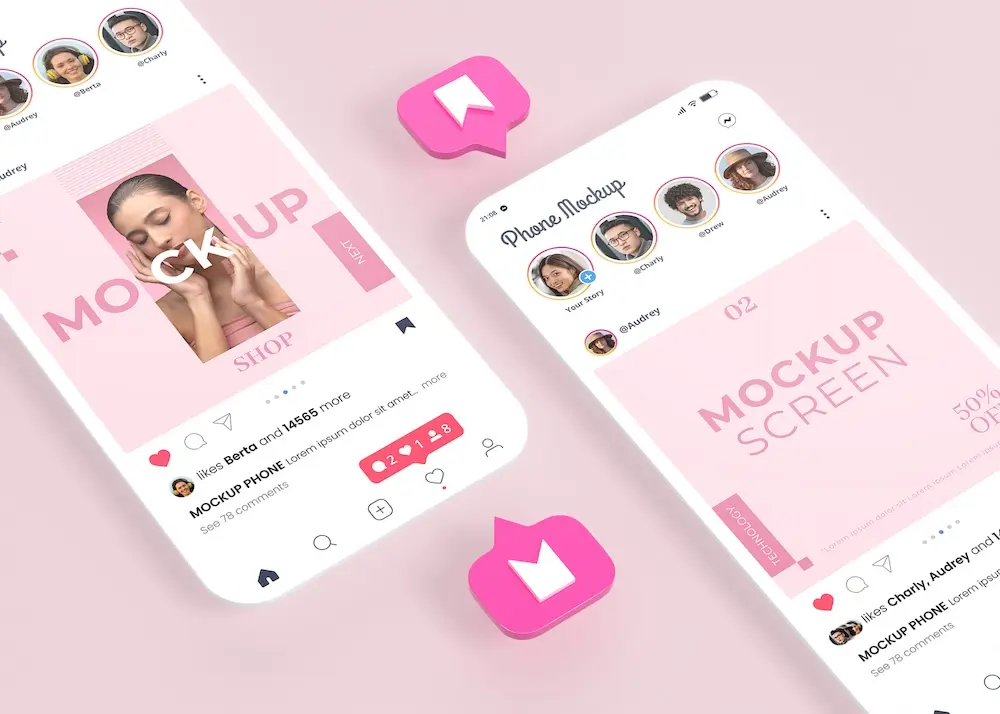
Create digital branding materials with your rendering logo for social media, emails, invoices, and more.
See product templates