
Business Cards
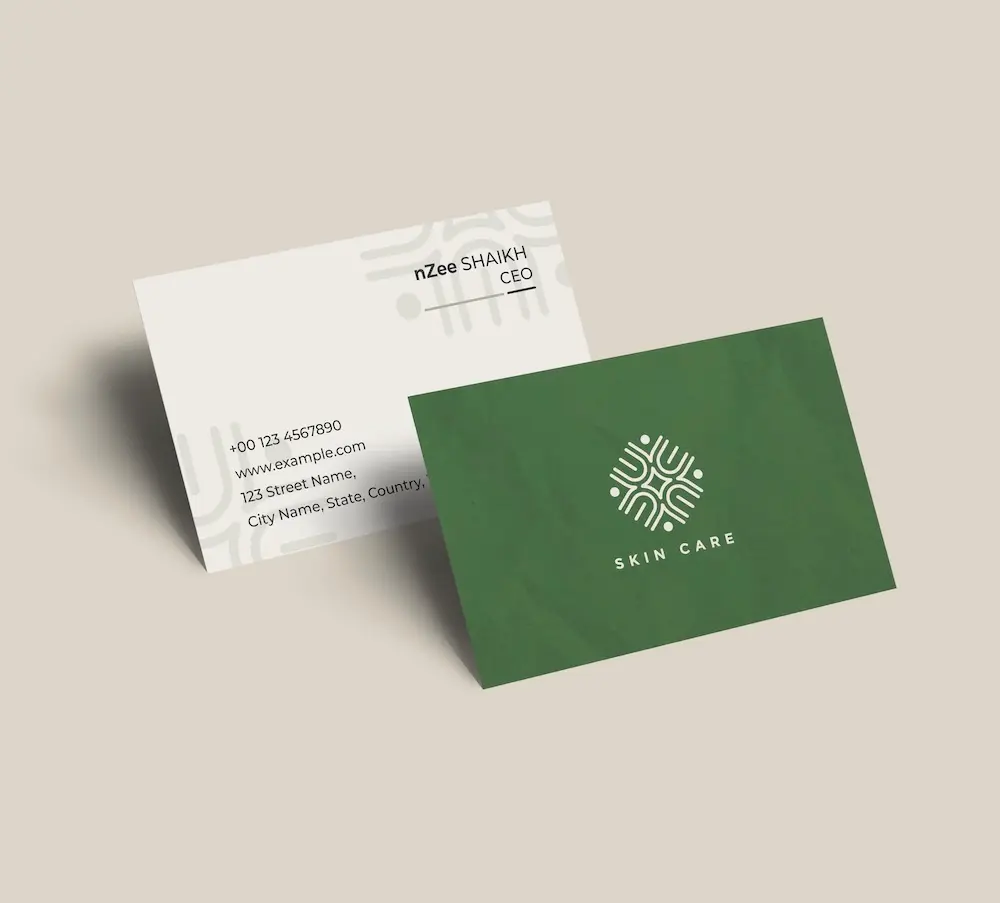
Create professional business cards with your maple logo and impress clients from the very first meeting.
See product templates
Discover our selection of logo templates designed for your industry.
Explore our range of creative logo styles tailored to every type of company.
Browse unique letter logo templates designed to suit any type of business.
Use our easy-to-use online tools to create dazzling branded products with your logo and matching colors! Discover our wide range.
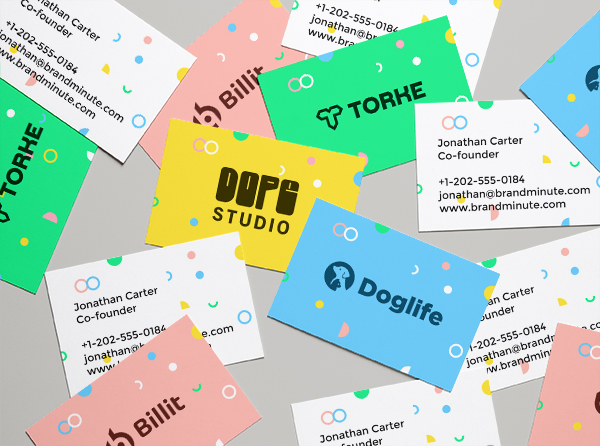
Explore a full range of creative branded products that you can customise online.




A captivating maple logo sets your brand apart in a crowded market. Use our logo creator to explore customizable templates that connect with your audience and showcase your distinct offerings.
In the realm of maple, whether you produce artisanal goods or deliver genuine services, a thoughtfully designed logo embodies quality and heritage.
Choose from our premium maple logo templates and customize your logo today
Enter your information, customize your logo, and download it in just a few clicks
Enter your company name, tagline and industry, and browse hundreds of maple logos.
Browse through thousands of maple logo designs and customise your logo online.
Download high-resolution files suitable for print and digital media.
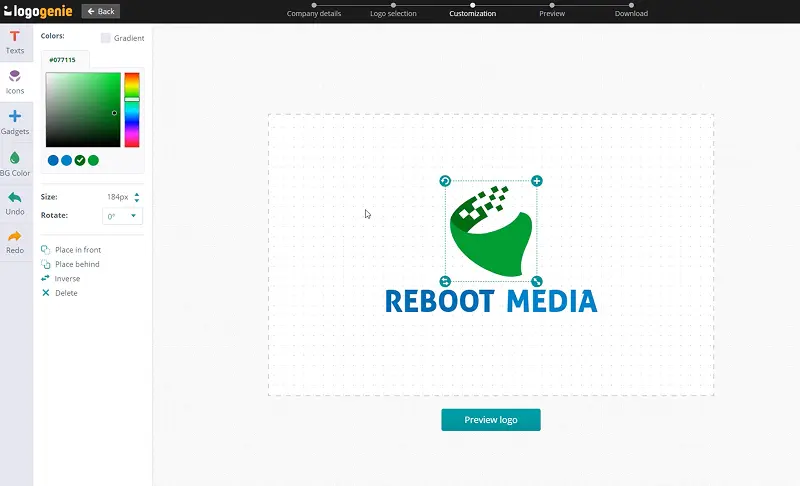
Our tips for creating a modern, professional maple logo


Start creating your maple leaf logo with a simple, clean icon on a balanced layout. Ideally, your maple symbol should have a crisp outline and balanced proportions without complex details. Keeping your artwork clean means your maple logo will stay recognizable across business cards, signage, packaging, websites, promotional products, and more, all while reinforcing your brand’s professional identity.
Explore existing maple logo design ideas, too. You’ll want your brand identity to be readily recognizable anywhere people interact with your business.
What are the best layouts, colors and fonts for your maple logo


A clear and recognizable maple logo is essential, regardless of its size. Use simple vector shapes and maintain proper spacing to achieve a harmonious balance between icons and text.
Avoid intricate details that may become lost when scaled down. Experiment with various layout options, including horizontal, stacked, or compact designs, to find the perfect fit for your brand.
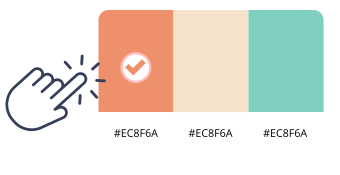
A maple logo design benefits from earthy tones such as warm browns, deep greens, and soft golds, reflecting the natural beauty of maple trees.
Combine brown and gold for warmth or green and brown for a fresh appearance. Use these colors on different backgrounds to enhance contrast and readability. Online logo design tools can assist in exploring these effective palettes.

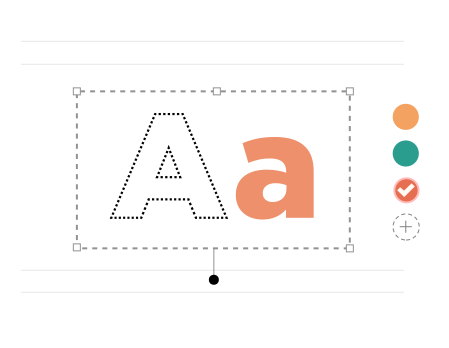
For a maple logo, Orborn and CallingHeart keep names clear and strong. Our logo maker lets you test weight and spacing. Check contrast on light and dark backgrounds. Avoid thin strokes that fade at small sizes.
Use Orborn for short titles in your maple logo design. Keep spacing open between letters. Pick one bold style and one simple style.
Yes, all logos can be fully customized. You can adjust colors, fonts, layouts, and icons to create a unique maple logo that matches your brand identity.
You’ll receive high-resolution files including PNG, JPG, PDF, and vector formats like SVG or EPS, making your maple logo usable across all digital and print media.
Yes, once purchased, your logo is yours to use for all commercial purposes including websites, business cards, social media, and marketing materials.
Yes, you can return anytime to edit your maple logo. Update colors, fonts, or layouts as your business evolves.
No design skills are needed. Logogenie’s intuitive tools make it easy for anyone to create a professional maple logo in just a few clicks.
Yes, your logo can be used across all platforms, including websites, social media, business cards, signage, and merchandise, ensuring consistent branding everywhere.
Yes, your logo is designed to work across all digital and print formats, including websites, email signatures, business cards, and advertising materials.
Yes, your logo is created in high resolution and scalable formats, ensuring it remains sharp and professional as your brand expands across different platforms and sizes.
Everything you need to launch your maple business and promote your brand
Create professional business cards with your maple logo and impress clients from the very first meeting.
See product templates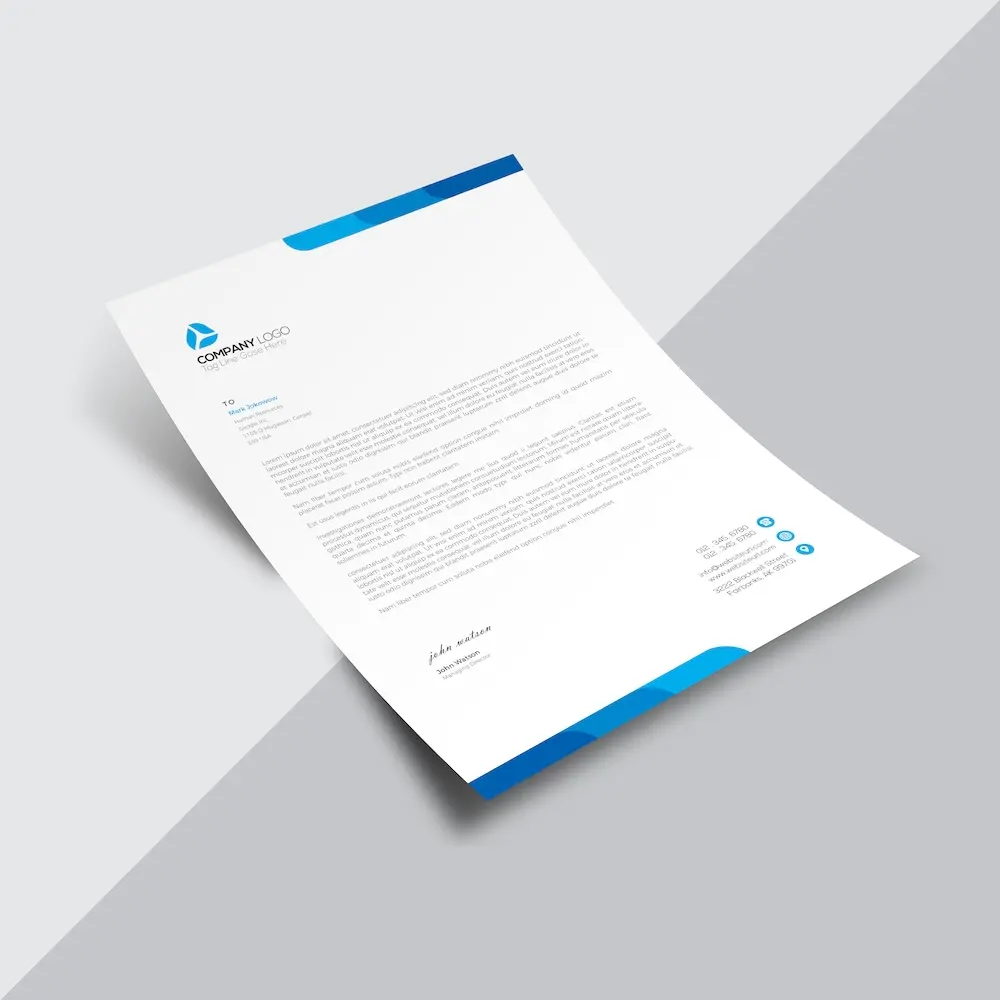
Create custom letterheads with your maple logo and reinforce your brand with every document you send.
See product templates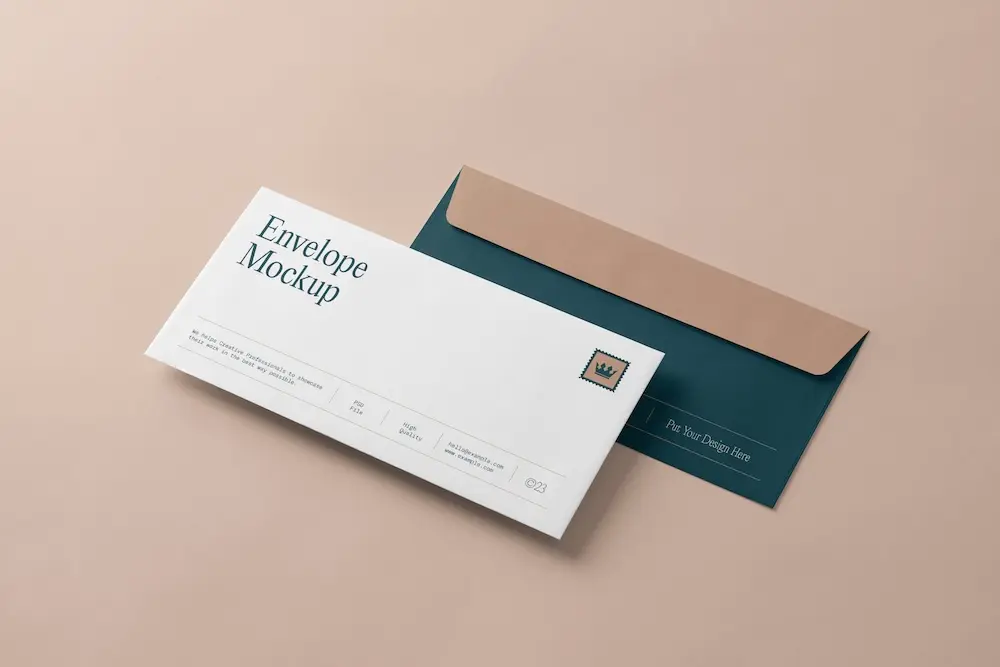
Create custom envelopes with your maple logo to match your letterheads and give every mailing a professional finish.
See product templates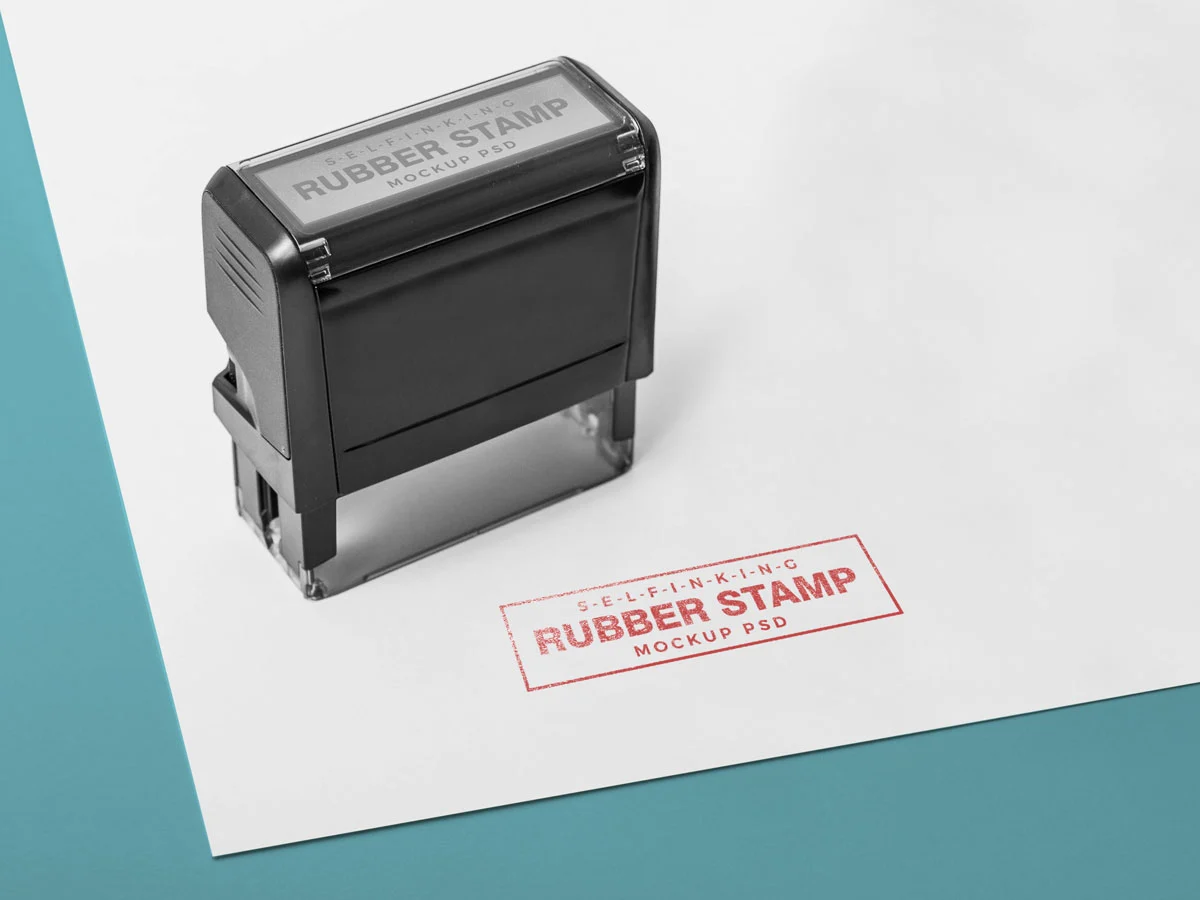
Create custom stamps with your maple logo or business details for all your professional documents.
See product templates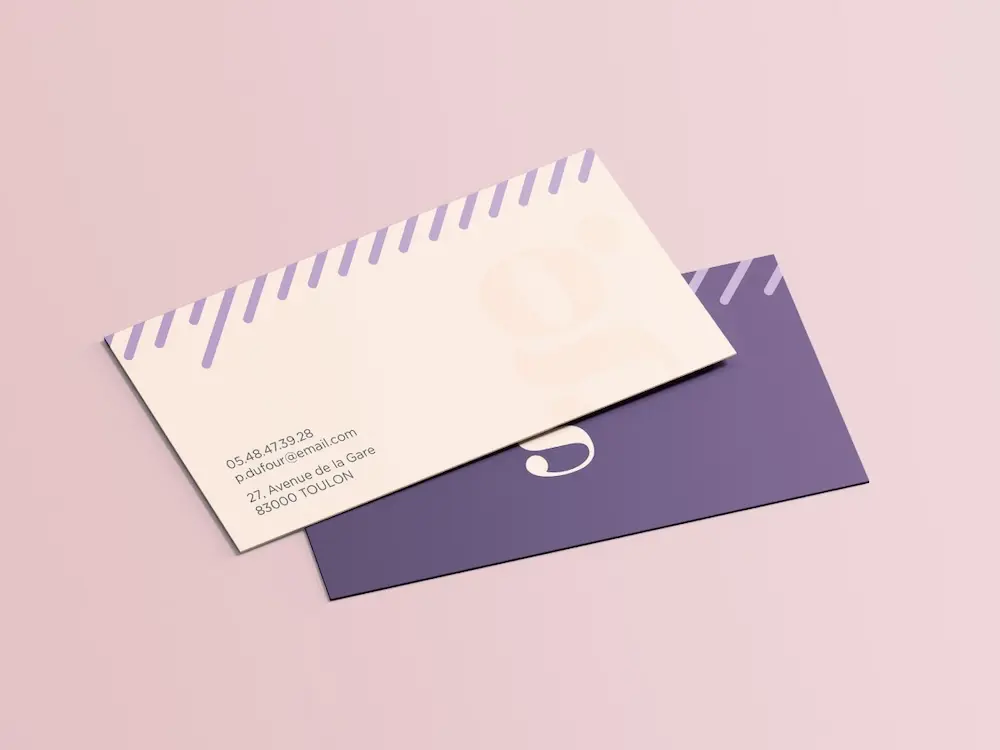
Create personalized correspondence cards with your maple logo to add a professional touch to every business mailing.
See product templates
Create digital branding materials with your maple logo for social media, emails, invoices, and more.
See product templates