Business Cards
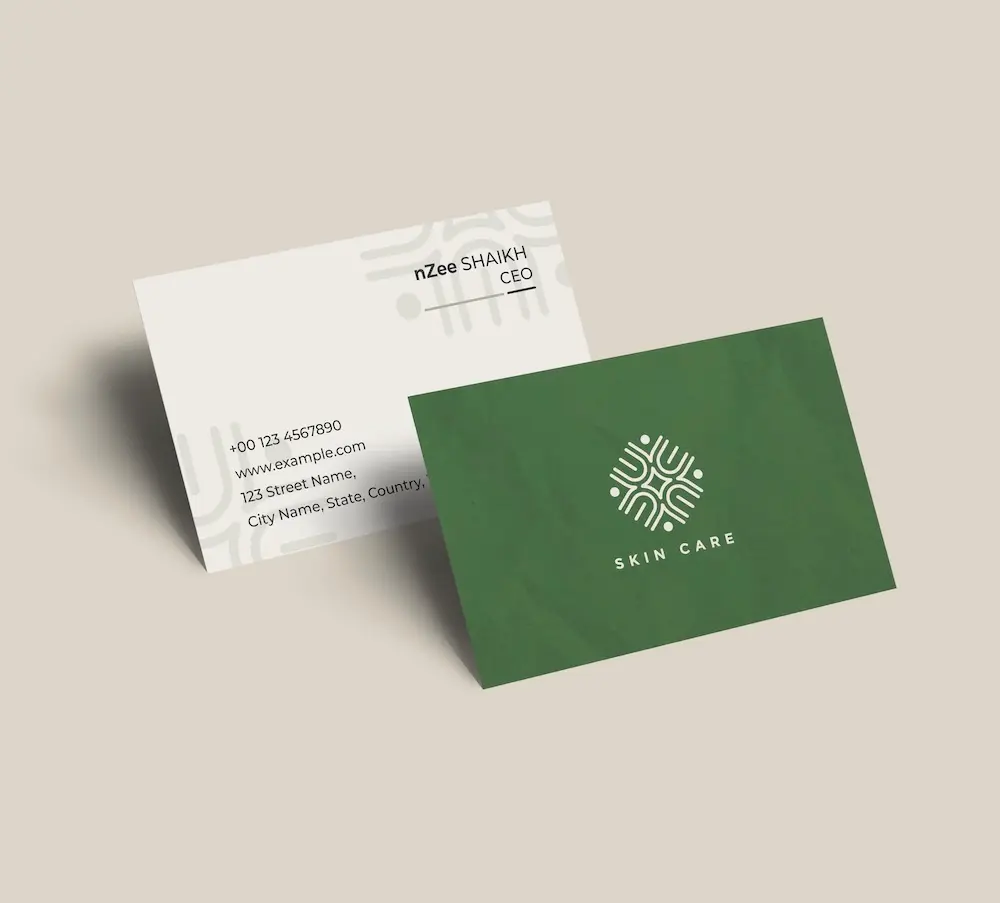
Create professional business cards with your instrument logo and impress clients from the very first meeting.
See product templates
Discover our selection of logo templates designed for your industry.
Explore our range of creative logo styles tailored to every type of company.
Browse unique letter logo templates designed to suit any type of business.
Use our easy-to-use online tools to create dazzling branded products with your logo and matching colors! Discover our wide range.
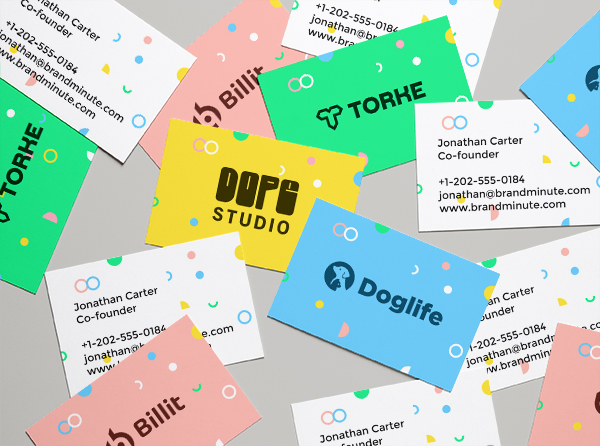
Explore a full range of creative branded products that you can customise online.

Creating a memorable instrument logo is vital for connecting with your audience. Our logo design tools allow you to design and personalize a logo that reflects your business's essence and unique characteristics.
In the instrument industry, capturing the spirit of music and performance is essential. A striking logo represents quality and passion, helping manufacturers, retailers, and educators differentiate themselves in a competitive landscape.
Choose from our premium instrument logo templates and customize your logo today
Enter your information, customize your logo, and download it in just a few clicks
Enter your company name, tagline and industry, and browse hundreds of instrument logos.
Browse through thousands of instrument logo designs and customise your logo online.
Download high-resolution files suitable for print and digital media.
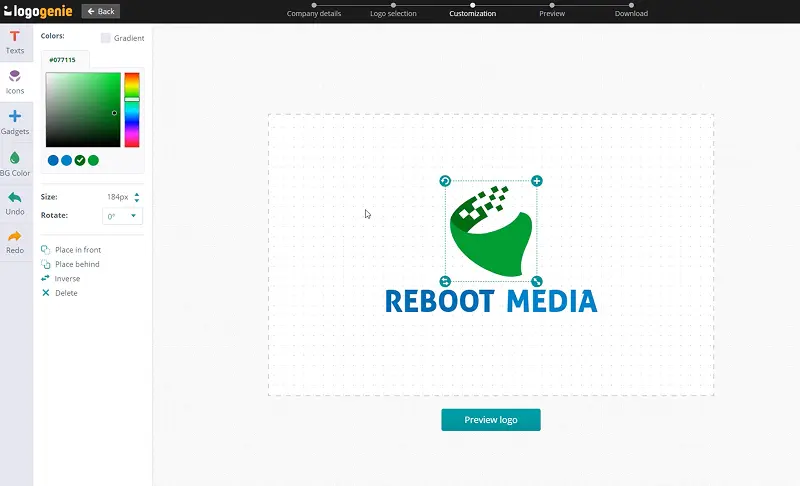
Our tips for creating a modern, professional instrument logo

For an instrument logo design, incorporate symbols like musical notes, instruments, or sound waves to effectively convey your brand's essence. Choose simple, recognizable shapes with ample spacing for clarity. A clean design enhances memorability, so steer clear of clutter. Bold colors that reflect your brand and resonate with your audience will amplify visual impact.
Your logo must perform well across diverse applications, including vehicles, uniforms, and packaging for instruments. When utilizing logo design tools, ensure your design adapts seamlessly to both digital and printed formats. A versatile logo guarantees consistent branding, whether displayed on merchandise or signage.
What are the best layouts, colors and fonts for your instrument logo



A instrument logo should stay clear at every size. Prefer simple vector shapes, open spacing, and a balanced icon-to-text ratio for cards, signs, apps, websites, and tiny favicons.
Offer horizontal, stacked, compact, and icon-only versions of your instrument logo design. Protect negative space carefully and test layouts on both light and dark backgrounds before you publish.
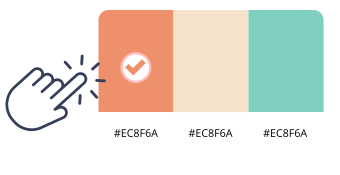
For an instrument logo, consider using deep blues and rich greens. These colors evoke trust and creativity, essential for this industry. Pairing them with a neutral gray can enhance readability and contrast on various backgrounds.
Using a logo maker, you can create designs that stand out. A combination of two to three colors will keep your logo clean and professional.

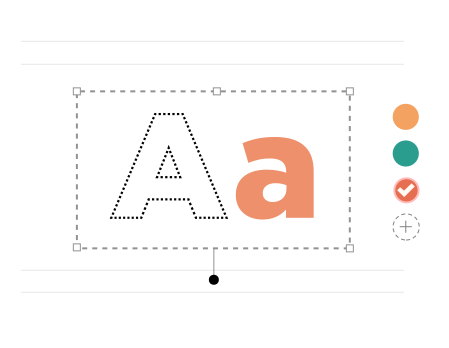
Selecting the right fonts for your instrument logo design is essential for effective communication. Bold choices like Futura XBlk BT enhance visibility, while softer options such as Baskerville provide a modern touch.
Experiment with spacing and weight using online logo design tools. Pairing Agency with Oswald can create a polished brand identity in the instrument industry.
Yes, all logos can be fully customized. You can adjust colors, fonts, layouts, and icons to create a unique instrument logo that matches your brand identity.
You’ll receive high-resolution files including PNG, JPG, PDF, and vector formats like SVG or EPS, making your instrument logo usable across all digital and print media.
Yes, once purchased, your logo is yours to use for all commercial purposes including websites, business cards, social media, and marketing materials.
Yes, you can return anytime to edit your instrument logo. Update colors, fonts, or layouts as your business evolves.
No design skills are needed. Logogenie’s intuitive tools make it easy for anyone to create a professional instrument logo in just a few clicks.
Yes, your logo can be used across all platforms, including websites, social media, business cards, signage, and merchandise, ensuring consistent branding everywhere.
Yes, your logo is designed to work across all digital and print formats, including websites, email signatures, business cards, and advertising materials.
Yes, your logo is created in high resolution and scalable formats, ensuring it remains sharp and professional as your brand expands across different platforms and sizes.
Everything you need to launch your instrument business and promote your brand
Create professional business cards with your instrument logo and impress clients from the very first meeting.
See product templates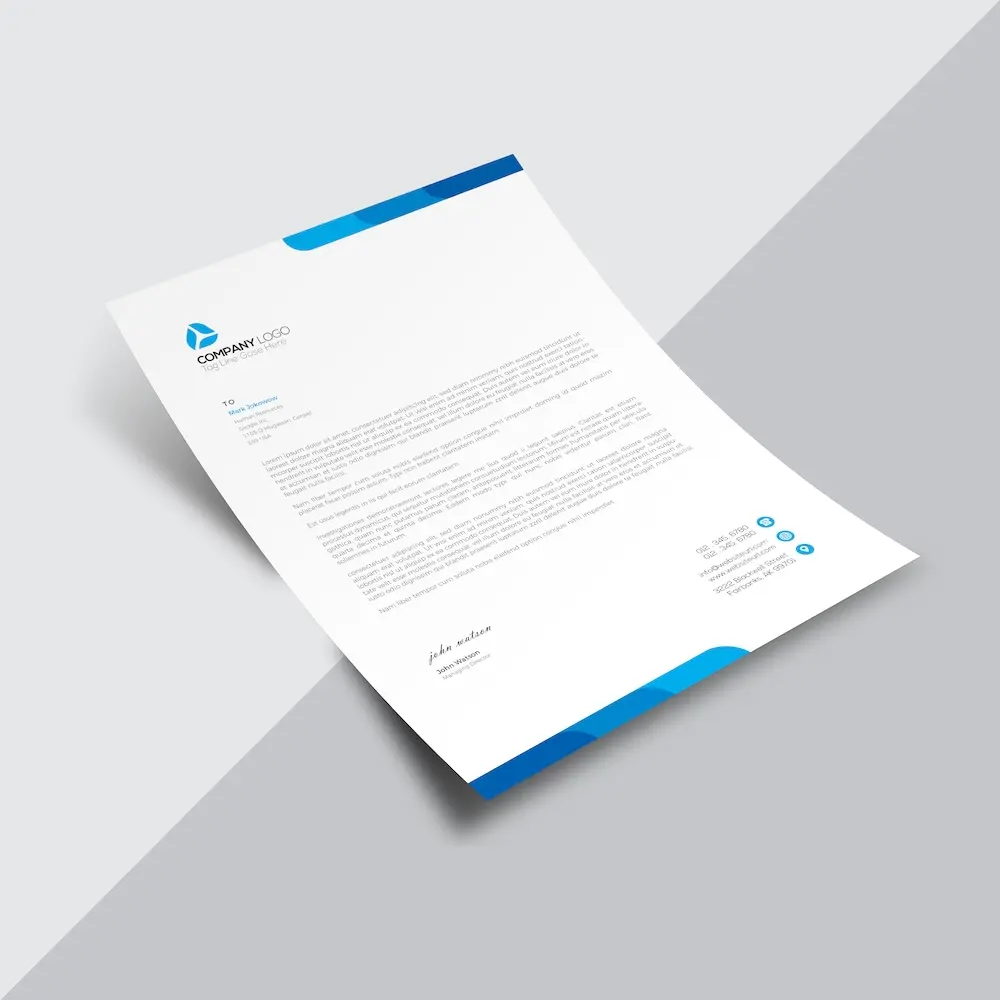
Create custom letterheads with your instrument logo and reinforce your brand with every document you send.
See product templates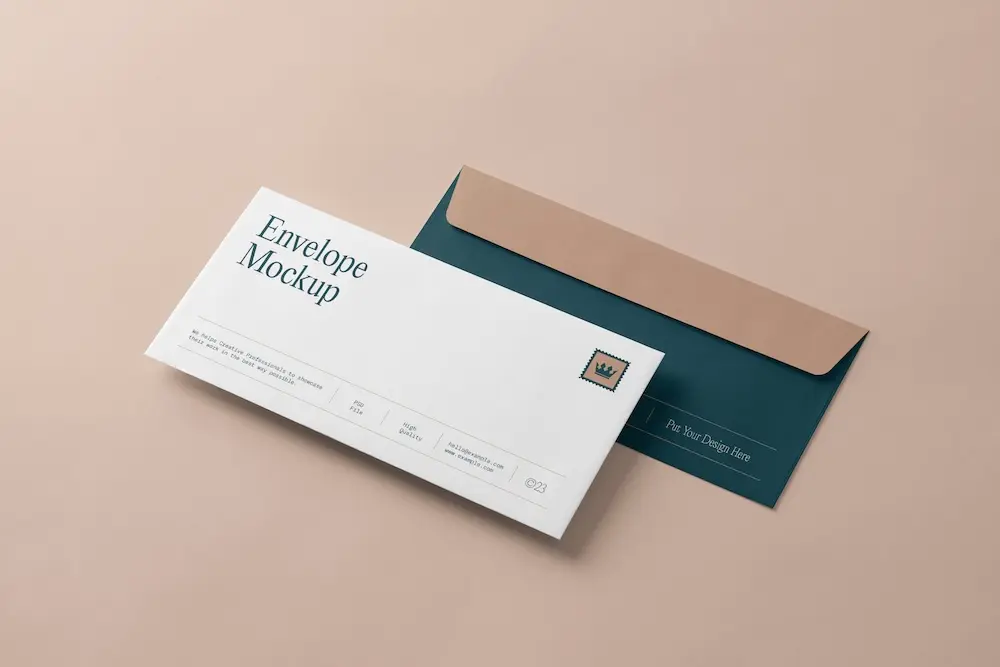
Create custom envelopes with your instrument logo to match your letterheads and give every mailing a professional finish.
See product templates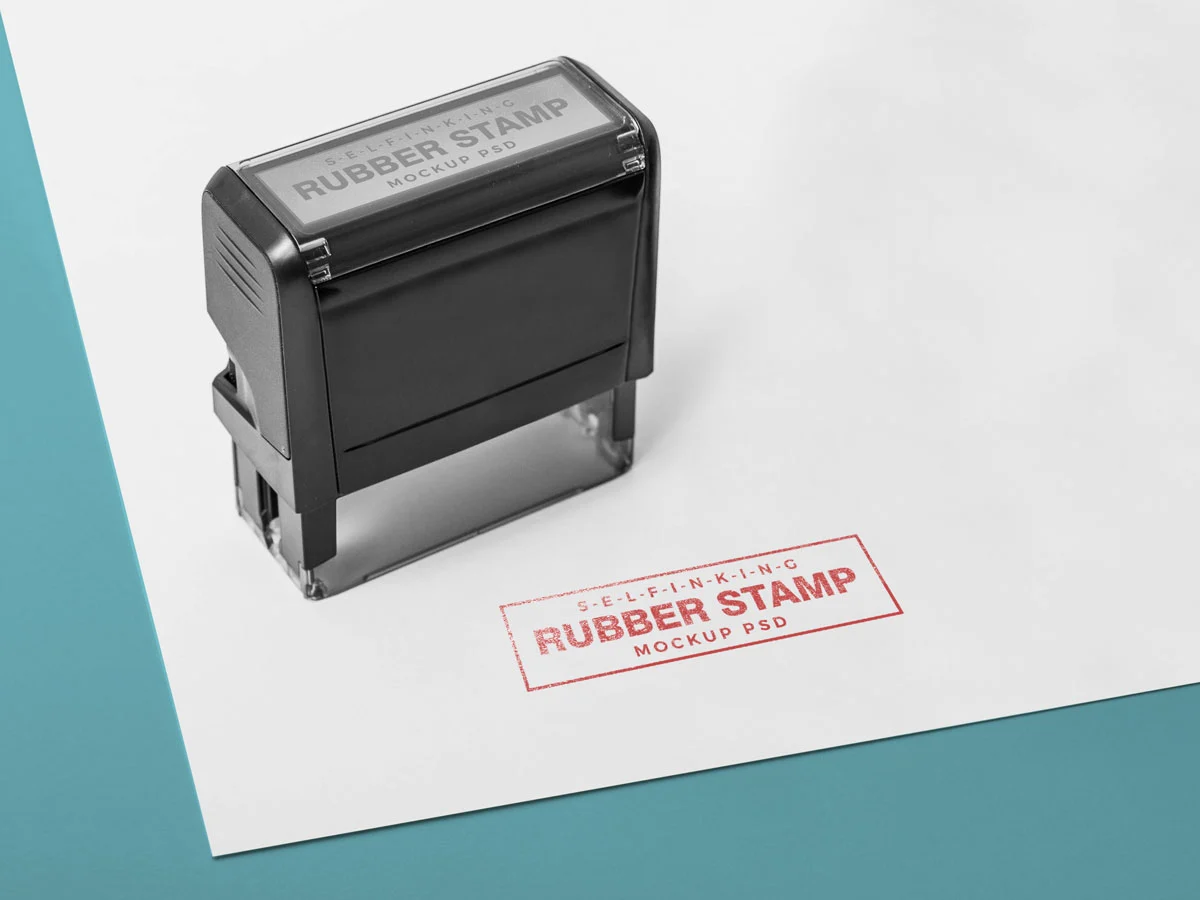
Create custom stamps with your instrument logo or business details for all your professional documents.
See product templates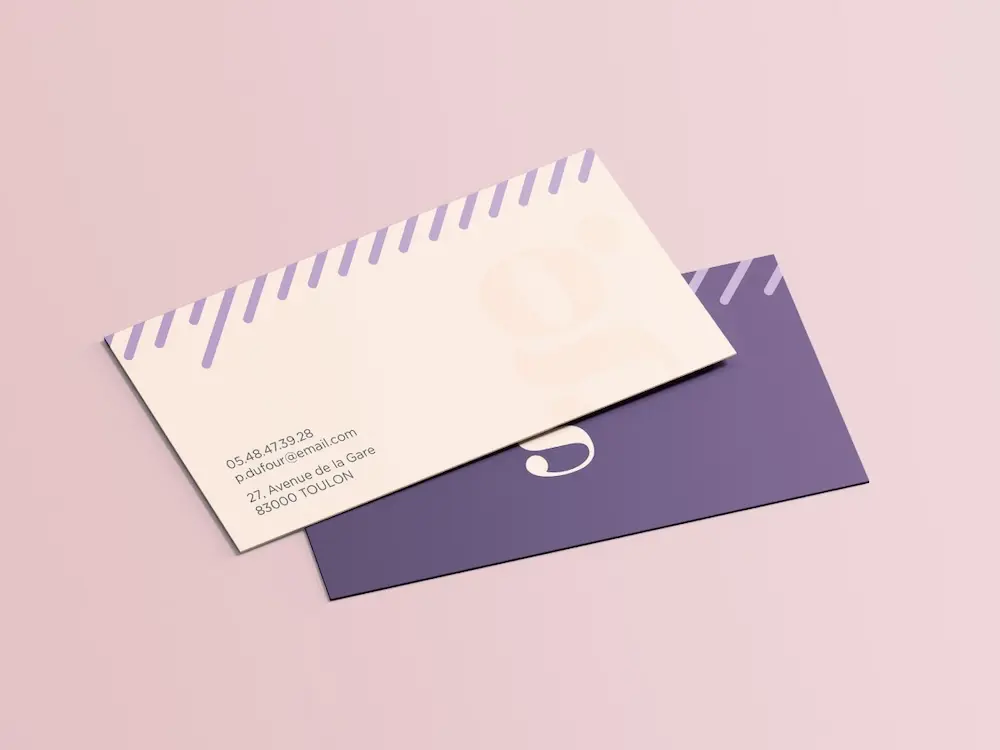
Create personalized correspondence cards with your instrument logo to add a professional touch to every business mailing.
See product templates
Create digital branding materials with your instrument logo for social media, emails, invoices, and more.
See product templates