Business Cards
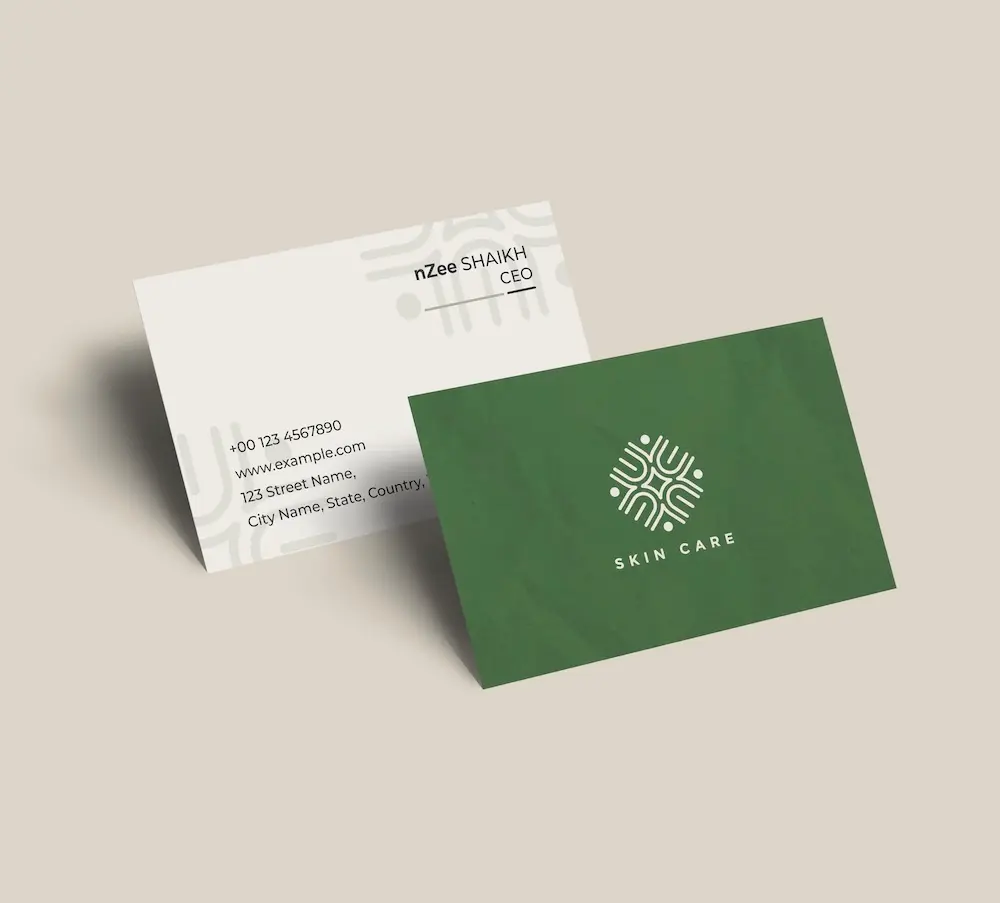
Create professional business cards with your community logo and impress clients from the very first meeting.
See product templates
Discover our selection of logo templates designed for your industry.
Explore our range of creative logo styles tailored to every type of company.
Browse unique letter logo templates designed to suit any type of business.
Use our easy-to-use online tools to create dazzling branded products with your logo and matching colors! Discover our wide range.
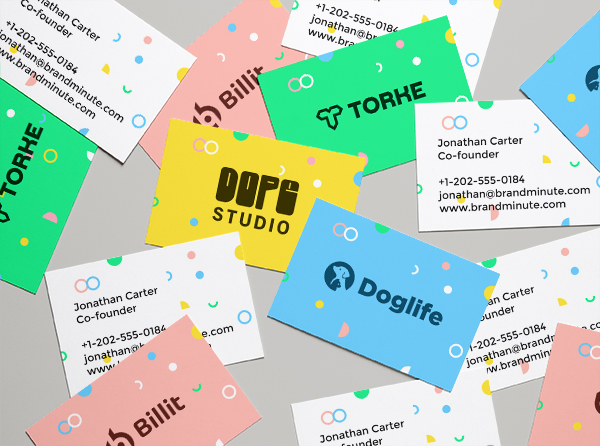
Explore a full range of creative branded products that you can customise online.
Build a welcoming community logo with our easy-to-use logo maker. Browse professionally designed templates, customize every detail, and create a brand that brings people together.
Whether you're creating a neighborhood group, local organization, social initiative, volunteer network, or community center, a community logo symbolizes connection, unity, and belonging while helping people recognize and support your mission.
Choose a template below and customize it in just a few minutes using our online tools
Watch a short video presentation about our logo design tools
Enter your company name, tagline and industry, and browse hundreds of community logos.
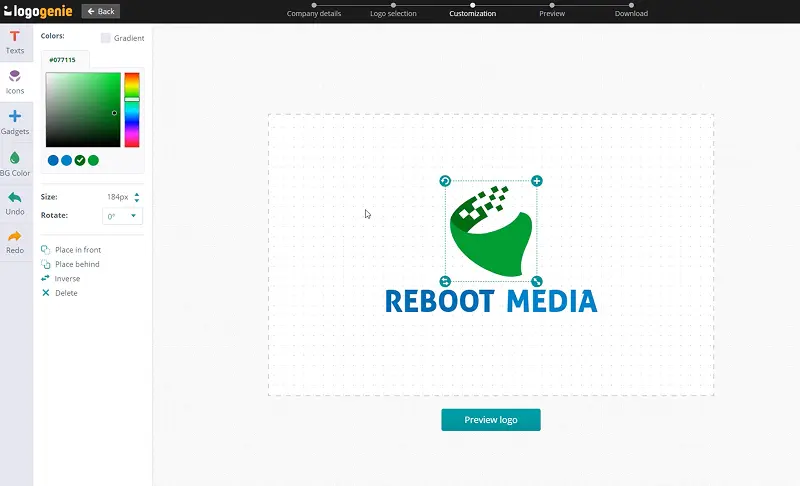
Customize your logo online using our logo design tools. Adjust your colors, fonts, and layout with just a few clicks.
Instantly download your high-definition files to your computer or cell phone.
Our tips for creating a modern, professional community logo

Coming up with a thoughtful community logo requires looking for an icon that instantly communicates connection, belonging, collaboration, unity, and shared purpose. Simple shapes like a circle of people, interlocking silhouettes, embracing figures, network nodes, and even puzzle pieces are great examples.
Avoid overcrowding your community logo symbol with unnecessary details, so it’s easy to reproduce without losing its charm. Instead, go for a straightforward design, including a meaningful choice of colors and typeface, all presented in a balanced layout.
What are the best layouts, colors and fonts for your community logo


Great community logos bring people together. As such, your design should convey the same messaging wherever people see your brand, be it on printed materials or digital applications.
Check out existing community logo ideas to understand what makes them work. If your logo looks great on a mobile screen but not on a billboard, then something must be off.
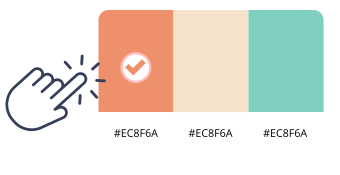
Go for friendly palettes for your community logo design, like royal blue, emerald green, warm orange, crisp white, and even sunshine yellow. Add a darker accent color, like charcoal, to deliver great contrast while allowing brighter colors to remain the visual focus.
Test monochrome versions, too, which are handy on some printed materials, like packaging and promotional merchandise.

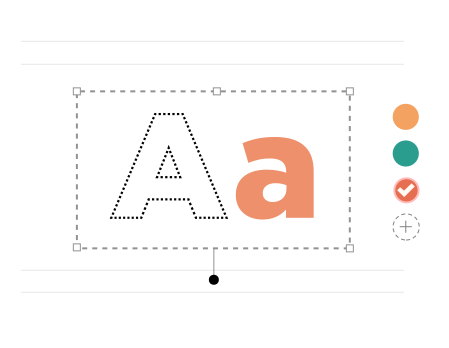
Great logos for community organizations encourage accessibility and strengthen brand recognition. Some fonts are more effective at communicating service and commitment than others, like Poppins, Avenir, Gotham, Nunito, and Montserrat.
Your chosen font must make your logo community identity feel approachable without sacrificing professionalism. It should reinforce other branding elements to help your logo leave a lasting impression.
Yes, all logos can be fully customized. You can adjust colors, fonts, layouts, and icons to create a unique community logo that matches your brand identity.
You’ll receive high-resolution files including PNG, JPG, PDF, and vector formats like SVG or EPS, making your community logo usable across all digital and print media.
Yes, once purchased, your logo is yours to use for all commercial purposes including websites, business cards, social media, and marketing materials.
Yes, you can return anytime to edit your community logo. Update colors, fonts, or layouts as your business evolves.
No design skills are needed. Logogenie’s intuitive tools make it easy for anyone to create a professional community logo in just a few clicks.
Yes, your logo can be used across all platforms, including websites, social media, business cards, signage, and merchandise, ensuring consistent branding everywhere.
Yes, your logo is designed to work across all digital and print formats, including websites, email signatures, business cards, and advertising materials.
Yes, your logo is created in high resolution and scalable formats, ensuring it remains sharp and professional as your brand expands across different platforms and sizes.
We have everything you need to launch your community business and build your brand.
Create professional business cards with your community logo and impress clients from the very first meeting.
See product templates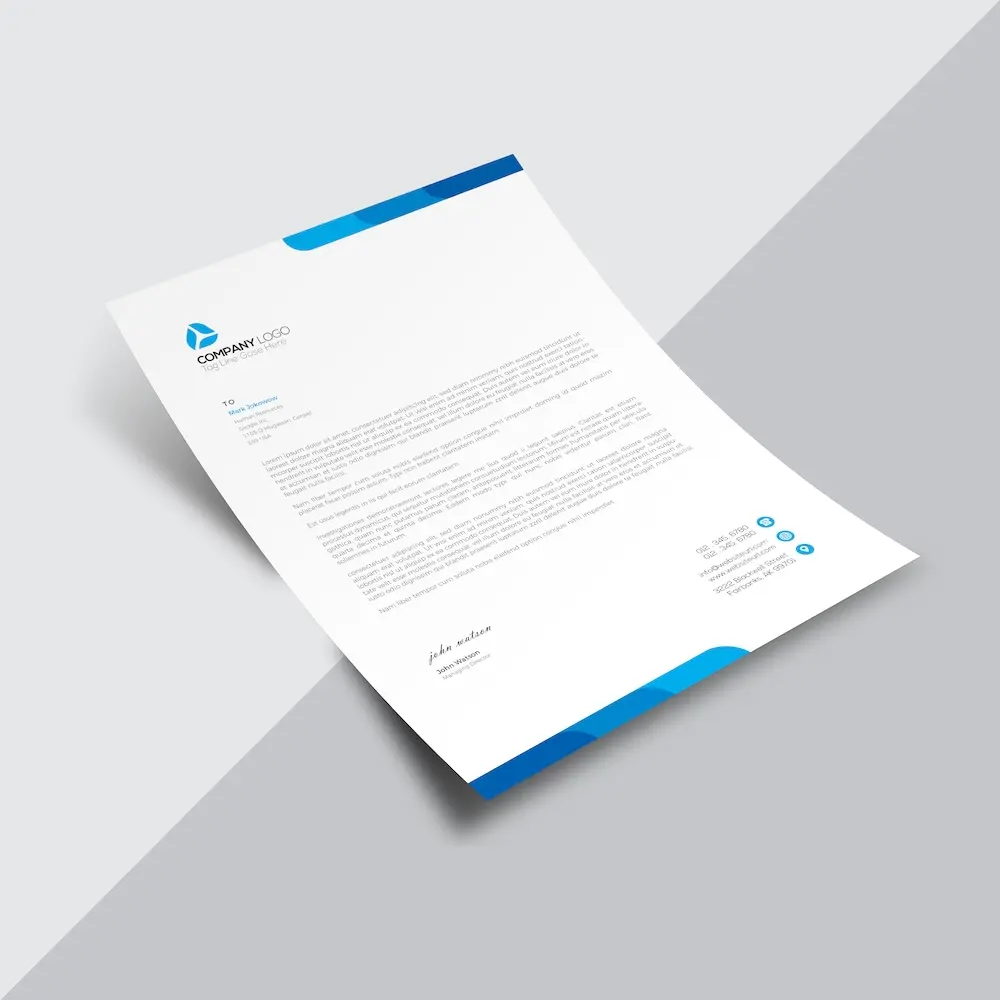
Create custom letterheads with your community logo and reinforce your brand with every document you send.
See product templates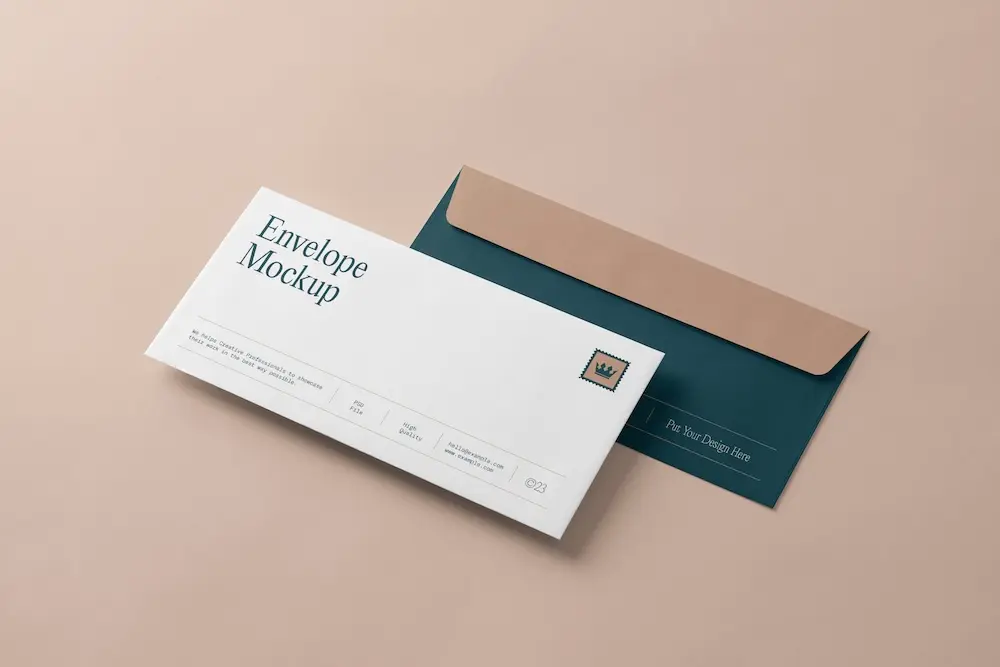
Create custom envelopes with your community logo to match your letterheads and give every mailing a professional finish.
See product templates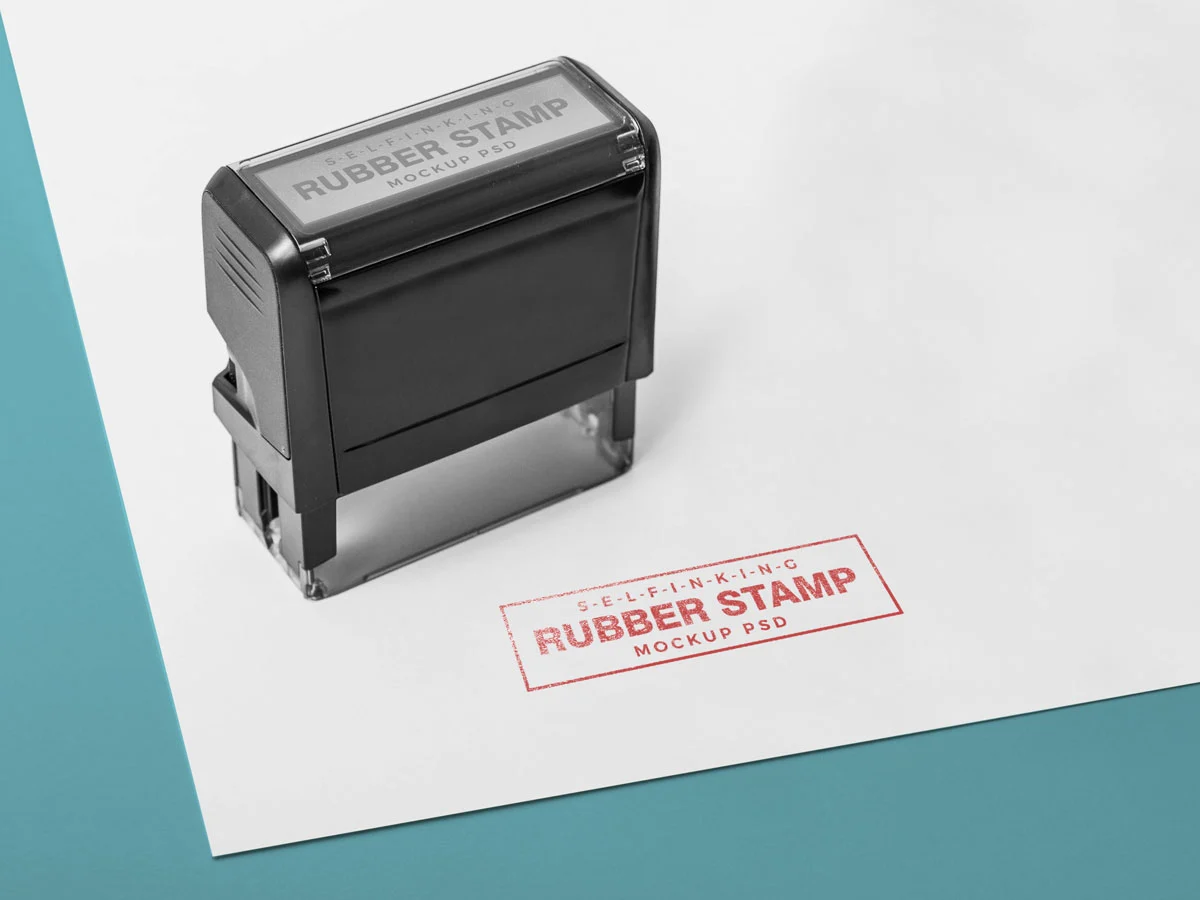
Create custom stamps with your community logo or business details for all your professional documents.
See product templates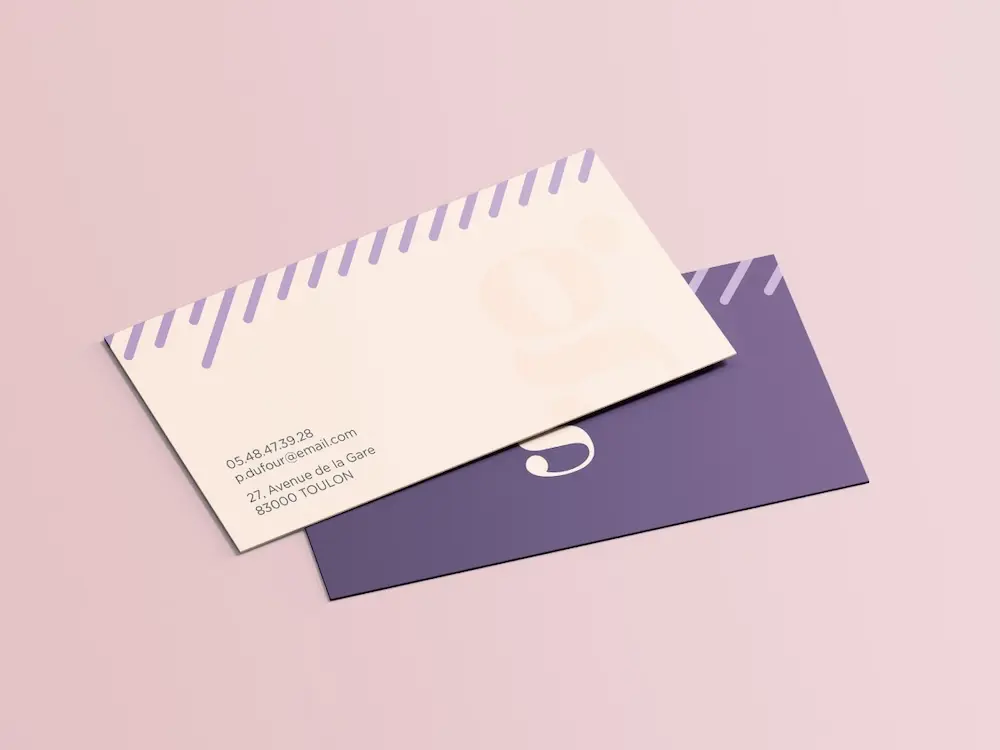
Create personalized correspondence cards with your community logo to add a professional touch to every business mailing.
See product templates
Create digital branding materials with your community logo for social media, emails, invoices, and more.
See product templates