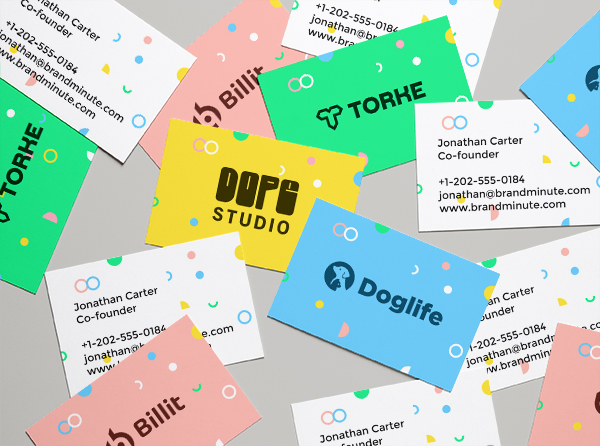
Need to design a logo quickly?
We have the perfect solution for you! Design a logo online in just a few minutes
and download your high resolution graphic files from your user account!
Logo design: Divers
Create a Divers logo in just a few minute thanks to Logogenie's logo creator. As you create your Divers logo, you will be able to choose from a number of logo icons and fonts (company name, slogan…)

Create your Divers logo in three easy steps!

Step 1 : Type your company name (your company name will appear next to the chosen icon).

Step 2 : Select your icon. You will be able to choose from a large range of icons filtered by business domain (ex : Divers). Choose the icon that best suits your Divers logo.

Step 3 : Last but not least, choose your finish touch. During the 3rd step you will be able to choose between a range of effects (glossy effects, drop shadows, etc...) that you apply to your logo design. These effects allow you to customize your logo to the fullest and add an extra stylish effect.

You can also change the colors of your icon by using the colorpicker tool. Each part of your icon can be modified in order to make your logo composition as unique and original as possible.

Effects like : Drop shadows, fadings, glow effects... give your Divers logo more volume.

Customer testimonials & logo generator designs

Omnisphere
« Thanks Logogenie! Your platform is top-notch. I got exactly what I needed to make my new brand stand out. »
Omnisphere
« The icons and fonts are very modern, and everything is editable. I was surprised at how great my logo turned out. »
ATLAS
« Great for solopreneurs like me. I saved time and money while still getting a high-quality logo I can use anywhere. »
TERK.SAMOT.SOR
« I didn’t expect to enjoy designing my logo, but this site made it really fun. Everything’s clear and fast. »
Bigclean
« Highly impressed with the customization options. I changed fonts, colors, and layout until it felt just right. Great flexibility. »
Danny Music
« Great selection of icons, clean UI, and excellent export options. It’s exactly what I needed to get started. »
x